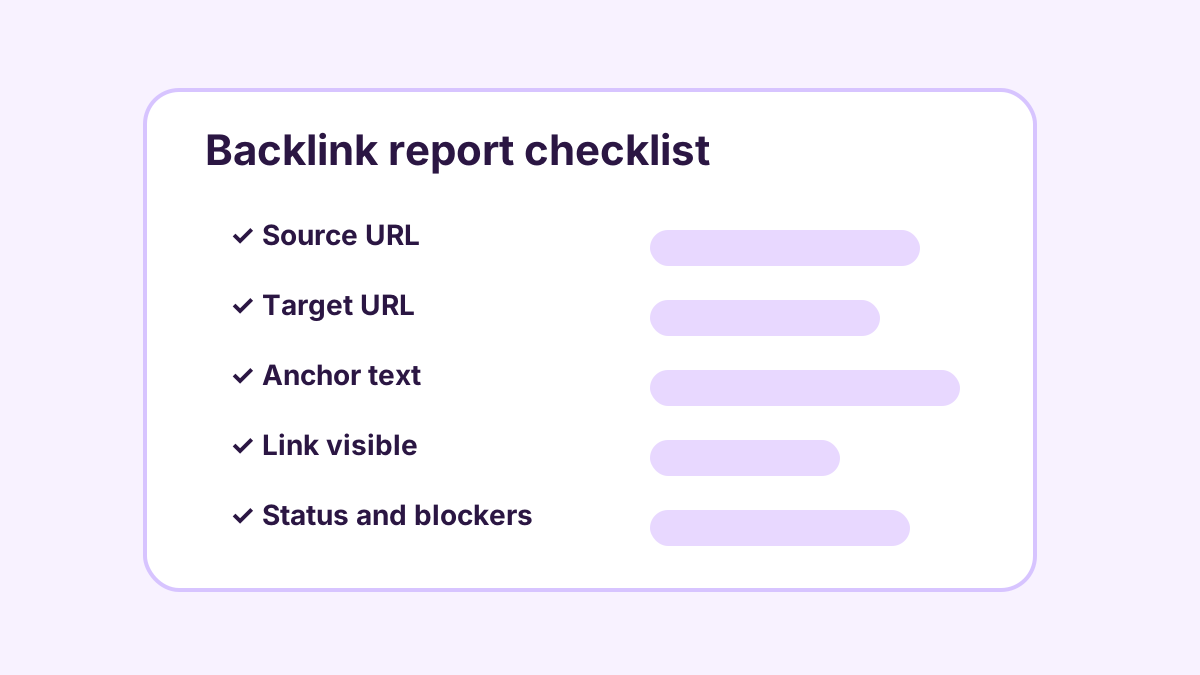
A monthly backlink report should answer one simple question:
What work was done, and how can I check it?
That sounds obvious. But many marketing reports make the customer work too hard. They use charts, scores, and technical language, but they do not clearly show the actual pages created or the links placed.
A useful backlink report should be different. It should be practical, readable, and proof-focused.
Start with the month summary
The report should begin with a short summary of the month.
For example:
- Plan: 30 new backlink placements per month.
- Planned split: 3 authority-targeted placements and 27 supporting contextual placements.
- Published this month: 22.
- Approved and waiting for proof: 4.
- In revision: 3.
- Blocked: 1.
This helps the customer understand progress at a glance.
The summary should not hide behind vague language. If something is delayed, the report should say so. If a placement is blocked, the report should explain why.
Show the source URL
Every published backlink should have a source URL.
The source URL is the page where the link lives. The customer should be able to open it in a browser.
Without the source URL, the customer cannot check the work.
A report should not say “we built backlinks” without showing where they are.
Show the target URL
The target URL is the page on the customer’s website that receives the link.
This matters because links should point to approved, useful target pages. A backlink to the homepage may be useful sometimes, but many businesses also need links to service pages, product pages, location pages, or specific content pages.
A monthly report should show exactly where each link points.
Show the anchor text
Anchor text is the clickable text in the link.
For example:
- “quality backlink placements”
- “outdoor storage benches”
- “private dining menu”
- “website SEO cleanup”
Anchor text should be natural. It should not look stuffed or strange. If the anchor feels awkward when read in the sentence, it probably needs to be revised.
The report should show the anchor text so the customer can inspect it.
Label the placement type
If the plan includes different types of placements, the report should label them.
VisiblePilot uses:
- authority-targeted placement;
- supporting contextual placement.
This helps the customer understand the structure of the plan.
A 30-placement plan, for example, should normally show 3 authority-targeted placements and 27 supporting contextual placements.
Show the status clearly
Not every placement is in the same stage.
A clear report can use simple statuses:
- Drafted
- Ready for review
- Approved
- Published
- Link present
- Proof complete
- Needs revision
- Blocked
The status should be understandable without reading a technical manual.
Separate live, crawlable, and indexed
This is one of the most important parts of a good report.
A page being live does not mean it is indexed. A page being crawlable does not mean it ranks. A link being present does not mean a search engine has counted it yet.
The report should separate these ideas:
- Live: the page opens.
- Link present: the backlink appears on the page.
- Crawlability checked: the page appears accessible for crawlers based on checks.
- Indexed: there is real proof that the page is indexed.
If indexation has not been proven, the report should say:
“Indexation status: not yet proven.”
That is better than pretending.
Include screenshots when useful
A screenshot can help show that the page was live and the link was visible at the time of the check.
It is not a replacement for the source URL, but it is useful proof.
A good report may include screenshot proof for important placements, especially authority-targeted placements.
Show issues and next actions
Sometimes a placement cannot be completed in the expected cycle.
That might happen because the target page needs review, the article needs revision, the source page is not ready, or the proof check has not passed.
The report should show issues clearly:
- what is blocked;
- why it is blocked;
- who needs to act;
- what happens next.
This is much better than hiding unfinished work.
What a monthly proof table can include
A practical proof table might include these columns:
- Placement ID
- Placement type
- Source URL
- Target URL
- Anchor text
- Status
- HTTP status
- Link visible
- Crawlability status
- Indexation status
- Screenshot
- Notes
The customer does not need to understand every technical detail. But the table should make the work visible.
What not to include
A backlink report should avoid overclaiming.
It should not say:
- “This will rank you number one.”
- “This will guarantee traffic.”
- “This is indexed” without proof.
- “This will bring customers.”
It should focus on what was actually done and what has actually been proven.
Why this matters
A monthly backlink report helps the customer decide whether the work is worth continuing.
If the report is clear, the customer can see progress. If the report is vague, the customer has to guess.
The goal is not to overwhelm the customer with technical data. The goal is to make the work inspectable.
VisiblePilot’s proof-first approach
VisiblePilot builds backlink work around proof.
When a placement is created, the goal is to show the source page, target page, anchor text, status, and proof. If something is not proven, it should not be reported as proven.
That is how a backlink service should work.
Useful pages. Relevant links. Monthly proof.
No mystery.