
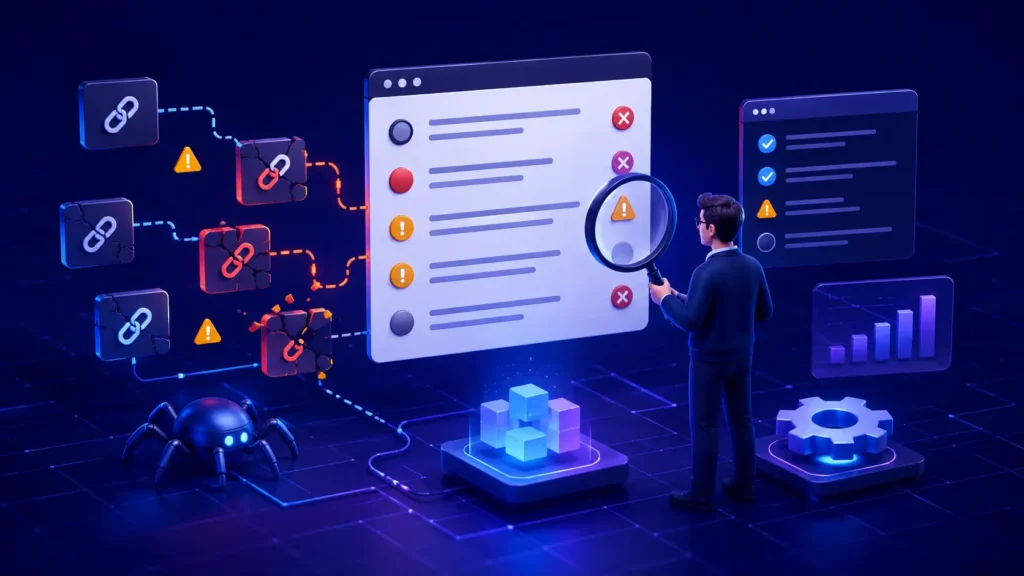
Common llms.txt mistakes usually come from treating a simple Markdown file as a magic AI-ranking switch. The real failures are more practical: the file is unreachable, returns the wrong response, breaks the proposed structure, points to poor or private URLs, or is published without a baseline that could reveal whether anything changed. This guide shows how to diagnose each layer, fix the highest-impact problems first, and verify the result without claiming more than the evidence supports.
Quick answer: Put llms.txt at a predictable public URL, return a stable HTTP 200 response, follow the proposed Markdown structure, link only to useful canonical resources, and test one controlled version at a time. A valid file can help compatible tools use your site, but it does not guarantee crawling, ranking, an AI citation, or inclusion in Google’s AI features.
Quick diagnosis: the most common llms.txt mistakes
Start with the symptom, not the assumption. If the file cannot be fetched, investigate delivery. If a validator rejects it, inspect structure. If an AI tool ignores it, confirm that the tool actually supports the proposal. If the file is healthy but citations do not improve, evaluate discovery, page quality and platform behavior separately.
| Mistake | Likely effect | First check |
|---|---|---|
| Wrong path or HTTP response | Tools cannot retrieve a reliable file | Final URL, status and content type |
| Malformed Markdown structure | Parsers may miss context or links | H1, summary and H2 link lists |
| Uncurated or broken links | The file leads to weak or inaccessible sources | Canonical URLs and live responses |
| Confusing llms.txt with robots.txt | Access rules remain unchanged | robots.txt, WAF and authentication |
| No controlled baseline | Any claimed improvement is unreliable | Version, prompts, logs and dates |
Mistake 1: publishing the file at the wrong URL or with the wrong response
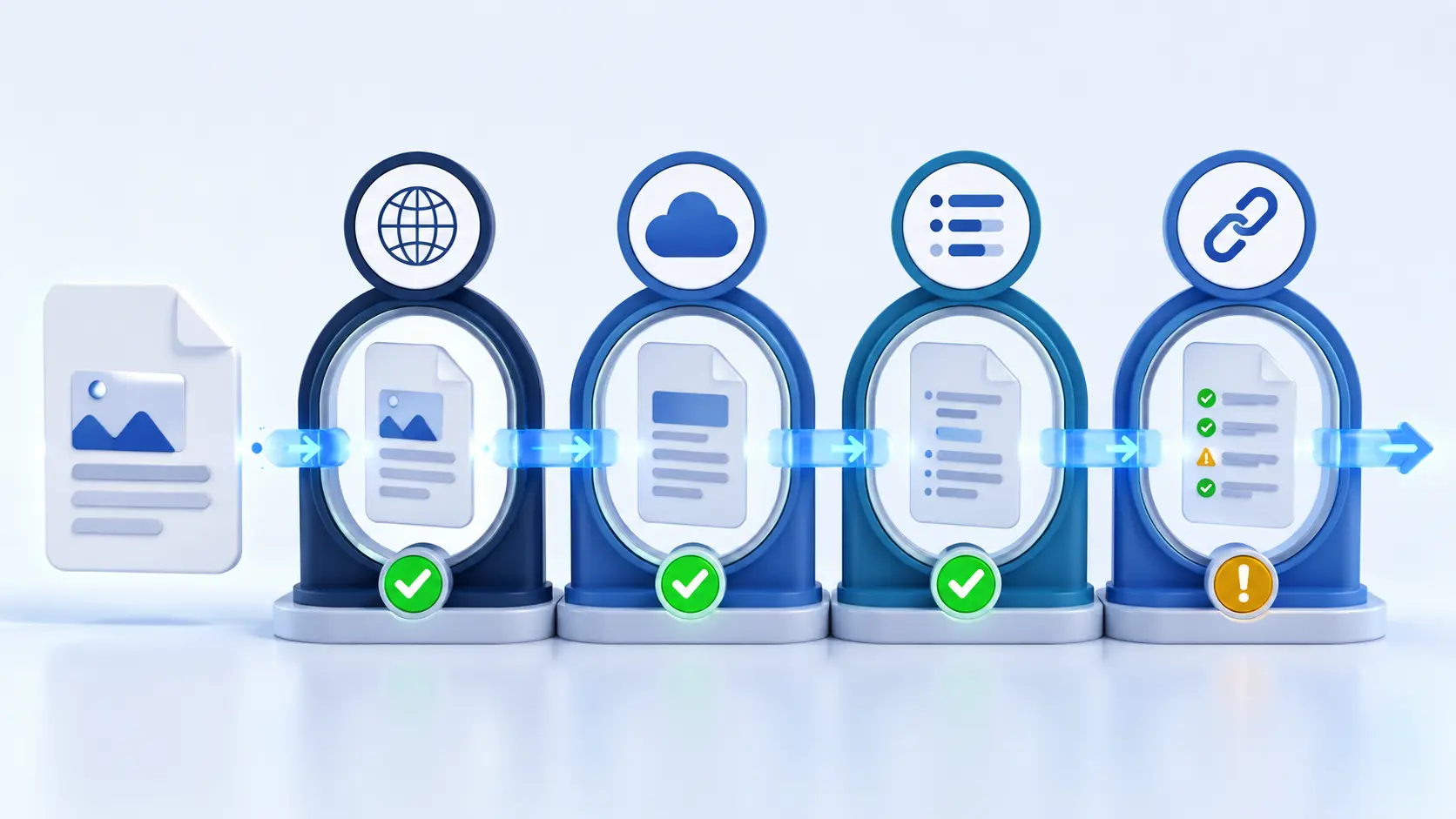
A file that looks correct in a CMS preview can fail in production. The request may redirect to a login page, return an HTML error document with a 200 status, trigger a security challenge, or vary between the www and non-www hostnames. The llms.txt proposal describes a root-level /llms.txt location while also allowing a subpath. Root placement remains the most predictable discovery point for testing.
Check the public canonical hostname in a private session and through an HTTP client. Record the final URL, every redirect, the response status, the content type and the first lines of the body. A human-readable page is not enough; the response must consistently deliver the intended Markdown file.
curl -I -L https://example.com/llms.txt
curl -L https://example.com/llms.txt
Mistake 2: treating llms.txt as a guaranteed visibility factor
One of the most consequential common llms.txt mistakes is presenting the proposal as a universal ranking or citation mechanism. The specification is an open community proposal intended to provide concise, structured context and links that compatible tools can use at inference time. It does not define how every search engine, assistant or model must discover or process the file.
Google’s current official guidance is especially clear: Google Search does not use llms.txt as a special signal, and creating the file neither helps nor harms visibility or rankings in Google Search. That does not make the format useless. It means the correct claim is narrower: llms.txt may be useful for services, agents or workflows that choose to support it.
Important distinction: llms.txt supplies optional context; robots.txt expresses crawler-access preferences; authentication and firewall rules enforce access. None of these files can guarantee that a platform will select or cite a page.
Mistake 3: ignoring the proposed Markdown structure
The proposal is intentionally simple, but order still matters. The only required element is an H1 naming the project or site. A short blockquote summary can follow, then optional explanatory text without headings, followed by H2 sections containing Markdown link lists. A specially named “Optional” section can hold secondary resources that may be skipped when a shorter context is needed.
- Use one clear H1 for the site, product or project name.
- Write a concise blockquote that explains what the site is and what a reader must know.
- Group important resources beneath descriptive H2 headings.
- Format each resource as a Markdown link, with a short note only when it adds useful context.
- Reserve the Optional section for genuinely secondary material.
Avoid inventing complex directives that a parser is not designed to understand. Also avoid turning the file into a second homepage filled with marketing slogans. Its value comes from concise orientation and carefully chosen resources.
Mistake 4: linking everything instead of curating the best pages
A long list is not automatically more useful. Linking every tag archive, parameter URL, thin location page and old announcement creates noise and can waste a tool’s limited context. Choose stable canonical pages that answer important questions with clear evidence. For a software product, that might include the main documentation, quick start, API reference, security policy and a small set of worked examples.
Descriptions should explain why each destination matters. Replace vague labels such as “Learn more” with specific names. Remove duplicate URLs, redirected URLs and pages whose important content appears only after authentication or interaction.
Mistake 5: linking to pages that crawlers or users cannot access
A valid llms.txt file cannot repair a broken destination. Test every linked URL for a stable 200 response, a sensible canonical, readable primary content and the absence of accidental noindex controls. Check geographic restrictions, cookie walls, WAF challenges and rate limits. If the resource is private by design, do not expose it simply to make the file look complete.
This is where a broader website access diagnosis becomes useful. Access, rendering, discovery and citation are different layers; passing one layer does not prove the others.
Mistake 6: assuming llms.txt overrides robots.txt, security or poor content
The file is not an allow rule. A crawler blocked by robots.txt, denied by a CDN, challenged by JavaScript or rejected by authentication still cannot reach protected content merely because that content appears in llms.txt. Likewise, a link to a vague, duplicated or unsupported page does not make that page citation-worthy.
Preserve normal security boundaries. Use the narrowest safe crawler and firewall changes, keep private data behind real authorization, and make public pages useful in their own right. The file should summarize a healthy information architecture, not hide its weaknesses.
Test 1: reproduce the issue on representative URLs
Test the file itself plus three destinations: the homepage, one commercial page and one detailed knowledge page. For each URL, save the timestamp, final response code, canonical, robots result and whether the main content appears in the returned document. Compare a normal request with the path used by your monitoring or supported tool, but do not assume that changing a user-agent string proves access by a real crawler.
- File test: can a fresh request retrieve the correct Markdown at the expected URL?
- Parser test: can a validator identify the H1, summary, sections and links?
- Destination test: do selected links resolve to accessible canonical pages?
- Content test: do those pages directly answer the question promised by the link label?
Test 2: validate, record a baseline and publish one controlled version
Before editing, save the exact llms.txt file, the date, the linked URLs, server or CDN observations and a fixed set of prompts for any supported platform you are evaluating. Then change one variable: correct the path, repair the structure or replace broken links. Re-run the same tests under comparable conditions.
Do not rewrite the file, change site content, modify robots rules and adjust the firewall at the same time if you want to learn what mattered. A controlled version makes the result explainable and reversible.

Pass condition: The technical issue is resolved when the expected public URL consistently returns the intended, valid file and every priority link reaches a useful public page. Any improvement in AI discovery or citation is a separate observation to monitor over time.
Root-cause checks beyond the file
- Directives: review robots.txt, meta robots and X-Robots-Tag controls for the linked pages.
- Delivery: look for redirects, 4xx or 5xx responses, bot challenges, content negotiation errors and inconsistent hostnames.
- Security: inspect CDN and WAF events without weakening protection for private areas.
- Content: confirm that titles, headings, entity names, claims and supporting evidence are available in readable text.
- Architecture: align internal links, canonicals and sitemaps around the same preferred resources.
- Freshness: remove retired links and keep change history so updates remain auditable.
Fix common llms.txt mistakes in impact order
- Critical: fix an unreachable file, wrong content, authentication leak, server error or security misconfiguration.
- High impact: repair malformed structure, broken priority links, redirects and conflicting canonical URLs.
- Medium impact: improve summaries, link labels, section names and the quality of linked content.
- Ongoing: monitor file changes, response logs, supported-tool behavior and content freshness.
After the file passes, run an AI search readiness audit across the linked pages. This prevents a narrow llms.txt check from overlooking indexing, rendering, entity clarity and evidence problems elsewhere on the site.
Verification: evidence that proves the technical issue is resolved
Keep a small evidence bundle: a copy of the published file, HTTP headers, validator output, the final canonical URLs, screenshots or logs showing successful delivery, and the before-and-after test record. Recheck the file after deployments, CDN changes, domain migrations and documentation reorganizations. Automated link checks are useful, but manually review the most important destinations because a 200 response can still contain an error template or irrelevant content.
When the file is healthy but an AI platform still does not cite the site
Do not keep adding keywords to llms.txt. The platform may not support the proposal, may not have discovered the file, may prefer another source, or may judge the linked page less relevant or authoritative for the question. Improve the public page: answer a narrow question early, show firsthand evidence, identify the publisher, cite primary sources, state limitations and maintain clear internal links. Then repeat the same prompt set and watch referral, crawler and conversion data rather than a single answer.
The interpretation mistake to avoid
The most common interpretation error is confusing correlation with causation. If visibility changes after publishing llms.txt, other factors may also have changed: the linked content, the crawl path, the platform’s data or the query itself. A before-and-after screenshot is not enough. Preserve the file version, control the test and describe the result as an observation unless repeatable evidence supports a stronger conclusion.
Frequently asked questions
Is llms.txt required for AI search visibility?
No universal requirement exists. The format is a proposal that compatible systems may use. Google Search explicitly says it does not use llms.txt as a special visibility or ranking signal.
Where should llms.txt be placed?
The proposal describes /llms.txt at the site root and also allows a subpath. Use the root for the most predictable discovery point unless your supported workflow documents another location.
What is the minimum valid llms.txt file?
An H1 naming the project or site is the only required section in the proposal. In practice, add a concise blockquote summary and curated H2 link sections so the file provides useful context.
Can llms.txt override robots.txt or noindex?
No. It does not grant crawler access, remove a noindex directive, bypass a WAF or expose authenticated pages. Diagnose those controls separately.
How often should the file be updated?
Update it when priority resources, URLs or product boundaries change. Check it after migrations and major documentation releases, and keep a version history so link and outcome changes can be traced.
Next step
Get a broader diagnosis: Use the llms.txt and machine-readable website guide, then check the linked pages with the AI search readiness audit. Treat the file as one measurable layer of website health—not the whole visibility strategy.
Sources
- The llms.txt proposal and format specification (accessed August 6, 2026).
- Google Search: Optimizing your website for generative AI features (accessed August 6, 2026).