
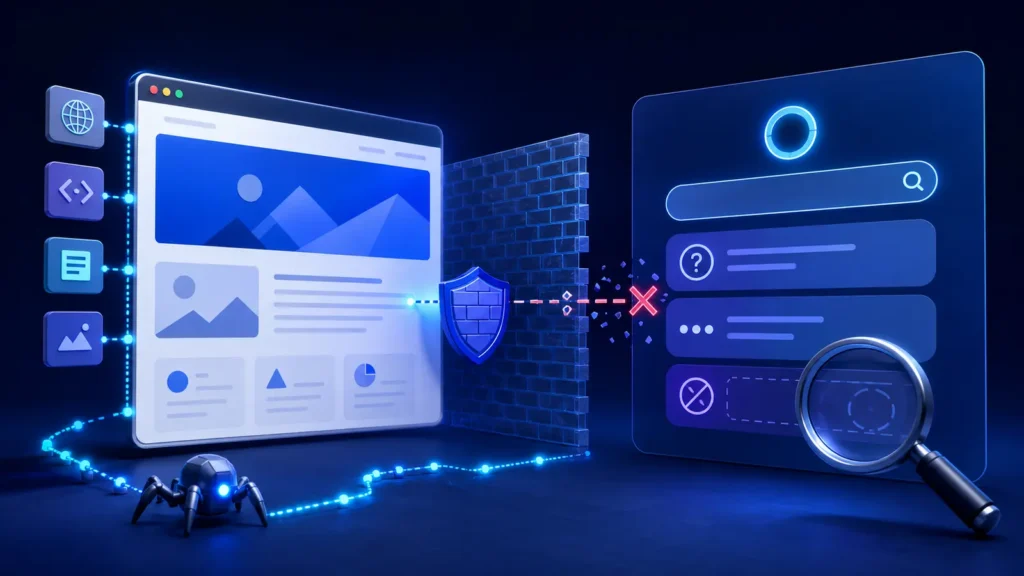
If you are asking “why ChatGPT can’t read my website?”, the problem is usually not one mysterious AI penalty. It is more often a failure at a specific layer: the page is private, the relevant crawler is blocked, the server or firewall refuses the request, important content is missing from the delivered HTML, or the page is accessible but has not been discovered or selected as a source. The fastest solution is to test each layer separately and keep evidence.
Quick answer: Make the page public, allow the appropriate OpenAI crawler, return a stable 200 response, provide useful content in accessible HTML, and verify the result with repeatable tests. Even when every technical check passes, ChatGPT is not guaranteed to mention or cite the page.
Quick diagnosis: why ChatGPT can’t read my website
Start by defining what “can’t read” means. ChatGPT may say it cannot open a URL supplied in a conversation. ChatGPT Search may fail to surface the page for a relevant question. A server log may show no OpenAI crawler requests. Or the site may be mentioned without a citation. These symptoms look similar to a business owner, but they require different tests.
- The page is not publicly reachable: it requires a login, cookie choice, geographic access, or a session.
- robots.txt blocks OAI-SearchBot: this can prevent the page from being included in summaries and snippets in ChatGPT search.
- A CDN or WAF blocks the request: bot management, rate limits, JavaScript challenges, or IP rules may return 403, 429, or a challenge page.
- The response is unstable: redirects loop, canonical URLs conflict, or the server intermittently returns errors.
- The useful information is not in accessible HTML: key facts appear only after client-side interaction, inside images, or behind controls.
- The page is accessible but not selected: weak topical fit, unclear entities, duplication, low evidence quality, or limited discovery can still prevent a citation.
Symptom map: access, rendering, discovery, or citation
Access failure means the URL cannot be fetched reliably. Rendering failure means the request succeeds but the returned page does not contain the useful information a system needs. A discovery gap means a fetchable page is not found for the query. A citation gap means it is known but another source is chosen.
Important distinction: OAI-SearchBot is used for search discovery and surfacing. GPTBot relates to potential model training. ChatGPT-User is associated with user-initiated actions. Do not treat these user agents as interchangeable or assume one robots.txt rule controls every use case.
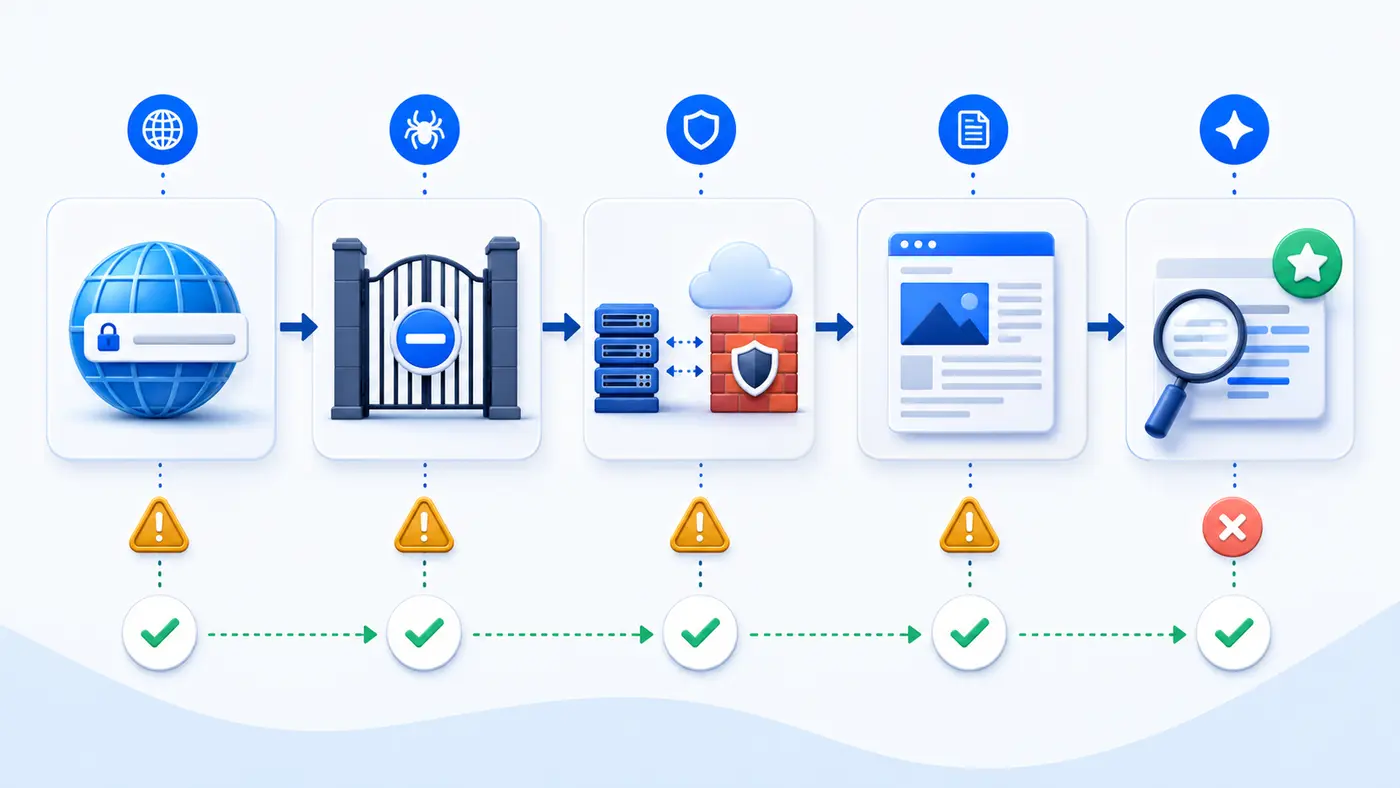
Test 1: reproduce the issue on representative URLs
Choose three public pages: the homepage, a commercial page, and a detailed knowledge article. Test the final canonical URL rather than a tracking link. Open each page in a private browser window and confirm that a new visitor can reach it without authentication or a mandatory interaction.
Next, inspect the response headers. A healthy page normally returns HTTP 200, uses a consistent canonical URL, avoids redirect chains, and does not send a noindex directive by mistake. Record the timestamp, test location, response code, final URL, and any security challenge. One successful browser visit is not enough if automated requests receive a different response.
curl -I -L https://example.com/page/
curl -L -A "OAI-SearchBot" https://example.com/robots.txt
A user-agent string in a curl request does not prove crawler access by itself, and it does not verify a real OpenAI bot. Use it only as an initial comparison. Review server and CDN logs, security events, and official published controls before changing firewall rules.
Test 2: repeat a fixed prompt set
Use a small, fixed set of prompts across fresh sessions. Include a brand query, a direct page-topic query, a problem-based query, and a query that would naturally require sources. Record whether the site is found, merely mentioned, linked, or cited. Keep the date, prompt wording, answer, cited URLs, and session conditions.
- Brand test: “What does [brand] do?”
- Topic test: “Explain [specific topic] using current sources.”
- Problem test: “How do I solve [problem the page answers]?”
- Source test: “Find a detailed guide about [page subject] and cite it.”
Do not keep rephrasing until the desired answer appears and then report only that success. A reproducible test uses the same prompt set before and after a documented change.
Root-cause checks
1. Review robots.txt and page directives
Check the robots.txt file at the domain root. If you want eligible content to appear in ChatGPT search summaries and snippets, OpenAI’s publisher guidance says not to block OAI-SearchBot. Also inspect meta robots and X-Robots-Tag headers. A noindex directive can prevent indexing even when crawling is allowed.
User-agent: OAI-SearchBot
Allow: /

# Keep private or utility paths excluded with specific rules.
Safety note: Never expose private pages, customer data, staging environments, or account areas just to improve AI visibility. Public discovery controls are not a substitute for authentication and authorization.
2. Check CDN, firewall, and rate limits
Search CDN and WAF logs for blocked or challenged requests. Look for 403 and 429 responses, managed bot rules, browser-integrity checks, country restrictions, and rate limits. Make the narrowest safe rule change possible; do not disable security globally. Retest the exact URL and retain the event record.
3. Verify content delivery
Compare the raw HTML with the rendered page. The title, main heading, core explanation, product or organization name, and important facts should be available in meaningful document structure. Use descriptive headings, real links, alt text, and accessible labels. If the page is mostly a JavaScript shell, improve server rendering or progressive enhancement.
4. Check canonicalization and duplication
Confirm that internal links, XML sitemaps, canonical tags, redirects, and public navigation agree on one preferred URL. Near-duplicate pages dilute clarity. Consolidate competing versions and make the preferred page easy to reach from relevant hub pages.
5. Strengthen entity and source signals
State who published the page, what the organization does, who reviewed the information, when it was updated, and what evidence supports important claims. Clear definitions, original examples, limitations, and cited primary sources make a page more useful. Schema can describe content, but it cannot repair weak or inaccessible information.
Fixes ordered by impact, effort, and risk
- Critical: remove accidental authentication, 5xx errors, redirect loops, unintended noindex directives, or broad crawler blocks from pages meant to be public.
- High impact: correct WAF challenges and unstable 403/429 responses with narrow, logged rules.
- Medium impact: place the primary answer and evidence in accessible HTML; improve headings, internal links, canonicals, and sitemap coverage.
- Ongoing: publish distinctive evidence, update facts, monitor logs, and repeat the same prompt tests.
Change one layer at a time where practical. A broad redesign, robots.txt rewrite, CDN migration, and content rewrite performed together make it hard to know which change fixed the issue.
Verification: evidence that the issue is resolved
A strong verification package contains the public canonical URL, a stable 200 response, the applicable robots.txt result, absence of unintended noindex controls, a log or CDN event showing successful delivery, and a content check showing the main answer in the returned document. Then repeat the fixed prompt set and compare results without changing the test.
Pass condition: Technical readiness is proven when the intended public page is consistently fetchable and its useful content is present. Search visibility is observed separately. Citation is an outcome to monitor, not a technical setting you can guarantee.
When the website is healthy but ChatGPT still does not cite it
A healthy page can remain uncited because the question does not match its focus, another source is clearer or fresher, the answer needs different evidence, or platform discovery has not caught up. Improve the page for readers first: answer a narrow question directly, show firsthand evidence, explain limitations, and link related pages into a coherent topic cluster.
Avoid creating thin pages for every prompt variant. One authoritative guide with unique evidence is usually more defensible than many repetitive pages. Continue measuring referrals marked with utm_source=chatgpt.com, search visibility, crawler activity, and conversions rather than treating a single AI answer as a permanent ranking.
Evidence to save during troubleshooting
- Platform answers and cited URLs for each fixed prompt
- robots.txt, meta robots, and X-Robots-Tag results
- HTTP status, final URL, canonical tag, and redirect path
- CDN/WAF events and relevant server-log entries
- Raw and rendered content showing the main facts
- Prompt variants, dates, sessions, and before/after notes
Common interpretation mistake
The most common mistake is treating one ChatGPT response as a stable index. Answers can vary by question wording, available sources, freshness, product mode, and session context. It is also unsafe to assume that every AI platform discovers and cites pages through the same crawler or ranking process. Diagnose observable layers and avoid claims the evidence cannot support.
Frequently asked questions
Can ChatGPT read every public website?
No. Public availability does not guarantee successful fetching, discovery, selection, or citation. Security controls, directives, delivery problems, content structure, and query relevance can all affect the outcome.
Should I allow GPTBot to appear in ChatGPT Search?
GPTBot and OAI-SearchBot serve different stated purposes. For inclusion in ChatGPT search summaries and snippets, the relevant OpenAI publisher guidance focuses on allowing OAI-SearchBot. Decide training preferences separately.
Why can a browser open my page while an AI crawler cannot?
Your CDN or firewall may treat automated requests differently, require JavaScript or cookies, enforce geographic rules, or rate-limit them. Compare logs and responses rather than relying only on a normal browser visit.
Does adding llms.txt fix the problem?
Not by itself. An llms.txt file cannot override authentication, robots.txt, noindex, WAF blocks, server errors, or inaccessible content. Treat it as an optional machine-readable aid to test, not a guaranteed visibility control.
How long will it take ChatGPT to cite a fixed page?
There is no reliable universal timeline or guaranteed citation. Confirm the technical fix immediately, then monitor crawler access, referrals, and repeated prompt tests over time.
Next step
Use the AI search indexing problems guide to expand the diagnosis, then get the AI Search Readiness checklist to document crawler access, delivery, content clarity, and platform tests for every important page.
Source
OpenAI publisher guidance: Publishers and Developers FAQ (accessed July 31, 2026).