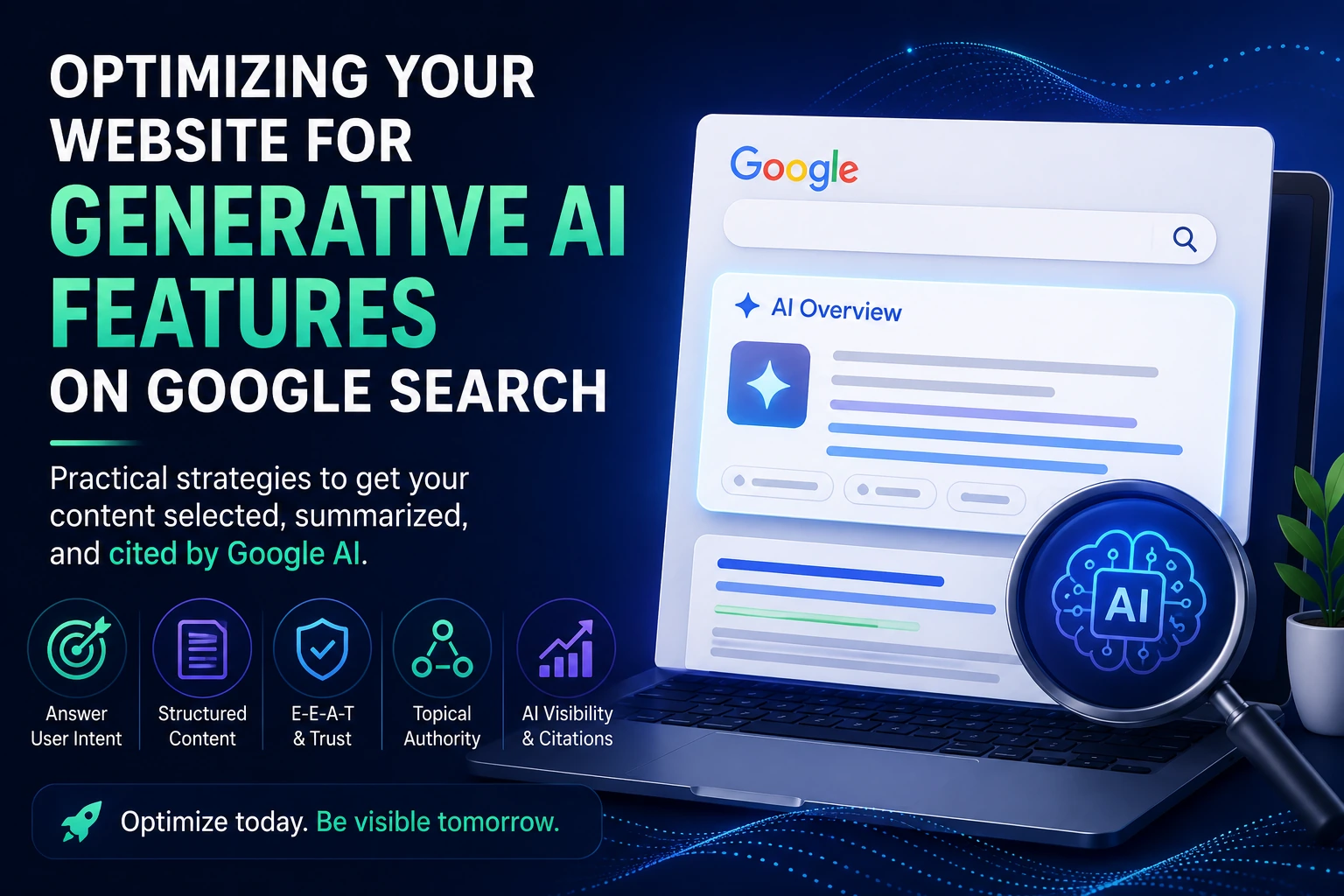
Search is changing. Your potential customers are no longer relying only on traditional Google results. They are also asking ChatGPT, Perplexity, Gemini, and other AI tools for recommendations, comparisons, and answers.
That creates a new challenge: how do you make your brand visible in AI search results?
The answer combines strong SEO fundamentals with a newer discipline often called generative engine optimization, or GEO. This guide explains what matters, what to improve, and how to build a website that search engines and AI systems can understand, trust, and reference.
What Does AI Search Visibility Mean?
AI search visibility means your business, products, services, or content can be discovered and mentioned inside AI-generated answers. This may happen when an AI tool recommends providers, summarizes a topic, compares products, or cites useful sources.
Unlike a traditional search result, an AI answer may combine information from many sources. Your goal is therefore not only to rank for a keyword. You also want your brand to become a clear, credible entity connected with the right topics.
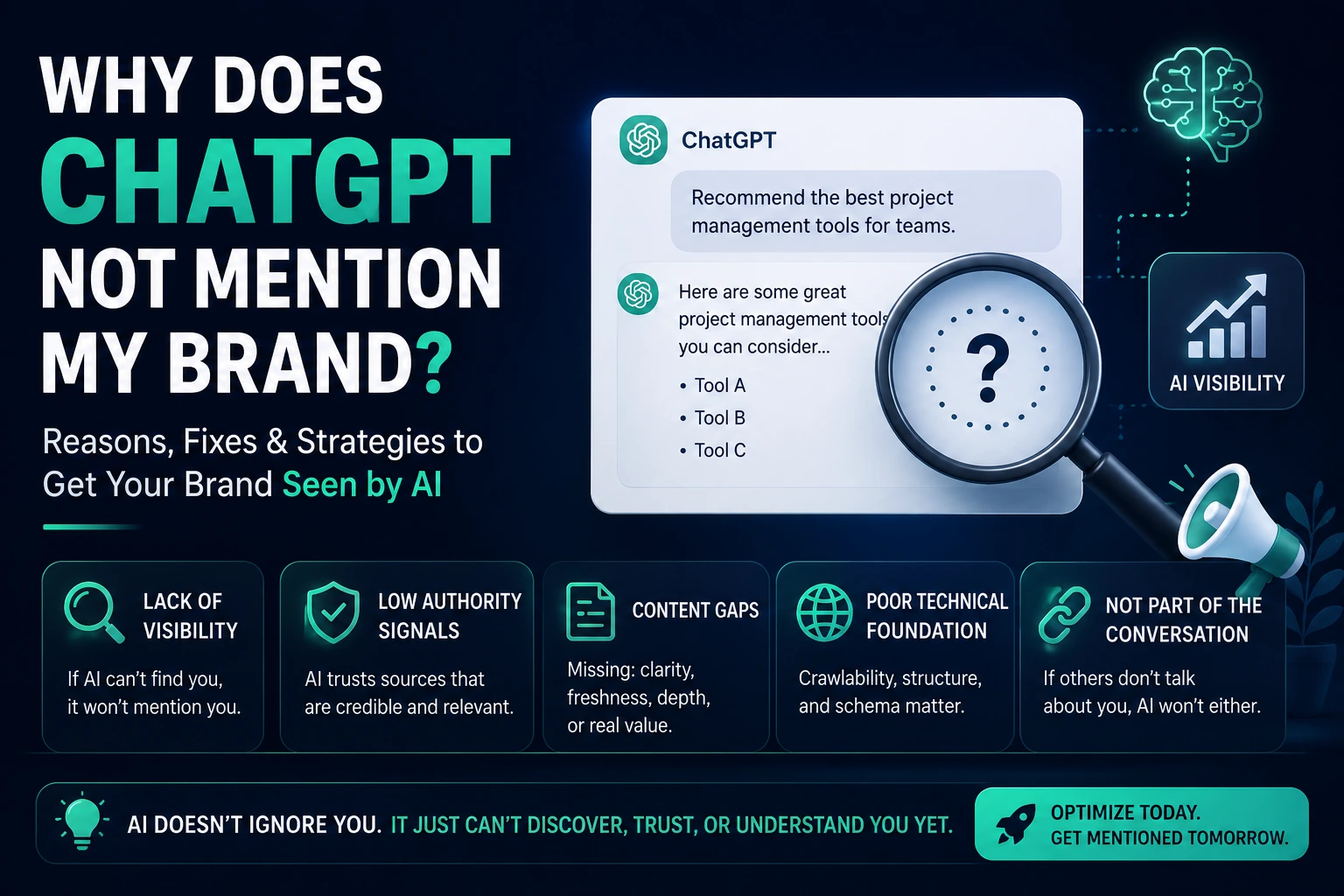
Why Your Brand May Be Missing From AI Answers
Your website does not clearly explain what your company does.
Your content is thin, outdated, or too promotional.
Your brand is rarely mentioned by other trustworthy websites.
Your pages lack structured data and clear entity signals.
Your site has technical SEO problems that limit crawling or indexing.
You have not published useful content around the questions your audience asks.
1. Define Your Brand and Topic Clearly
Start by making your website easy to understand. Your homepage, about page, service pages, and product pages should clearly state:
Who you help
What problem you solve
What products or services you provide
Where you operate
Why your business is credible
Use consistent language across the site. If you describe your company as an AI SEO platform on one page and a marketing automation tool on another, search systems may struggle to understand your primary positioning.
2. Publish Content That Answers Real Questions
AI tools are designed to answer questions. Your content should do the same. Build articles around specific problems, comparisons, definitions, processes, and buying decisions.
Useful content formats include:
How-to guides
Original research and data
Product and service comparisons
Frequently asked questions
Checklists and templates
Case studies with measurable outcomes
Answer the main question early, then add context, examples, steps, and supporting evidence. Avoid filling the article with repetitive keywords.
3. Build Strong Topical Authority
One isolated article is rarely enough. Create a connected group of useful pages around your core topic. For example, an SEO software company could publish content about technical SEO, on-page optimization, AI search visibility, keyword research, content optimization, schema markup, and website audits.
Link these articles together naturally. Internal links help users explore your content and help search systems understand how your pages relate to one another.
4. Improve Your Entity Signals
An entity is a recognizable person, company, product, place, or concept. Strong entity signals make it easier for search engines and AI systems to connect your brand with relevant topics.
Strengthen these signals by:
Using the same business name and description consistently
Creating a detailed about page
Adding author biographies and credentials
Maintaining accurate social and business profiles
Earning relevant mentions from reputable websites
Using appropriate organization, person, product, article, and local business schema
5. Use Structured Data Correctly
Structured data gives search engines additional context about your content. It does not guarantee inclusion in AI answers, but it can reduce ambiguity and support better understanding.
Only use schema that accurately reflects visible page content. Validate your markup and avoid adding unsupported ratings, reviews, or claims.
6. Earn Credible Brand Mentions
AI systems may rely on information found across the web. Relevant third-party mentions can reinforce your credibility and help confirm what your company is known for.
Focus on legitimate visibility rather than low-quality link volume. Useful approaches include expert contributions, partnerships, original research, industry directories, podcasts, digital PR, guest education, and genuinely useful tools.
7. Keep Technical SEO Healthy
Your content cannot perform well if search engines cannot access or understand it. Regularly check:
Indexability and crawlability
Canonical tags
XML sitemaps
Page speed and mobile usability
Broken links and redirect chains
Duplicate or near-duplicate content
JavaScript rendering problems
8. Demonstrate Experience and Trust
Generic content is easy to produce and difficult to trust. Add details that show genuine experience, such as screenshots, examples, test results, original observations, customer outcomes, expert commentary, and clear editorial ownership.
Be transparent about who created the content, when it was updated, and how conclusions were reached.
9. Format Content for Easy Extraction
Clear formatting benefits both readers and machines. Use descriptive headings, concise paragraphs, lists, tables where appropriate, and direct answers near the beginning of each section.
Avoid hiding the main answer beneath long introductions. Each section should make sense on its own while still supporting the complete article.
10. Measure More Than Rankings
Traditional rankings still matter, but they are only part of the picture. Track a broader set of visibility signals:
Organic impressions and clicks
Branded search growth
Referral traffic from AI tools
Brand mentions across relevant websites
Pages cited or surfaced in AI answers
Conversions influenced by educational content
A Practical AI Visibility Checklist
Clarify your brand positioning on core pages.
Create detailed content for real customer questions.
Build a connected topic cluster around your expertise.
Add accurate structured data.
Improve author, company, and product credibility signals.
Earn relevant mentions from trustworthy sources.
Resolve technical SEO and indexing problems.
Measure both traditional search and AI discovery.
SEO and GEO Work Best Together
AI visibility is not a replacement for SEO. It is an extension of it. Search engines and AI platforms both benefit from accessible websites, useful content, clear entities, credible references, and strong technical foundations.
Businesses that start improving these signals now will be better positioned as more customers use AI tools to research products, compare providers, and make decisions.
Final Thoughts
To make your brand visible in AI search results, focus on being understandable, useful, trustworthy, and technically accessible. Define your expertise clearly, answer real questions better than competing pages, and build consistent evidence across your website and the wider web.
Visible Pilot is being built to help website owners identify SEO and AI visibility opportunities, prioritize the work that matters, and safely complete optimization tasks with measurable and reversible changes.
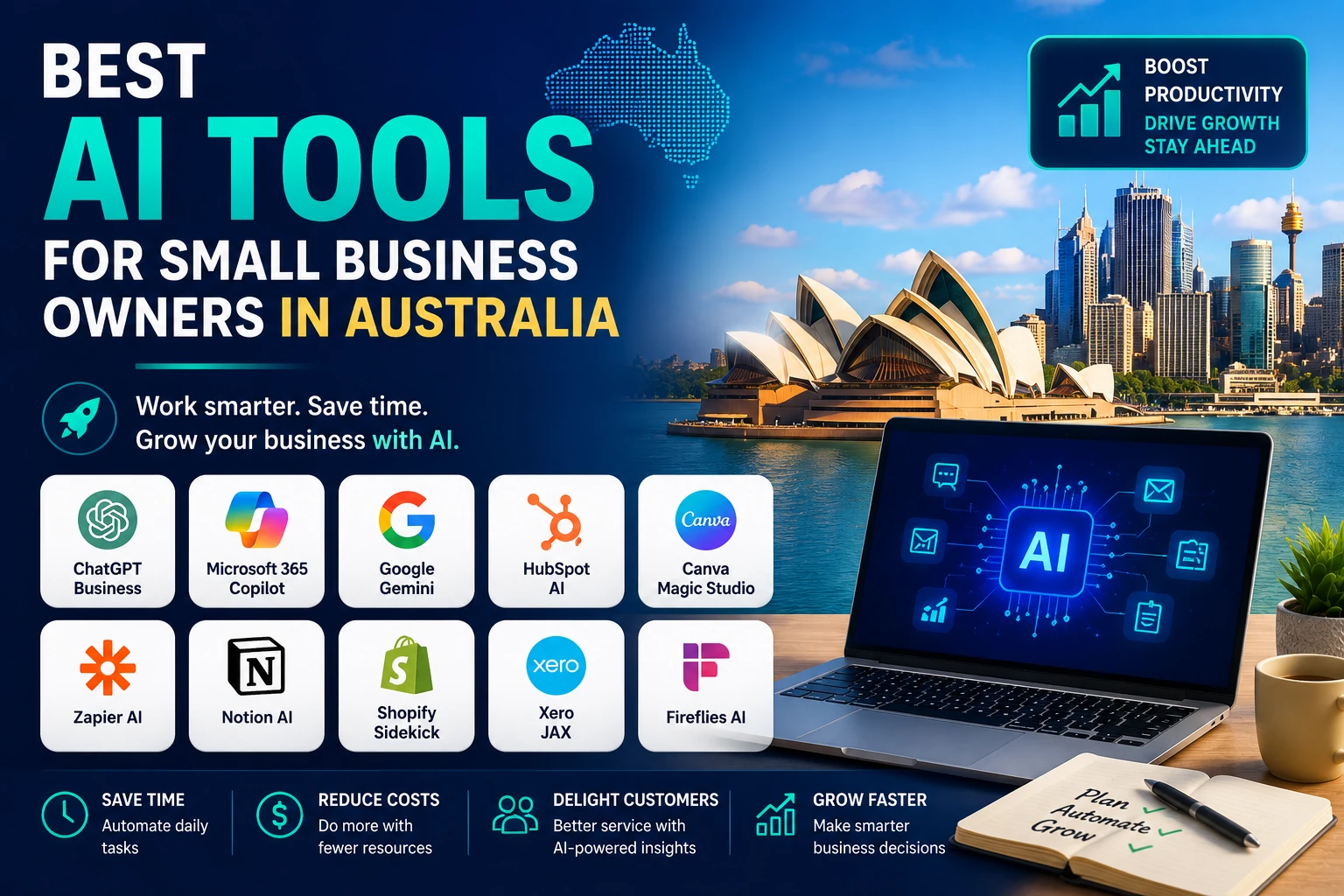
Artificial intelligence has become ordinary business software. A consultant can turn notes into a first-draft proposal, a retailer can analyse product performance, a trades business can prepare customer follow-ups, and a small team can leave a meeting with decisions and actions already organised.
The difficult part is no longer finding an AI application. It is choosing a small number of tools that fit the systems you already use, protect the information entrusted to your business and remove enough work to justify their subscription and review costs. An impressive demo can still become an expensive extra tab that nobody opens after the first month.
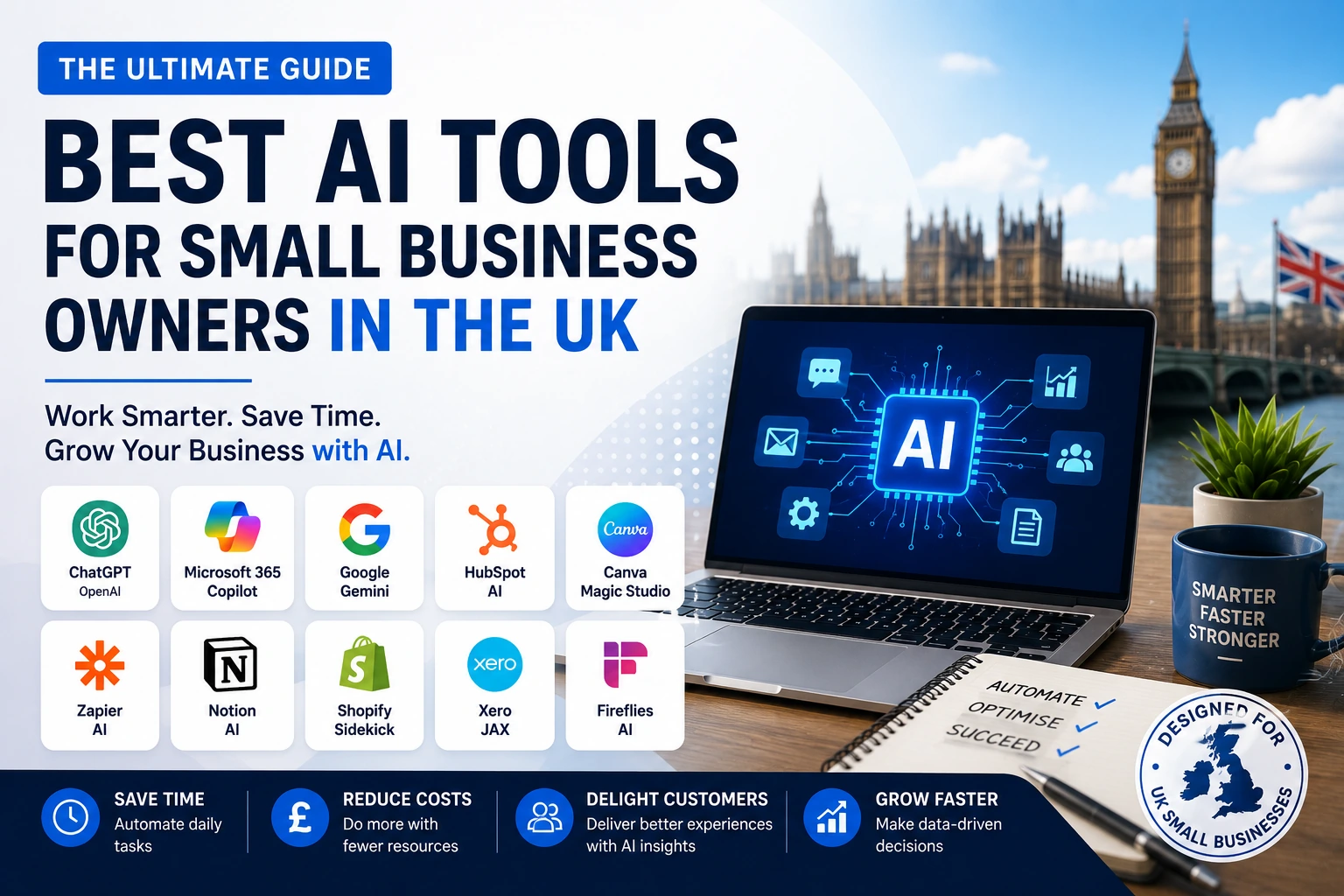
This guide compares ten practical options for UK sole traders and small businesses. The tools cover general assistance, Microsoft and Google productivity suites, design, finance administration, customer management, ecommerce, automation, knowledge management and meetings. It also includes a UK-focused privacy and cyber-security checklist and a 30-day adoption plan.
Quick answer: For most UK small businesses, the best starting point is one general-purpose assistant or the AI already included in the productivity suite your team uses. Add a specialist such as Sage Copilot, Shopify Sidekick or HubSpot Breeze when it can work with the relevant business data. Add Zapier only after the workflow, owner, permissions and success measure are clear.
How these AI tools were selected
A tool made this list because it can support a recurring small-business workflow without requiring a dedicated data science team. Selection was based on seven practical criteria:
Useful work rather than novelty. The product should help complete a real task such as drafting, analysing, reconciling, designing, recording, researching or routing work.
Fit with an existing stack. AI inside Microsoft 365, Google Workspace, Sage, Shopify or HubSpot usually creates less friction than a disconnected application.
Availability to UK businesses. The service should be accessible in the UK, although exact features, limits and plans may vary.
Business-grade controls. Accounts, permissions, auditability, retention choices and clear data terms matter when customer or employee information is involved.
A manageable learning curve. A sole trader or small team should be able to run a controlled test without a long implementation programme.
Measurable value. The tool should save time, reduce rework, improve response speed, support revenue or reduce risk in a way the business can observe.
A clear human-review point. AI should accelerate judgement, not conceal who is accountable for a customer message, financial decision or published claim.
The best AI tools at a glance
Tool
Best for
Strongest use
Main caution
ChatGPT Business
General business assistance
Research, drafting, analysis and reusable internal assistants
Outputs still require evidence checks and approval
Microsoft 365 Copilot
Microsoft-first firms
Work grounded in Outlook, Teams, Word, Excel and company files
Value depends on clean permissions and eligible licences
Google Workspace with Gemini
Google-first teams
Email, document, spreadsheet, Drive and meeting assistance
Avoid paying for overlapping general assistants
Canva Magic Studio
Everyday marketing design
On-brand creative drafts, formats, presentations and social assets
Generated material needs brand and rights review
Sage Copilot
UK finance administration
Invoices, reminders, cash-flow context and accounting workflows
Not a substitute for an accountant or tax advice
HubSpot Breeze
Sales, marketing and service
CRM-grounded follow-up, content, prospecting and support
Weak CRM data produces weak automation
Shopify Sidekick
Shopify retailers
Store analysis, commerce questions and admin actions
Useful only inside the Shopify ecosystem
Zapier AI
Cross-app automation
Connecting triggers, AI steps, records and follow-up actions
A poor process becomes a faster poor process
Notion AI
Knowledge and operations
Search, documents, projects, meeting notes and internal answers
Requires an organised workspace and permissions
Fireflies.ai
Meeting-heavy businesses
Transcripts, summaries, actions and conversation search
Recording transparency and retention need attention
1. ChatGPT Business: best all-round AI workbench
ChatGPT Business is the broadest starting point for an owner who needs help across several kinds of knowledge work. It can move between research, writing, data analysis, planning and document review without requiring a separate application for every task. The business workspace adds administrative controls and collaboration features that are more suitable for company use than relying on staff members to create unrelated personal accounts.
Its main advantage is flexibility. A business can create shared projects for a campaign, upload files for analysis, build a reusable workspace assistant around an approved process, or turn a rough brief into a structured first draft. OpenAI states that business data is not used to train its models by default, but the owner must still decide which information is appropriate to upload and who should have access.
ChatGPT is most valuable when the business creates repeatable instructions. A saved prompt for reviewing a proposal against a checklist is more useful than asking a different vague question every time. The aim is not to make the tool sound clever; it is to make the output consistent enough that a person can review it quickly.
Practical ways a UK small business can use it
Prepare sales material. Turn discovery notes into a proposal outline, statement of work or follow-up email, then have a person confirm the scope and commercial terms.
Analyse operational data. Upload a clean CSV of enquiries, jobs or products and ask for trends, exceptions and questions that deserve further investigation.
Build a first-draft knowledge assistant. Create a workspace GPT or project using approved FAQs, policies and service information so staff can find a starting answer more quickly.
Improve content production. Develop briefs, outlines, interview questions, comparison tables and repurposing plans while keeping the business voice and factual review with the editor.
Challenge a decision. Ask the model to identify assumptions, missing evidence, risks and alternative explanations before an owner commits money or sends a recommendation.
Best fit: Consultancies, agencies, professional services, retailers and owner-managed firms that need one flexible assistant across several low-to-medium-risk workflows.
Watch-out: Do not treat a fluent answer as verified evidence. Use source links, check calculations, remove unnecessary personal data and require human approval before external publication or customer use.
2. Microsoft 365 Copilot: best for Microsoft-first firms
Microsoft 365 Copilot is the logical choice when most work already lives in Outlook, Teams, Word, Excel, PowerPoint, OneDrive and SharePoint. Its value comes from being in the applications staff use throughout the day and, where permissions allow, grounding assistance in the organisation’s work context.
A small professional-services firm can ask for a summary of a long email thread, turn meeting material into a briefing note, analyse a workbook, draft a presentation from an approved document, or prepare a first version of a client update. Microsoft also offers pre-built agents and administrative tools, although availability and licence requirements should be checked before purchase.
Copilot is less attractive when the business only uses Microsoft applications occasionally. Paying for an integrated assistant makes sense when it removes switching and can find relevant work content. It makes less sense when documents are scattered, naming is inconsistent and permissions have never been reviewed.
Practical ways a UK small business can use it
Triage an overloaded inbox. Summarise threads, identify decisions and draft replies in Outlook while keeping the account owner responsible for what is sent.
Turn meetings into work. Use Teams context to produce recaps, decisions, risks and a draft action list for review.
Create documents from existing material. Use an approved file as the basis for a Word report or PowerPoint deck instead of starting from a blank page.
Interrogate spreadsheets. Ask questions about patterns and exceptions in Excel, then check formulas and source data before acting.
Create internal agents. Use pre-built or configured agents for controlled research and recurring workflows where the business has clear ownership and permissions.
Best fit: Accountancies, consultancies, legal and property firms, construction offices and other small teams already committed to Microsoft 365.
Watch-out: Review SharePoint, Teams and file permissions first. AI can surface information a user is technically allowed to access even when that access was granted too broadly years ago.
3. Google Workspace with Gemini: best for Google-first teams
Gemini is the better ecosystem choice for businesses that run on Gmail, Docs, Sheets, Drive, Meet and Chat. Google has integrated AI capabilities across Workspace so users can draft, summarise, find information and work with documents without moving every task into a separate chatbot.
For a small agency or distributed team, the practical benefits include catching up on an email thread, finding a detail across Drive, creating a document outline, exploring information in a spreadsheet and producing meeting notes. This can reduce the friction between finding context and creating the next piece of work.
The buying decision should be simple: choose Gemini because the business already works deeply in Google Workspace, not because another AI name needs to be added to the stack. A team generally does not need to purchase ChatGPT Business, Microsoft 365 Copilot and Gemini for every employee. Give each tool a defined job and remove the overlap.
Practical ways a UK small business can use it
Draft and refine email. Create a response from key points, adjust its tone and use relevant Drive information where the feature and permissions support it.
Find buried information. Ask for dates, commitments or comparisons contained in long Gmail threads and approved Drive files.
Build documents faster. Create outlines, summaries and first drafts in Docs, then edit them for evidence, voice and commercial accuracy.
Explore spreadsheet information. Use AI to surface patterns or create a starting analysis in Sheets, with a human checking definitions, formulas and outliers.
Reduce meeting admin. Summarise a Meet session and convert the recap into owners, dates and next actions.
Best fit: Digital agencies, remote teams, education and training providers, creative businesses and service firms whose files and communication already live in Google Workspace.
Watch-out: Check which features are included in the current Workspace edition. Keep Drive access tidy and do not buy a second general assistant unless it has a clearly different, measurable role.
4. Canva Magic Studio: best for everyday marketing production
Canva Magic Studio is useful because it brings AI into a design platform that many small businesses already understand. It is not intended to replace a skilled brand designer. Its strength is helping non-designers produce competent first drafts, resize approved creative, explore visual directions and turn one campaign idea into several practical formats.
A local business can create a flyer, social post, presentation, simple video, product graphic or lead magnet without learning a professional design suite. Teams with a brand kit can also reduce the risk of every employee inventing new colours, typefaces and layouts.
The fastest output is not always the best output. AI-generated visuals can be generic, inaccurate or inconsistent with the audience. Use Magic Studio to compress the blank-page stage, then apply brand judgement, accessibility checks, image-rights review and a final proof before publication.
Practical ways a UK small business can use it
Create campaign variants. Turn one approved message into social, email, presentation and print layouts sized for different channels.
Develop first-draft visuals. Generate concepts for a blog cover, event promotion or product background before refining the selected direction.
Repurpose long content. Convert a guide or webinar into a carousel, checklist or simple presentation while preserving the central message.
Support sales teams. Build proposal covers, case-study pages and simple charts without waiting for a designer for every minor change.
Maintain brand consistency. Use templates and brand controls so routine content stays recognisable even when several people contribute.
Best fit: Local service providers, coaches, ecommerce brands, hospitality businesses, charities and small marketing teams that produce frequent visual content.
Watch-out: Review generated images and copy for accuracy, accessibility, brand fit and usage rights. Do not use AI output to imitate a competitor or create misleading customer evidence.
5. Sage Copilot: best for UK finance administration
Sage Copilot earns a place in a UK guide because it is built around accounting and business administration rather than general conversation. Sage describes it as an AI productivity assistant that can automate tasks, surface insights and support business management. Availability depends on the Sage product and subscription, so owners should confirm exactly what is included in their plan.
For a sole trader or limited company, the attractive use cases are not dramatic: reminders, invoice communication, cash-flow context, expense handling and surfacing items that need attention. These are precisely the jobs that consume time and can affect whether a business gets paid promptly.
Finance AI should shorten the route to a decision, not make the decision invisible. A business owner or accountant must still confirm tax treatment, payroll changes, cash-flow assumptions and information sent to HMRC or customers. Keep a clear distinction between administrative assistance and professional financial advice.
Practical ways a UK small business can use it
Follow up overdue invoices. Use AI-assisted communication and reminders to prepare polite, consistent payment chasers that a person can approve.
Prioritise financial admin. Surface transactions, deadlines, risks or exceptions that deserve attention instead of scanning every record manually.
Improve cash-flow awareness. Use current business data to frame questions and identify issues to discuss with the bookkeeper or accountant.
Reduce repetitive entry. Use available automation for expense categorisation and routine finance workflows, then review exceptions.
Prepare for compliance work. Organise information and reminders around relevant accounting and Making Tax Digital processes without assuming the AI has replaced professional review.
Best fit: UK sole traders, contractors, trades, retailers and limited companies already using Sage for accounting, invoicing or payroll-related administration.
Watch-out: Confirm plan availability and never treat an AI-generated finance insight as tax, payroll or legal advice. Preserve accountant review and clear approval for payments or filings.
6. HubSpot Breeze: best for sales, marketing and customer service
HubSpot Breeze is designed for businesses whose growth work already sits in a CRM. Its advantage is context: the assistant and agents can use customer records, conversations, deals and marketing information rather than producing isolated generic text. HubSpot offers AI features across content, prospecting, customer service, data work and post-meeting follow-up, with capability varying by product and plan.
A growing B2B service company can use Breeze to research an account, prepare a follow-up, update the CRM after a conversation, repurpose approved content or resolve common support questions. The benefit compounds when the CRM has consistent fields, owners and lifecycle definitions.
Breeze is not a shortcut around CRM discipline. If records are duplicated, consent is unclear, deal stages mean different things to different staff and the knowledge base is out of date, AI will automate confusion. Clean the process before expanding the agent.
Practical ways a UK small business can use it
Prepare personalised follow-up. Use deal and conversation context to draft an email and next-step plan for a salesperson to approve.
Support common customer questions. Use an approved knowledge base to resolve routine enquiries while escalating sensitive or unusual cases.
Research prospects. Summarise relevant account information and buying signals so sales staff spend less time assembling basic context.
Repurpose approved content. Turn a core article or campaign asset into email and social variations while maintaining editorial oversight.
Improve CRM completeness. Assist with data enrichment, call summaries and suggested updates, subject to data quality and governance checks.
Best fit: B2B service firms, agencies, software companies, training providers and small teams with a defined sales or support process already using HubSpot.
Watch-out: Budget and complexity can rise quickly. Start with one funnel or service workflow, control what agents can access and measure conversion, response or resolution outcomes before adding more automation.
7. Shopify Sidekick: best for Shopify retailers
Shopify Sidekick is a commerce assistant that works inside Shopify and understands the store context. Shopify says it can access authorised store data, answer questions and take actions in the admin while respecting the user’s permissions. It is included with Shopify plans, although features and usage limits vary.
For an owner who spends the day switching between reports, products, customers and campaigns, that connection is more valuable than a generic chatbot that cannot see the store. Sidekick can help investigate performance, write ShopifyQL queries, assist with form-filling and support routine commerce work.
The tool is strongest for operational questions and admin. It should not be allowed to make merchandising, discount or customer decisions without review. Store context makes an answer more relevant; it does not guarantee that the proposed action matches margin, stock, brand or consumer-law requirements.
Practical ways a UK small business can use it
Investigate store performance. Ask questions about sales, products, payments or web performance and use the answer as a starting point for analysis.
Reduce admin. Create or update supported records and complete routine form work within the permissions of the signed-in user.
Explore customer segments. Identify useful groups for a campaign, then review consent, relevance and the commercial offer before activation.
Improve product work. Develop first-draft descriptions, merchandising ideas or collection structures and check every claim before publishing.
Prepare an owner briefing. Summarise what changed in the store and list the questions that require human judgement.
Best fit: UK ecommerce businesses already operating on Shopify, especially owner-managed stores that need faster answers from store data and less repetitive admin.
Watch-out: Sidekick is not useful outside Shopify. Use staff permissions carefully, review proposed actions and confirm pricing, inventory, claims and customer communications before they go live.
8. Zapier AI: best for connecting apps and workflows
Zapier becomes valuable after a business can describe a process clearly. It connects thousands of applications and can place AI inside a workflow, agent or chatbot. That makes it possible to move from an isolated prompt to a controlled sequence of triggers, decisions and actions.
A lead can arrive from a form, be summarised and classified, create or update a CRM record, open a task and prepare a follow-up. An invoice event can trigger a reminder. A support request can be routed by topic and urgency. The saving comes from reducing hand-offs, not from adding AI to every step.
Automation creates operational risk when nobody owns it. A changed field, expired connection or incorrect AI classification can silently affect many records. Build simple flows first, log the outcome, define an exception path and ensure a person receives alerts when the workflow fails.
Practical ways a UK small business can use it
Route new enquiries. Summarise a form submission, classify the request and send it to the correct pipeline or person.
Create follow-up work. Turn an approved trigger into a CRM update, task, notification and draft response across the tools the team already uses.
Standardise document intake. Extract selected information from a known document type and flag missing or unusual items for review.
Monitor service operations. Identify urgent tickets or negative feedback and notify a responsible employee instead of relying on a crowded inbox.
Connect specialist AI. Use a chosen model for one specific step while keeping authentication, actions and logs inside the broader workflow.
Best fit: Businesses with repeatable work across several cloud applications and an owner who can map the process, test exceptions and maintain the automation.
Watch-out: Do not automate an unclear process. Restrict app permissions, monitor failures and usage costs, and keep a manual route for high-risk or unusual cases.
9. Notion AI: best for knowledge and small-team operations
Notion AI is a strong option when the business wants documents, projects, meeting notes and internal knowledge in one connected workspace. Its AI features can search, generate, analyse and organise information, while newer agents and meeting tools can turn context into tasks and reports.
The practical opportunity is reducing the time spent asking where the latest procedure, decision or project note lives. A tidy workspace can answer routine internal questions, draft a plan from existing material, convert notes into tasks and keep meeting outcomes close to the project they affect.
The same design can become a weakness. If every employee creates a different page structure and obsolete policies are never archived, the AI receives a noisy knowledge base. Decide what counts as an approved source, name an owner for important pages and review access to client or employee information.
Practical ways a UK small business can use it
Create a searchable operating manual. Place approved procedures and FAQs in a maintained workspace so staff can find a starting answer quickly.
Turn notes into a project. Convert unstructured workshop or discovery notes into tasks, owners, milestones and open questions.
Draft from internal context. Prepare a proposal, brief or report using selected project pages and transcripts rather than starting with generic information.
Capture meetings. Generate a transcript, summary and action list that remains searchable with the relevant project material.
Support onboarding. Create role-specific learning paths and checklists from approved policies, examples and process documents.
Best fit: Agencies, consultancies, startups and small remote teams that are willing to maintain one shared place for knowledge, projects and decisions.
Watch-out: AI cannot repair a neglected workspace automatically. Establish naming, ownership, archive and access rules before relying on generated answers or agents.
10. Fireflies.ai: best for meeting capture and follow-up
Fireflies.ai is a specialist meeting assistant for organisations that spend significant time on sales calls, client meetings, interviews and internal handovers. It can record or ingest meetings, create transcripts and summaries, identify action items and make conversations searchable. It also connects with common meeting platforms and business systems.
The value is not merely avoiding manual notes. A good meeting workflow should preserve the decision, the owner, the deadline and the context needed for follow-up. It can also help a manager review recurring customer questions or search prior conversations without replaying every recording.
Meeting data is sensitive. Tell participants how the tool is being used, decide how recordings and transcripts will be retained, restrict access and confirm that the organisation has an appropriate basis for processing personal data. Built-in notes from Microsoft Teams, Google Meet or Notion may be sufficient for some firms, so compare before adding another recorder.
Practical ways a UK small business can use it
Capture client decisions. Produce a reviewable transcript and structured summary so scope, commitments and next steps are less likely to be lost.
Create sales follow-up. Extract objections, actions and agreed timing, then prepare a draft email and CRM update.
Improve handovers. Give delivery staff a concise, searchable record of what the customer requested and what was promised.
Find themes across calls. Search recurring questions, objections or service issues to inform training and content.
Reduce meeting administration. Create action items and route them into the team’s task or CRM system after human review.
Best fit: Consultancies, recruiters, agencies, sales-led firms and service businesses with enough meetings to justify a dedicated capture and follow-up process.
Watch-out: Inform participants, review consent and privacy requirements, set retention rules and check transcripts for errors before treating them as an official record.
Which AI stack should a UK small business choose?
The right stack is usually smaller than the owner expects. Choose the system that already contains the relevant work, then add only what fills a genuine gap. The examples below are starting points, not bundles that every business must buy.
Business type
Practical starter stack
Why it fits
Solo consultant or coach
ChatGPT Business + Notion AI + Sage Copilot
Flexible drafting and analysis, organised knowledge and UK finance administration. Add Fireflies only for frequent calls.
Microsoft-based professional firm
Microsoft 365 Copilot + Sage Copilot + HubSpot or Fireflies
Keeps core work inside Microsoft while adding finance and either pipeline or meeting support.
Google-based agency
Gemini + Canva Magic Studio + Notion AI
Supports email, documents, campaign production and a shared operating workspace without duplicating Microsoft tools.
Shopify retailer
Shopify Sidekick + Canva Magic Studio + ChatGPT Business
Combines store context, creative production and flexible analysis. Add Zapier only for a mapped cross-app process.
Trade or local service business
ChatGPT Business or Microsoft Copilot + Sage Copilot + one simple Zapier workflow
Focuses on quotations, admin, payment follow-up and enquiry routing rather than a large marketing stack.
Avoid the three-assistant trapA small team rarely needs ChatGPT Business, Microsoft 365 Copilot and Google Workspace with Gemini for every employee. Pick the assistant closest to the work, document the job it owns and add another only when a measured need remains.
How to choose AI software without wasting money
The best tool is not the one with the longest feature list. It is the one that improves a defined workflow at an acceptable cost and risk. Use the following sequence before committing the whole team:
Start with the bottleneck. Name the repeated task, the person who owns it, the volume and the current cost in time, delay, rework or lost opportunity.
Check the software you already pay for. Microsoft, Google, Sage, Shopify, HubSpot and Notion may already provide an AI capability close to the data and workflow.
Calculate the full cost. Include licences, setup, staff learning, integration, usage credits, review time and the effort required to correct errors.
Define the review point. State who checks the result and what evidence is required before an output affects a customer, employee, payment, filing or public claim.
Run a narrow pilot. Use one team, one workflow and a fixed period. Avoid broad access until the business understands the behaviour and the data involved.
Measure the right outcome. Track time to completion, correction rate, response speed, conversion, collection time, quality or another operational result rather than counting prompts.
Remove overlap. Cancel the tool that does not earn a clear place. A smaller adopted stack is more valuable than a large unused one.
A simple AI purchase scorecard
Dimension
Question
Evidence to collect
Workflow fit
Does it solve a frequent, specific job rather than an occasional curiosity?
Name the exact trigger, output and owner.
Context
Can it safely use the approved files or system data needed for a useful answer?
Test with representative, low-risk data.
Control
Are roles, permissions, retention, training terms and audit options suitable?
Review vendor and administrator settings.
Quality
How often must a person correct facts, tone, calculations or structure?
Log corrections during the pilot.
Value
Does the benefit exceed licence, setup and review costs?
Compare the measured result with the baseline.
Exit
Can the business export work, remove integrations and delete data if it stops?
Document the offboarding steps before launch.
UK privacy, cyber-security and governance considerations
AI adoption does not remove existing duties. If a tool processes customer, employee or contact information, current UK data protection rules may apply. The Information Commissioner’s Office advises organisations to identify the purpose and lawful basis for processing, apply data minimisation, protect individual rights and use appropriate technical and organisational controls. The NCSC also recommends clear accountability and security governance for AI systems.
The controls below are a practical starting point, not legal advice. High-risk uses, significant automated decisions, special-category data, regulated work or large-scale monitoring may require specialist advice and a formal impact assessment.
Classify information before use. Separate public material from internal, confidential, personal, special-category and credential data. Do not rely on an employee to decide from memory every time.
Use approved business accounts. Avoid unmanaged personal logins for company work. Enable multi-factor authentication, named access and prompt removal of departed users.
Read the vendor terms. Check model-training defaults, retention, deletion, sub-processors, data location choices, connectors and plan-specific controls.
Minimise the input. Provide only the information needed for the task. Redact identifiers or use synthetic examples during testing where possible.
Control connected data. Apply least privilege to email, drives, CRM, accounting and ecommerce connections. Review inherited permissions before enabling AI search.
Keep meaningful human oversight. A person should approve high-impact customer messages, financial decisions, employment actions, filings and public claims.
Verify accuracy and provenance. Require evidence for factual claims, check calculations and preserve the original source where the result matters.
Secure automations and agents. Limit the actions they can take, monitor logs and plan for prompt injection, malicious content, expired connections and unexpected outputs.
Handle meetings transparently. Tell participants about recording or transcription, restrict access and set a proportionate retention period.
Create an exit and incident plan. Know how to suspend the tool, revoke tokens, export necessary work, delete retained data and report a suspected breach or harmful output.
Minimum policy before launchName an accountable owner; approve the tool and use case; prohibit passwords, payment-card details and unapproved sensitive data; require human approval for high-impact outputs; enable MFA; restrict integrations; document retention; and provide a route for staff to report an error, privacy concern or security incident.
A practical 30-day AI implementation plan
A controlled pilot is more useful than a company-wide launch announcement. The plan below helps a small business learn quickly without giving a new tool unrestricted access on day one.
Week 1: Select one workflow and set boundaries
Choose a task that happens often, has a clear owner and can be reviewed before it affects the outside world. Record the current time, quality, delay or conversion baseline.
Define the trigger and output. For example: a discovery call ends and a draft proposal outline is produced.
Map the data. List the files, systems and personal information involved, and remove anything unnecessary.
Choose the approver. State who is responsible for checking the result and what cannot be delegated.
Week 2: Configure and test safely
Use a business account, enable MFA, set permissions and review the vendor’s data controls. Test with synthetic, public or low-risk material before using live customer information.
Create an instruction template. Describe the role, task, source material, constraints, output format and review requirements.
Build test cases. Include normal examples, missing information, unusual requests and a deliberate error.
Record failures. Track hallucinations, omissions, formatting problems, bias, overconfidence and workflow errors.
Week 3: Run a controlled live pilot
Use the tool on a limited number of real cases. Keep the existing process available so the team can compare results and recover if the AI workflow fails.
Measure correction effort. Saving drafting time is not useful if staff spend longer checking and rewriting the output.
Monitor data and access. Confirm that connectors expose only the intended information and actions.
Collect user feedback. Ask what became faster, what became harder and which instructions were misunderstood.
Week 4: Standardise, revise or stop
Compare the pilot with the baseline. Keep the tool only when the evidence supports the licence, governance and training burden.
Document the approved workflow. Create a short SOP covering inputs, instructions, review, escalation and retention.
Train the relevant users. Show examples of acceptable and unacceptable use rather than sending a generic policy.
Set a review date. Product behaviour and legal guidance change, so schedule a check of performance, access and terms.
Frequently asked questions
What is the best AI tool for a small business in the UK?
There is no universal winner. ChatGPT Business is a flexible all-round assistant, while Microsoft 365 Copilot or Google Workspace with Gemini may be better when most work already lives in those ecosystems. A specialist such as Sage Copilot, Shopify Sidekick or HubSpot Breeze can be more valuable for a core workflow.
What is the best AI tool for a UK sole trader?
A sole trader should start with one general assistant for drafting and analysis, then use AI already available in the accounting or ecommerce platform they rely on. ChatGPT Business plus Sage Copilot is a practical example, but the right combination depends on the work and data involved.
Which AI tool is best for accounting in the UK?
Sage Copilot is a strong UK-focused option for businesses already using Sage because it is connected to finance administration. It should support invoicing, reminders and insight rather than replace a bookkeeper, accountant or professional tax advice.
Which AI tools are best for small-business marketing?
Canva Magic Studio is useful for routine creative production, ChatGPT Business or Gemini can support briefs and copy, and HubSpot Breeze suits firms that need AI connected to CRM, campaign and customer data. The strongest combination is the one that matches the existing marketing process.
Are free AI tools suitable for business use?
They can be useful for low-risk experiments with public or synthetic information. Before using customer, employee or confidential data, review the plan’s training, retention, access and administrative controls. A paid business workspace may provide controls that a free personal account does not.
Can AI replace an employee in a small business?
AI can remove parts of a role such as first-draft writing, meeting administration or record routing, but it does not carry accountability, customer judgement or professional obligations. Redesign the workflow around human approval instead of assuming an entire job can be handed to a model.
Do UK data protection rules apply when a business uses AI?
They may apply whenever personal data is processed. The business should identify the purpose and lawful basis, minimise data, protect rights, secure the system and maintain appropriate oversight. Use current ICO guidance and obtain specialist advice for higher-risk uses.
What should never be entered into an unapproved AI tool?
Do not enter passwords, authentication tokens, payment-card details, unapproved confidential material, special-category personal data, private employee information or customer records that are unnecessary for the task. Follow the organisation’s data-classification and approved-tool policy.
Final recommendation
A small business does not need the largest AI stack. It needs the smallest stack that improves a real process and can be governed by the people available. Begin with the assistant closest to your existing work. Add a specialist only when it has access to the right approved context. Add automation only when the process is stable enough to describe and monitor.
The winning sequence is simple: choose the workflow, protect the data, test with human review, measure the result and remove anything that does not earn its place. AI becomes useful when it is treated as part of operations rather than a collection of impressive subscriptions.
Choosing AI Tools as a Small Business Owner: What Actually Works
The best AI tools for small business owners are the ones that slot into workflows you already run — not standalone apps that demand a separate login and a fresh learning curve. For most small businesses, that means starting with the AI built into Microsoft 365, Google Workspace, Sage, Shopify, or HubSpot, then adding specialist tools only when a clear workflow, owner, and success measure are in place.
Fit your existing stack first. AI embedded in platforms you already pay for — such as Microsoft 365 or Google Workspace — typically creates less friction than a disconnected application.
Cover the core categories. This guide reviews tools across general assistance, productivity suites, design, finance administration, customer management, ecommerce, automation, knowledge management, and meetings.
Selection used seven practical criteria, including useful work over novelty, fit with an existing stack, business-grade permissions, and measurable value — no data science team required.
A 30-day adoption plan and a UK-focused privacy and cyber-security checklist are included to help small teams move from demo to daily use.
An impressive demo is not enough. A tool should remove enough work to justify its subscription cost, or it risks becoming an expensive extra tab that nobody opens after the first month.
What can AI do for small business owners?
AI can draft proposals from notes, analyse product or sales data, prepare customer follow-ups, and organise meeting decisions and actions — tasks that previously took hours of manual work for a sole trader or small team.
What is the best free AI tool for small business?
The most cost-effective starting point is usually the AI already included in a productivity suite your business subscribes to, such as Microsoft 365 Copilot or Google Workspace AI features, before evaluating any additional paid tools.
When should a small business add an automation tool like Zapier?
Only after the workflow, the person responsible, the required permissions, and a clear success measure are all defined — adding automation to an unclear process tends to scale the problem rather than solve it.
The best AI tool is not the one with the longest feature list. It is the one that removes a costly bottleneck without creating a new privacy, accuracy or workflow problem.
Small businesses are the backbone of Canada’s employer economy. As of December 2023, Canada had 1.10 million employer businesses, and 98.1% of them were small businesses with 1-99 employees. [1] That scale makes artificial intelligence relevant far beyond technology startups: a two-person consultancy, a plumbing company, an independent retailer and a growing manufacturer can all use AI, but they need very different tools.
Adoption is already moving quickly. Statistics Canada reported that 19.2% of businesses used AI to produce goods or deliver services in the 12 months preceding its second-quarter 2026 survey, up from 6.1% in the comparable 2024 survey. Among businesses with only 1-4 employees, 19.9% reported AI use. [2] The opportunity is real, but so is the risk of buying overlapping subscriptions that never become part of daily work.
Quick answer: For most Canadian small businesses, start with one of three routes: choose ChatGPT Business for a flexible cross-functional assistant; choose Microsoft 365 Copilot or Google Workspace with Gemini when your team already lives inside one productivity suite; or choose an industry-grounded tool such as QuickBooks Intuit Intelligence or Shopify Sidekick when the highest-value work sits inside financial or store data. Add Zapier only after the core workflow is stable.
How we selected the best AI tools for Canadian small businesses
This guide is organised by business outcome rather than hype. A platform earned a place only when it could support a repeatable workflow that a small team can realistically own.
Measurable value: the tool can reduce labour, shorten turnaround time, improve response quality or increase revenue—not simply generate more content.
Low implementation friction: a non-technical owner or manager can reach a useful result without a long integration project.
Fit with existing systems: the product works where the business already stores email, documents, customer records, financial information or ecommerce data.
Canadian relevance: the workflow can accommodate Canadian billing, GST/HST realities, English-French communication, regional marketing and applicable privacy obligations.
Business-grade controls: team permissions, data handling, admin settings and vendor transparency are considered alongside convenience.
Room to grow: the tool remains useful as the company moves from one owner to a multi-person team or from one location to several.
Selection principleDo not purchase twelve tools. Use this list to identify one primary platform and, at most, one supporting platform for the first 30-day pilot.
At-a-glance comparison
Tool
Category winner
Best use
Entry model
ChatGPT Business
Best all-around assistant
Writing, analysis, research, SOPs and problem-solving across departments
Paid team plan
Microsoft 365 Copilot
Best for Microsoft teams
Works within Word, Excel, Outlook, PowerPoint and Teams
Eligible Microsoft plan
Google Workspace with Gemini
Best for Google teams
AI in Gmail, Docs, Sheets, Drive and Meet workflows
Workspace business plan
Canva AI / Magic Studio
Best for design
Fast branded graphics, presentations and campaign variations
Free entry; paid teams
QuickBooks + Intuit Intelligence
Best for financial visibility
Questions, insights and workflow support grounded in business data
QuickBooks subscription
Shopify Sidekick
Best for ecommerce
Store-aware help that can analyse and take actions in Shopify admin
Included with Shopify plan
HubSpot Breeze
Best for CRM-led growth
Marketing, sales and service assistance grounded in CRM context
Free and paid tiers
Mailchimp
Best for email marketing
AI-assisted content, templates, automations and reporting
Free entry; paid scaling
Hootsuite Wisdom
Best for social media
Social-first analysis, drafting and trend-aware recommendations
Paid platform
Zapier
Best for automation
Connects AI workflows and agents across thousands of apps
Free entry; paid volume
Notion AI
Best for knowledge management
SOPs, project context, search, meeting notes and agents
Free entry; paid teams
DeepL
Best for bilingual work
English-French translation and document workflows with human review
Free and paid tiers
Entry models are intentionally general because pricing, bundles and feature limits change frequently. Confirm Canadian availability and current billing before purchasing.
1. ChatGPT Business
BEST OVERALL AI ASSISTANT FOR SMALL BUSINESS OWNERS
ChatGPT Business is the strongest generalist on this list. It can move from brainstorming to drafting, analysis, planning and process documentation without forcing a small company into a new department-specific system. That flexibility is especially useful when the owner is also the marketer, recruiter, salesperson and operations manager.
High-value uses
Turn rough job notes into client-ready follow-up emails, estimates, proposals and scope summaries.
Build reusable operating procedures for onboarding, customer service, safety checklists and quality control.
Analyse a sanitised spreadsheet of leads, reviews, survey responses or inventory movements and suggest questions to investigate.
Draft English and French content variations, then route the French version to a qualified reviewer for regional language and legal nuance.
Why it earns a place: The product is broad enough to deliver value before a business has a formal AI strategy. OpenAI states that it does not train its models on ChatGPT Business data by default, which makes the business plan materially different from casually using a personal account for company work. [4]
Watch-out: ChatGPT can produce confident errors, invent sources or miss local context. Require source links for current research, verify numbers and never treat a draft as final legal, tax, medical, HR or safety advice.
Smart starting workflowCreate one approved prompt template for a task repeated every week—for example, “turn technician notes into a clear customer update”—and measure editing time before and after.
BEST FOR TEAMS ALREADY USING OUTLOOK, WORD, EXCEL AND TEAMS
Microsoft 365 Copilot is most compelling when your company already keeps its working life inside Microsoft 365. Instead of asking staff to copy information into a separate chatbot, Copilot can assist in familiar applications and use authorised work context from emails, meetings and files.
High-value uses
Summarise a long Outlook thread and draft the next response in the appropriate tone.
Turn an approved proposal, spreadsheet and meeting notes into a first-draft presentation.
Use Excel assistance to explore trends in sales, scheduling or expenses—while retaining human control over formulas and interpretation.
Create meeting recaps, action items and follow-up drafts from Teams conversations.
Why it earns a place: It reduces app switching and can make the productivity suite you already pay for more useful. Microsoft lists Copilot support across Word, Excel, PowerPoint, Outlook and Teams, with business-oriented data protection and administration features. [5]
Watch-out: AI can expose the consequences of messy permissions. Before rollout, clean up shared drives, remove obsolete files and confirm who can access sensitive HR, financial and client material. An eligible Microsoft 365 business plan is required for the full business offering.
Smart starting workflowPilot Copilot with one role that spends heavily on email and meetings, then compare weekly time spent on summarising, drafting and searching for information.
BEST FOR BUSINESSES CENTRED ON GMAIL, DOCS, SHEETS, DRIVE AND MEET
For a Google-first company, Gemini is the natural productivity choice. Its advantage is not simply access to a chatbot; it is the ability to help where employees already draft emails, create documents, review spreadsheets, search Drive and attend meetings.
High-value uses
Summarise lengthy Gmail threads and extract the decisions that still need an owner.
Create a structured first draft in Docs from a brief, notes or approved source files.
Generate a starting table or explore patterns in Sheets using plain-language instructions.
Capture meeting notes in Meet and turn them into tasks, customer updates or an internal record.
Why it earns a place: The integrated route can be simpler than introducing an additional standalone system. Google presents its business AI across Gmail, Docs, Sheets, Meet, Drive and other Workspace products, with business data controls on eligible plans. [6]
Watch-out: Features, supported languages and limits vary by plan. Review administrator settings and Drive permissions before enabling broad access, and verify spreadsheet logic rather than accepting an AI-generated interpretation at face value.
Smart starting workflowChoose one high-volume Gmail workflow—quote requests, appointment enquiries or supplier follow-ups—and create a three-template response library with mandatory human review.
BEST FOR DESIGN, LOCAL PROMOTIONS AND FAST CAMPAIGN PRODUCTION
Canva is a practical bridge between AI and day-to-day marketing. A small retailer, restaurant, trades business or professional service firm can produce polished assets without maintaining a full in-house design team. Its AI features are most useful when paired with a locked brand kit and repeatable templates.
High-value uses
Create social posts, flyers, seasonal promotions, menu updates and simple sales presentations from a consistent template.
Resize one approved concept for Instagram, Facebook, LinkedIn, email and in-store signage.
Generate first-draft copy or visual directions for an English campaign and a separately reviewed French version.
Convert a long article or customer guide into a visual checklist, carousel or presentation.
Why it earns a place: The platform combines writing, image and layout assistance in an interface that non-designers already understand. It is especially valuable when production speed—not a lack of ideas—is the marketing bottleneck.
Watch-out: AI-generated visuals and text still require brand, accessibility and rights review. Avoid publishing generic imagery that misrepresents your location, employees, customers or products, and check current licensing terms for the assets you use.
Smart starting workflowBuild three master templates—promotion, educational post and testimonial—and require every AI-generated asset to start from one of them.
BEST FOR BOOKKEEPING VISIBILITY AND FINANCE-ADJACENT WORKFLOWS
QuickBooks becomes more useful when AI is grounded in the company’s actual financial records rather than a generic prompt. Intuit Intelligence is designed to help owners understand what is happening in the business and ask questions without manually moving between reports and spreadsheets.
High-value uses
Surface cash-flow questions, overdue invoice patterns or unusual expense movements for investigation.
Support bookkeeping workflows such as data entry, reconciliation review and report preparation, depending on the plan and feature availability.
Prepare a plain-language summary of financial results for an owner meeting or discussion with an accountant.
Organise questions about GST/HST, payroll or provincial obligations before speaking with the appropriate professional.
Why it earns a place: The value comes from context. Intuit says its AI brings together real-time business data so users can understand their numbers and get answers without digging through multiple tools. [7]
Watch-out: This is not a replacement for accurate bookkeeping or professional tax advice. Verify categorisation, reconciliations, GST/HST treatment and year-end adjustments. Access should be tightly restricted because accounting data is highly sensitive.
Smart starting workflowUse the system to produce a weekly “owner dashboard” of five questions: cash on hand, receivables, upcoming obligations, margin movement and anomalies requiring review.
BEST AI TOOL FOR CANADIAN ECOMMERCE AND RETAIL MERCHANTS
Shopify Sidekick is built for merchants who want AI inside the store rather than beside it. It can work with Shopify data, understand commerce workflows and take permitted actions in the admin, which makes it more operationally useful than a general assistant for many ecommerce tasks.
High-value uses
Investigate sales, product, payment or web-performance questions using store context.
Draft product descriptions, collection copy, promotional ideas and customer-facing content.
Assist with administrative actions such as creating customer or company records when supported.
Help a merchant explore store questions in multiple languages while respecting staff permissions.
Why it earns a place: Shopify says Sidekick is included with Shopify plans, respects staff access controls and can act in the admin because it understands the store and its data. [8] That combination lowers the barrier for an ecommerce owner to experiment safely within an existing system.
Watch-out: AI should not approve its own discounts, margin changes, inventory decisions or policy language. Review every action with financial or customer impact, and maintain clean product, cost and customer data.
Smart starting workflowBegin with a read-only business question—such as identifying products with falling conversion—before allowing Sidekick to complete administrative actions.
BEST FOR CRM-DRIVEN MARKETING, SALES AND CUSTOMER SERVICE
HubSpot Breeze makes the most sense when customer data already lives in HubSpot or when a small B2B or service company needs a CRM-led growth system. AI can use contact, company and pipeline context to support marketing, sales follow-up and service instead of treating each interaction as an isolated prompt.
High-value uses
Summarise account history before a sales call and draft a relevant follow-up.
Repurpose one approved article into email, social and sales-enablement variations.
Prioritise CRM cleanup by identifying incomplete records, stale opportunities or repetitive service requests.
Create first-draft knowledge-base or customer-service responses that agents verify before sending.
Why it earns a place: HubSpot positions Breeze as AI connected to the customer platform, including marketing, sales and service workflows. Its content tools can use CRM data and brand context instead of producing generic output. [9]
Watch-out: A powerful CRM can become expensive or over-engineered for a very small team. Do not buy a large bundle to solve one narrow problem. Data quality, consent and pipeline discipline matter more than the sophistication of the AI layer.
Smart starting workflowSelect one stage of the funnel—new lead response, proposal follow-up or customer onboarding—and automate only the preparation steps while keeping the decision and final message human-owned.
Mailchimp remains approachable for owners who need email campaigns, simple customer journeys and reporting in one place. Its AI-assisted content and design features can speed up production, but the real value comes from combining them with segmentation and timely automations.
High-value uses
Draft subject lines, preview text and campaign copy for different customer segments.
Build welcome, quote follow-up, post-purchase, renewal or re-engagement automations.
Turn a promotion into several testable creative variations without rebuilding the email.
Review campaign reporting and identify questions about engagement, conversion or list quality.
Why it earns a place: Mailchimp combines automations, AI-powered content tools, templates and measurement in a product designed for small marketing teams. [10] It can be more practical than assembling separate email, design and reporting tools.
Watch-out: AI does not create consent. Canadian businesses must manage commercial electronic messages in accordance with Canada’s anti-spam legislation (CASL) and other applicable requirements. [15] Maintain proof of consent, accurate sender identification and working unsubscribe processes.
Smart starting workflowAutomate one high-intent sequence, such as a quote follow-up or first-purchase welcome, before increasing campaign volume.
Hootsuite is useful when the challenge is not writing one post but operating several social channels with consistent publishing, listening and reporting. Wisdom, Hootsuite’s social-first AI agent, is designed to work with live social signals, brand content and customer conversations.
High-value uses
Draft and optimise posts in the brand voice for different social networks.
Ask plain-language questions about performance, audience sentiment or competitor signals.
Surface relevant trends and turn them into timely—but reviewed—content ideas.
Summarise social results for an owner, franchisee or multi-location manager.
Why it earns a place: A social-first system can provide better operational context than a generic writing tool. Hootsuite says Wisdom can analyse social information, draft content and recommend what to create next based on current data. [11]
Watch-out: Trend speed creates reputational risk. Require human approval for crisis, political, health, employment, pricing and customer-complaint content. Check every source behind a trend before attaching the brand to it.
Smart starting workflowUse Wisdom first as an analyst: ask which three existing posts created meaningful engagement and why. Turn the answer into a human-approved content brief.
BEST FOR CONNECTING APPS AND AUTOMATING REPETITIVE HAND-OFFS
Zapier becomes valuable after a business knows what should happen next in a process. It can move information between apps, trigger AI steps and reduce copy-and-paste work without requiring a custom software project. The platform now combines workflows, agents, chatbots, forms and thousands of integrations.
High-value uses
Send a website enquiry to the CRM, notify the right employee and draft a response from approved data.
Summarise incoming support tickets, classify them and route urgent issues without sending an unsupervised final answer.
Create a task when an invoice becomes overdue and prepare a polite reminder for review.
Turn meeting notes into structured project tasks across the tools your team already uses.
Why it earns a place: Zapier says it supports AI workflows and agents across more than 9,000 integrations. [12] For a small company with many disconnected apps, that reach can eliminate the most frustrating manual hand-offs.
Watch-out: Automation scales mistakes as efficiently as it scales good processes. Add error alerts, permissions, duplicate checks and an owner for every workflow. Track task volume because costs can rise as automation usage grows.
Smart starting workflowMap one process on paper first. Automate only the steps that are deterministic, reversible and easy to audit.
BEST FOR SOPS, INTERNAL KNOWLEDGE AND PROJECT COORDINATION
Notion AI is a strong choice when the company’s knowledge is scattered across inboxes, personal notes and undocumented habits. It can help centralise policies, meeting notes, project context and standard operating procedures so employees can find answers without repeatedly asking the owner.
High-value uses
Turn a recorded process into a structured SOP with owner, steps, checks and revision date.
Create consistent meeting notes and convert decisions into tasks.
Search a permissioned knowledge base for policies, project history or client context.
Use agents or automations to route tasks, prepare reports or answer recurring internal questions.
Why it earns a place: Notion brings documents, projects, knowledge, search, meeting notes and agents into one workspace. [13] This can be more useful than a standalone chatbot for a growing company that needs institutional memory.
Watch-out: AI cannot make outdated documentation true. Assign every critical page an owner and review date, separate approved policy from brainstorming, and prevent confidential client information from becoming broadly searchable.
Smart starting workflowDocument the five questions employees ask the owner most often. Build one verified answer page for each before enabling wider AI search.
BEST FOR ENGLISH-FRENCH TRANSLATION AND MULTILINGUAL COMMUNICATION
Canada’s bilingual market creates a practical need that generic AI lists often overlook. DeepL is purpose-built for language work across text, documents, voice and API workflows. It is especially useful for producing a strong first translation before expert review.
High-value uses
Translate customer emails, product information, internal documents and marketing drafts between English and French.
Create bilingual source files while preserving document structure where supported.
Standardise terminology for recurring products, services or operational language on team plans.
Support multilingual customer-service preparation without asking staff to start from a blank page.
Why it earns a place: DeepL focuses on translation and writing rather than trying to be an all-purpose business suite. Its platform supports text, files, voice and integrations, and its English-to-French workflow is directly accessible. [14]
Watch-out: Do not treat machine translation as final for contracts, regulated disclosures, safety material, employment documents or high-stakes Quebec marketing. A fluent reviewer should check regional terminology, tone and legal meaning.
Smart starting workflowCreate a bilingual glossary of your 30 most important product, service and policy terms, then test DeepL on one low-risk customer document.
A stack should be small enough to govern. The combinations below are starting points, not shopping lists. Use the productivity platform your team already understands and add specialised tools only when they own a clear workflow.
Business type
Lean starting stack
What the stack should accomplish
Solo consultant or professional
ChatGPT Business + Canva + QuickBooks
Draft proposals and thought leadership, create client-ready visuals and maintain financial visibility.
Local service business
ChatGPT Business + QuickBooks + Zapier
Turn field notes into customer updates, watch receivables and automate lead-to-task hand-offs. Add a dedicated local SEO or reputation platform when visibility is a core growth channel.
Ecommerce retailer
Shopify Sidekick + Canva + Mailchimp
Use store-grounded insights, create campaign assets and automate lifecycle email. Add DeepL for reviewed bilingual content.
B2B sales team
HubSpot Breeze + Microsoft Copilot or Gemini
Use CRM context for follow-up while the productivity suite handles meetings, documents and internal collaboration.
Bilingual customer-facing business
DeepL + a business-grade general assistant + human reviewer
Build fast first drafts while keeping terminology, compliance and final tone under qualified human control.
Operations-heavy small team
Notion AI + Zapier + existing productivity suite
Centralise SOPs and knowledge, then automate stable hand-offs between systems.
How to choose the right AI tool without wasting money
The safest buying decision starts with a bottleneck, not a demo. Score each candidate from 0 to 2 on the five questions below. A tool that scores under 7 out of 10 should not move into a paid pilot yet.
1. Problem fit: Does it address a task that currently consumes at least three hours per month or materially delays revenue?
2. Data fit: Can it work with the information already stored in your approved systems without unsafe copying and pasting?
3. Adoption fit: Can the employee who owns the task learn the workflow in less than one week?
4. Control fit: Does the plan provide suitable privacy, permissions, logging, retention and administration for the data involved?
5. Measurement fit: Can you compare time, quality, errors, conversion or cash-flow outcomes before and after the pilot?
Simple decision ruleChoose the tool closest to the source of truth. Use QuickBooks for finance-grounded questions, Shopify for store-grounded work, HubSpot for CRM-grounded work, and Copilot or Gemini for productivity-suite context. Use a general assistant when the task crosses systems or starts from unstructured information.
A practical AI ROI formula for a small business
AI return on investment should include time, quality and revenue—not just subscription cost. Use the following monthly estimate:
Estimated monthly value = (hours saved x loaded hourly cost) + incremental gross profit – tool and implementation cost
Example: a two-person agency saves 10 hours per month at a loaded labour value of $50 per hour, gains $250 in additional gross profit from faster follow-up and spends $120 on software and setup. The estimated monthly value is $630. This is a planning estimate, not a guarantee; use your own actual numbers and include the cost of review, errors and staff training.
Hours spent per completed task
Turnaround time from enquiry to response
Rework or error rate
Lead-to-appointment or lead-to-sale conversion
Days to collect receivables
Customer response time and satisfaction
Campaign output that meets the brand standard
Number of approved SOPs or knowledge articles created
Canadian privacy, security and responsible-use checklist
Privacy is not an optional enterprise concern. Statistics Canada found that cybersecurity or privacy concerns were the most commonly reported barrier limiting AI use, cited by 13.4% of businesses in the second-quarter 2026 survey. [2] The Office of the Privacy Commissioner of Canada states that organisations using generative AI remain responsible for legal authority, consent, transparency, accountability, data minimisation and appropriate safeguards. [3]
1. Classify the data first. Separate public marketing content from internal, confidential, personal, financial, health, employment and client-privileged information.
2. Use business-grade accounts. Do not build a sensitive workflow around a shared personal login. Review whether prompts and outputs are used for model training, how long data is retained and what administrators can control.
3. Confirm legal authority and consent. Know why the organisation is allowed to collect, use or disclose any personal information involved in the workflow.
4. Minimise what enters the prompt. Remove names, account numbers, medical details, identifiers and unnecessary context; use anonymised or de-identified information where possible.
5. Apply least-privilege permissions. An AI assistant should not have broader access than the employee performing the task.
6. Keep humans accountable. Require qualified review for tax, legal, lending, hiring, healthcare, safety, pricing, policy and other high-impact decisions.
7. Be transparent with customers. When a public-facing bot or AI-assisted decision materially affects a person, disclose the role of AI and provide a route to a human.
8. Document the workflow. Record the owner, approved use, prohibited data, review step, retention expectations, incident process and next review date.
9. Reassess regularly. Product settings, connected data and regulations evolve; review each active AI workflow at least quarterly.
High-risk red flagDo not launch an AI workflow merely because the output looks good in a demonstration. Stop the pilot if the team cannot explain what data enters the system, who can see it, how the output is checked and who is accountable when it is wrong.
30-day AI rollout plan for a Canadian small business
Days 1-3: choose the bottleneck
List repetitive tasks, estimate monthly hours and identify the owner. Select one workflow with moderate volume, clear inputs and low consequence if a draft is wrong.
Days 4-7: establish guardrails
Choose the business plan, review data terms, classify information, define prohibited inputs and write a human-review checklist. Capture a baseline for time and quality.
Week 2: build the pilot
Create two or three approved prompt or automation templates. Test them on historical examples and record failure patterns. Do not connect additional systems until the basic output is reliable.
Week 3: train and integrate
Train the people who actually own the task. Add the smallest useful integration, define exception handling and assign one person to monitor errors and usage.
Week 4: measure and decide
Compare results with the baseline. Keep, change or cancel the tool based on time saved, output quality, adoption, risk and total cost—not enthusiasm alone.
End-of-pilot decisionExpand only when the workflow has an owner, measurable benefit, documented controls and a repeatable review process. A successful one-workflow pilot is more valuable than ten abandoned AI accounts.
Frequently asked questions
What is the best overall AI tool for a small business owner in Canada?
ChatGPT Business is the most flexible general-purpose choice, but the best operational choice may be the AI already inside your main system. Microsoft-heavy teams should evaluate Copilot; Google-heavy teams should evaluate Gemini; Shopify merchants should start with Sidekick; and QuickBooks users should examine Intuit Intelligence.
How many AI tools should a small business use?
Start with one primary tool and no more than one supporting tool. Add another product only when it removes a specific bottleneck that the existing stack cannot solve. Too many overlapping assistants create cost, inconsistent outputs and unmanaged data exposure.
Are free AI tools enough for business use?
Free plans can be useful for low-risk experiments and learning. They are usually a poor foundation for confidential or team-wide workflows because admin controls, data handling, identity management, shared workspaces and support may be limited. Review the actual plan terms before entering business information.
Which AI tools are best for French-speaking customers?
DeepL is the most focused option for English-French translation. ChatGPT, Microsoft, Google, Canva and Shopify also provide multilingual capabilities in various features. Availability and quality vary, and customer-facing French should be reviewed by a fluent person who understands Quebec and regional terminology.
Can AI replace a bookkeeper, marketer or customer-service employee?
AI can reduce preparation and repetitive work, but it does not assume professional responsibility. The strongest use is augmentation: let the system draft, organise, classify or surface patterns while a qualified person verifies the result and makes the decision.
Is it safe to enter customer data into an AI tool?
Only after the business has reviewed the vendor, plan, retention, training, permissions and applicable legal authority. Use the minimum data necessary, de-identify it where possible and avoid sensitive information unless the workflow has been explicitly approved and protected.
Are AI software subscriptions tax-deductible in Canada?
A subscription used to earn business income may qualify as a reasonable current business expense depending on the facts, while other costs may receive different treatment. The CRA notes that reasonable current expenses incurred to earn income may be deductible and that personal expenses are not. [16] Keep invoices and confirm treatment with an accountant.
Can AI help a local business rank better on Google?
AI can accelerate service-page drafts, review analysis, FAQs, social content and reporting, but it does not replace accurate Google Business Profile management, local keyword research, citations, reviews, location pages or technical SEO. Use AI as a production assistant around a sound local-search strategy.
Final verdict
The best AI tools for small business owners in Canada are the ones that fit the company’s existing systems, data and decision-making—not the ones that dominate social-media headlines. A versatile assistant can improve writing and analysis; a productivity-suite assistant can reduce daily friction; and an industry-grounded tool can create deeper value by working with the data that actually runs the business.
Choose one bottleneck, protect the data, keep a human accountable and measure the result for 30 days. That disciplined approach turns AI from another subscription into a practical business capability.
AI Tools for Small Business Owners: What Actually Works in 2026
The best AI tools for small business owners are not the ones with the longest feature list—they are the ones that remove a real bottleneck without adding privacy, accuracy, or workflow problems. Canadian adoption data makes the case clearly: Statistics Canada found that 19.2% of businesses used AI to produce goods or deliver services in the 12 months before its second-quarter 2026 survey, up from just 6.1% in the comparable 2024 survey. Even among businesses with only 1–4 employees, 19.9% reported AI use—proof that effective tools are no longer reserved for large teams or technical founders.
Start narrow: One tool solving one repeatable workflow beats five subscriptions that never become daily habits.
Adoption is accelerating: Canadian small-business AI use more than tripled between the 2024 and 2026 Statistics Canada surveys.
Size is no barrier: Businesses with 1–4 employees reported AI adoption at nearly the same rate as larger small businesses.
Avoid subscription overlap: Add automation layers like Zapier only after the core workflow is stable and delivering measurable value.
What can AI do for small business owners?
AI can reduce labour time, shorten turnaround, improve response quality, and increase revenue—but only when the tool fits where the business already stores its data, whether that is email, financial records, or ecommerce inventory.
What is the best free AI tool for small business?
The answer depends on your highest-value bottleneck. A cross-functional assistant like ChatGPT covers writing, research, and customer communication. Businesses inside Google Workspace or Microsoft 365 can start with the AI features already included in those suites before adding a separate subscription.
How do I avoid buying AI tools I will not use?
Evaluate each tool against a repeatable workflow your team can realistically own. If a platform cannot demonstrate measurable value—reduced labour, faster turnaround, or better output quality—within a short trial, it is not the right fit yet.
Artificial intelligence has moved from novelty to everyday business software. A New Zealand consultant can use it to prepare a client brief, a retailer can improve product content, a trade business can turn form submissions into follow-up tasks, and a small team can leave a meeting with an organised action list instead of another hour of admin.
The challenge is no longer finding an AI tool. It is choosing one that fits the systems you already use, produces a measurable benefit and does not create unnecessary privacy, security or subscription risk. A collection of disconnected apps can easily cost more time than it saves.
This guide compares ten practical options for New Zealand small businesses. The list covers general assistance, office productivity, design, accounting, customer management, ecommerce, automation, knowledge management and meetings. It also explains how to choose a small stack, run a controlled pilot and use AI responsibly under New Zealand privacy expectations.
Quick answerFor most small businesses, the best starting point is one general-purpose assistant plus the AI already available inside your main operating platform. Add an automation tool only when you can describe the workflow, the owner, the data involved and the result you will measure.
How these AI tools were selected
A tool made this list because it can solve a recurring small-business problem without requiring an internal data-science team. Selection was based on six practical criteria:
Useful work, not impressive demos. The product should help complete a real task such as drafting, reconciling, designing, recording, researching or routing work.
Fit with existing systems. Tools embedded in Microsoft 365, Google Workspace, Xero, Shopify or HubSpot often create less friction than a separate app.
Availability to New Zealand users. The product should be accessible to New Zealand businesses, although exact plans and feature rollouts may differ.
Governance options. Business accounts, permissions, auditability and data controls matter when staff or customer information is involved.
Reasonable learning curve. A small team should be able to test the tool without a lengthy implementation project.
Cost discipline. The tool should replace a measurable amount of work, improve output quality or support revenue rather than become another unused subscription.
The best AI tools at a glance
Tool
Best for
Strongest use
Main caution
ChatGPT Business
General business assistance
Research, drafting, analysis and repeatable assistants
Outputs still require fact-checking
Microsoft 365 Copilot
Microsoft-first teams
Work grounded in Microsoft 365 apps and files
Value depends on clean permissions and licences
Google Workspace with Gemini
Google-first teams
Drafting, summarising and collaborating in Workspace
Capabilities vary by edition and rollout
Canva AI tools
Marketing and design
Fast visual content and campaign assets
Brand and rights review remain essential
Xero JAX
Financial admin
Accounting questions, insights and routine workflows
Not a substitute for professional advice
HubSpot Breeze
CRM-led growth
Sales, marketing and service work using CRM context
Requires disciplined CRM data
Shopify Sidekick
Ecommerce
Store content, analysis and operational assistance
Review changes before publishing
Zapier
Workflow automation
Moving information and triggering actions across apps
Poorly designed automations scale mistakes
Notion AI
Knowledge and operations
Searching, summarising and acting on workspace information
Only as useful as the workspace structure
Fireflies.ai
Meetings and follow-up
Transcripts, summaries and action items
Consent and sensitive conversation controls
1. ChatGPT Business
Best for: A flexible AI assistant for research, writing, analysis and repeatable business tasks.
ChatGPT Business is the broadest option on this list. It can help a founder turn rough notes into a proposal, compare options in a spreadsheet, draft customer communications, create a checklist from a policy, or build a reusable assistant around an approved process. Its main advantage is range: the same workspace can support marketing, operations, research and internal knowledge work.
For a small team, the business workspace matters more than simply giving everyone a personal account. Central administration and business-oriented data controls make it easier to set expectations, manage access and create shared resources. OpenAI states that business workspace data is not used to train its models by default, although each business still needs to decide what information staff are permitted to upload.
Practical ways a small business can use it
Create first drafts of proposals, emails, job descriptions and standard operating procedures.
Summarise long documents and turn them into decision points or action lists.
Analyse uploaded tables, compare scenarios and explain patterns in plain language.
Build an approved custom assistant for a recurring process such as enquiry triage or content briefing.
Best fit: Consultants, agencies, professional services firms and owner-operators who need one adaptable assistant across several functions.
Watch-out: Fluent output can still be wrong, outdated or incomplete. Verify facts, calculations, quotes, legal statements and customer-facing claims before use.
Best for: Teams already working in Outlook, Word, Excel, PowerPoint and Microsoft Teams.
Microsoft 365 Copilot is most useful when a business already lives inside Microsoft 365. Instead of moving information into a separate chatbot, staff can use AI around familiar documents, email, meetings and spreadsheets. That can reduce the friction involved in finding a file, catching up on a discussion or producing a first draft from existing work context.
The commercial value comes from integration rather than novelty. A project manager may use it to extract open decisions from a meeting, an operations lead may turn a Word procedure into a training outline, and a business owner may ask for an explanation of movements in an Excel model. However, the quality and safety of grounded results depend on sensible file permissions, organised content and the correct licences.
Practical ways a small business can use it
Summarise long email threads and identify unanswered questions.
Draft reports or presentations from approved documents and meeting notes.
Explore spreadsheet trends and prepare plain-English explanations for managers.
Catch up on Teams meetings and convert decisions into assigned follow-up work.
Best fit: New Zealand businesses already paying for Microsoft 365 and using it as their main document and communication environment.
Watch-out: AI can surface information that a user already has permission to access, so outdated sharing rules and overly broad permissions should be corrected before rollout.
Best for: Teams centred on Gmail, Docs, Sheets, Drive and Meet.
Gemini is the natural shortlist choice for a business whose work already happens in Google Workspace. It can assist with drafting in Docs and Gmail, summarising information, organising ideas and collaborating around files. The practical benefit is keeping AI close to the material staff already use rather than creating another disconnected repository.
A small tourism operator, for example, could turn guest feedback into recurring themes, draft seasonal email variations and summarise supplier notes. A distributed professional team could prepare meeting notes and build a briefing from material stored in Drive. Exact features, usage limits and administrative options vary by Workspace edition, so the plan comparison should be checked before purchase.
Practical ways a small business can use it
Draft and refine emails while preserving the intended tone and next step.
Summarise working documents and produce a structured brief for review.
Organise research or notes in Sheets and identify categories for human validation.
Prepare meeting recaps and create follow-up material from agreed discussions.
Best fit: Google-first companies, remote teams and businesses that want AI embedded in their existing collaboration suite.
Watch-out: Do not assume every Gemini feature is included in every Workspace edition. Confirm plan eligibility, admin controls and data handling before enabling it broadly.
Best for: Small businesses that need frequent marketing graphics without a full in-house design team.
Canva combines templates, brand assets and AI-assisted creation in a format that non-designers can learn quickly. It is especially useful for businesses that repeatedly need social posts, flyers, presentations, simple video, promotional graphics or variations of an existing campaign asset.
The best use is not asking AI to invent a brand from scratch every week. It is creating a controlled system: approved colours, fonts, imagery, message hierarchy and templates, then using AI to accelerate variations and routine edits. This approach helps a small team produce more consistently while keeping a human responsible for accuracy and brand judgement.
Practical ways a small business can use it
Turn a campaign concept into correctly sized assets for several channels.
Create first-pass layouts for events, menus, offers, presentations or social content.
Resize and adapt an approved creative idea for different placements.
Generate visual starting points that a staff member refines using the brand kit.
Best fit: Retailers, hospitality businesses, local services, community organisations and founders who regularly publish visual content.
Watch-out: Check generated text, imagery, cultural context, brand consistency and usage rights. AI output should not be published merely because it looks polished.
Best for: New Zealand businesses that already use Xero and want help with financial administration and insights.
Xero is deeply familiar to many New Zealand small businesses, which makes its AI capabilities relevant in a way that a standalone finance chatbot may not be. JAX is positioned as an AI financial assistant within the Xero environment, helping users ask questions, understand business information and reduce routine accounting work as features become available.
The strongest use case is faster understanding, not unsupervised financial decision-making. A business owner might explore cash-flow movements, prepare questions for a bookkeeper or identify records that need attention. The accountant or adviser remains important for GST treatment, tax positions, payroll decisions, forecasting assumptions and any action with legal or financial consequences.
Practical ways a small business can use it
Ask plain-language questions about business performance and accounting information.
Prepare a clearer list of issues or anomalies for a bookkeeper to investigate.
Reduce repetitive finance administration where the relevant feature is available.
Create management-ready explanations from reviewed accounting information.
Best fit: Xero users who want financial context and workflow assistance close to their source records.
Watch-out: Feature availability can change by plan and rollout. Never rely on an AI response as tax, accounting or financial advice without qualified review.
Best for: Sales, marketing and service teams that rely on HubSpot as their CRM.
HubSpot Breeze is designed to use customer and commercial context already held in HubSpot. That makes it more useful than a generic writing assistant for tasks such as preparing for a sales conversation, identifying patterns in customer records, creating campaign material or supporting common service enquiries.
For a growing services business, the potential is a more connected customer journey: marketing works from the same records as sales, and service interactions can inform future outreach. The limitation is equally clear. AI cannot repair a CRM filled with duplicate contacts, missing consent, vague lifecycle stages or inconsistent notes. Data discipline has to come first.
Practical ways a small business can use it
Prepare meeting context from recent customer interactions and account history.
Draft campaign content based on an approved audience and offer.
Research prospects and organise information for a salesperson to verify.
Support routine customer questions using an accurate, maintained knowledge base.
Best fit: Service companies with a repeatable sales process, an active HubSpot CRM and enough lead volume to benefit from automation.
Watch-out: Breeze features and credit models differ by HubSpot product and subscription. Clean data, clear consent and human escalation paths are essential.
Best for: Shopify merchants that want AI assistance inside store operations.
Sidekick is a built-in AI commerce assistant designed around Shopify. Because it can work with store context, it is more practical for ecommerce operations than copying product details into a separate tool. Merchants can use it to explore store questions, improve product content, support merchandising work and understand operational information.
A New Zealand retailer selling locally and overseas might use Sidekick to draft product descriptions from approved facts, investigate changes in sales patterns or prepare a collection concept. The merchant still controls what is published. Product claims, pricing, stock, shipping promises, consumer-law obligations and brand language should be checked before any change goes live.
Practical ways a small business can use it
Draft product descriptions from verified specifications and customer needs.
Explore sales or merchandising questions using store information.
Prepare campaign ideas, collections or discount concepts for review.
Identify operational issues such as low-stock items or store tasks requiring attention.
Best fit: Shopify-based retailers, direct-to-consumer brands and small exporters.
Watch-out: Review every customer-facing change. AI-generated product claims, delivery statements or promotional terms can create commercial and compliance risk if they are inaccurate.
Best for: Connecting apps and automating repeatable work without building custom software.
Zapier is the automation layer on this list. It connects business apps so an event in one system can trigger work in another. AI can help classify text, extract information, draft a response or route an item as part of the workflow. For a small business, this can remove the copying and pasting that happens between forms, email, spreadsheets, CRMs and task tools.
The best automation starts with a stable manual process. For example, a website enquiry can be validated, added to the CRM, assigned to the correct person and acknowledged using approved wording. A poorly designed workflow can just as easily duplicate records, send the wrong message or expose data. Begin with one low-risk process and include logs, exception handling and a human approval point where needed.
Practical ways a small business can use it
Turn qualified form submissions into CRM records and assigned follow-up tasks.
Extract structured details from routine messages and place them in an approved system.
Send internal notifications when a defined customer or operations event occurs.
Create draft follow-ups after a trigger while keeping a person responsible for sending them.
Best fit: Businesses using several cloud apps and losing time to repeated transfers, notifications and status updates.
Watch-out: Automation increases the speed of both good and bad processes. Test with non-sensitive data, restrict permissions and monitor failures before increasing volume.
Best for: Teams that use Notion for projects, documentation and internal knowledge.
Notion AI is most valuable when a business has accumulated useful information but staff struggle to find, summarise or turn it into action. It can help search workspace material, produce first drafts, organise project information and create summaries from notes. The result can be a more usable operating system for a small team rather than a collection of abandoned documents.
A consulting firm could use it to assemble a project handover from approved pages, while an agency could summarise retrospective notes and identify process improvements. The tool will not create reliable knowledge from clutter. Page ownership, naming conventions, access rules and an archive process remain necessary.
Practical ways a small business can use it
Summarise project pages and identify decisions, blockers and next actions.
Search approved internal knowledge without relying on exact document titles.
Turn meeting or research notes into a structured first draft.
Create repeatable project templates and checklists from a reviewed process.
Best fit: Small professional teams already using Notion as a central workspace.
Watch-out: AI search can surface weak or outdated material. Assign owners to important pages and mark policies, templates and client information with review dates.
Best for: Meeting transcription, summaries and follow-up across a busy client or sales calendar.
Fireflies.ai records or joins supported meetings to create transcripts, summaries and action items. That can reduce note-taking pressure and make follow-up more consistent, particularly when several people need a shared record of what was discussed. It is useful for sales calls, project meetings and internal coordination where the benefits justify recording.
The sensitive part is not the summary; it is the underlying conversation. Meetings may contain personal information, pricing, employment matters, strategy or confidential client material. The business should decide which meetings may be recorded, how participants are informed, who can access the record and when it is deleted.
Practical ways a small business can use it
Produce a draft meeting summary with decisions and responsibilities.
Search past conversations for an agreed point or customer concern.
Create follow-up tasks from reviewed action items.
Help a team member catch up without replaying an entire meeting.
Best fit: Client-facing teams, agencies, sales-led businesses and distributed organisations with frequent meetings.
Watch-out: Do not record by default. Establish consent, access, retention and deletion rules, and exclude meetings that contain particularly sensitive or privileged information.
Which AI stack should a New Zealand small business choose?
A useful stack is usually smaller than the app list in a typical AI article. Choose the combination that matches where your information and work already live.
Business type
Practical starter stack
Why it fits
Solo consultant or coach
ChatGPT Business + Canva + Xero
Covers knowledge work, basic marketing and financial administration without a complex platform build.
Local service or trade business
Microsoft 365 or Google Workspace + Xero + Zapier
Keeps communication familiar while automating enquiries, tasks and finance-related handoffs.
Shopify retailer or exporter
Shopify Sidekick + Canva + Xero, with Zapier where needed
Supports ecommerce operations, creative production and business administration.
Agency or project-based team
ChatGPT Business or Notion AI + Fireflies.ai
Improves briefs, documentation, handovers, meeting follow-up and repeatable delivery processes.
Growth-focused services firm
HubSpot Breeze + Microsoft 365 or Google Workspace + Zapier
Connects customer context, team productivity and cross-application workflows.
How to choose AI software without wasting money
Start with one measurable bottleneck. Choose a recurring problem such as proposal drafting, meeting follow-up, product content or enquiry routing. Record the current time, delay, error rate or cost.
Check what is already included. Before buying another app, review the AI features in Microsoft 365, Google Workspace, Xero, Shopify, HubSpot, Canva or your existing platform.
Run a low-risk pilot. Use one owner, a small group of users and non-sensitive or properly approved information. Define what the tool may and may not do.
Measure the result. Track time saved, turnaround, rework, customer response, conversion or another relevant outcome. Do not rely on enthusiasm alone.
Remove overlap. If two tools perform the same job, standardise on the one that best fits your systems and governance needs.
Write an approved-use policy. Document permitted tools, prohibited data, review requirements, account ownership, incident reporting and the person responsible for decisions.
New Zealand privacy, cyber-security and cultural considerations
AI adoption is not only a software decision. The New Zealand Office of the Privacy Commissioner states that the Privacy Act applies to organisations using AI where personal information is collected, used or shared. Its guidance recommends understanding the tool and completing a Privacy Impact Assessment before use, then updating that assessment as the system or purpose changes.
The National Cyber Security Centre also highlights risks such as data leakage, privacy breaches, unreliable or manipulated output and supply-chain vulnerabilities. A practical small-business policy should therefore cover the following controls:
Limit the data entered. Do not paste customer lists, identity documents, passwords, health information, bank details, unredacted contracts or confidential staff records into an unapproved tool.
Use managed business accounts. Prefer workspaces with administration, access controls and clear data terms rather than unmanaged personal accounts.
Review people-facing output. A qualified person should check customer advice, employment material, finance, legal content and other high-impact decisions.
Understand storage and overseas processing. Check retention, deletion, subprocessors, data location and how the provider handles information after an account is closed.
Control meeting records. Decide when recording is appropriate, how participants are informed, who has access and when audio, transcripts and summaries are deleted.
Test for cultural accuracy. Overseas models can misrepresent te reo Māori, tikanga, communities and taonga. Content involving Māori people, language or cultural knowledge should be reviewed by appropriately qualified people and developed with the affected community where relevant.
Prepare for incidents. Staff should know how to report an accidental upload, inappropriate disclosure, suspicious output or compromised AI account.
Minimum control before launchName an accountable owner, approve the tool, document permitted data, require human review, enable appropriate account security, and create a response process for mistakes or privacy incidents.
Select one workflow with a clear owner and measurable baseline.
Map the information used and remove unnecessary personal or confidential data.
Review the vendor terms, account controls and New Zealand privacy implications.
Write a one-page pilot rule covering permitted use, review and incident reporting.
Week 2: Build a controlled test
Create an approved prompt, template or automation for the selected workflow.
Test normal cases, edge cases and deliberately incomplete information.
Record where the AI is inaccurate, inconsistent or too confident.
Keep human approval before anything reaches a customer or changes a live system.
Week 3: Use it in real work
Run the pilot with a small number of trained users.
Capture time, rework, errors and qualitative feedback.
Adjust instructions, permissions and review checkpoints rather than adding more tools.
Document the version of the process that works reliably.
Week 4: Decide whether to scale
Compare the result with the baseline and full subscription cost.
Continue, revise or cancel based on evidence.
Assign an owner for future reviews, access changes and vendor updates.
Only then consider a second use case or a limited automation connection.
Frequently asked questions
What is the best AI tool for a small business in New Zealand?
There is no universal winner. ChatGPT Business is a strong general assistant, while Microsoft 365 Copilot or Google Workspace with Gemini may deliver better value when most work already happens in those ecosystems. Xero JAX, Shopify Sidekick and HubSpot Breeze are more specialised choices for finance, ecommerce and CRM-led work.
Are free AI tools suitable for business use?
Free tools can help with low-risk experimentation, but they may provide fewer administration, privacy and collaboration controls. Do not enter personal, commercially sensitive or confidential information until the product terms and your organisation’s approval rules have been checked.
Which AI tool is best for accounting in New Zealand?
For Xero users, JAX is the most relevant integrated option on this list. It can support understanding and routine work within the accounting environment, but a qualified accountant or bookkeeper should review tax, GST, payroll and material financial decisions.
Which AI tool is best for small-business marketing?
Canva is practical for visual production, ChatGPT Business can support research and drafting, and HubSpot Breeze is useful when campaign work needs CRM context. The best choice depends on whether your bottleneck is ideas, design, customer data or delivery automation.
Can AI replace an employee?
AI is better treated as a capability that changes tasks, not as a reliable one-for-one replacement for a person. It can reduce repetitive work, but judgement, customer relationships, accountability, subject expertise and exception handling remain human responsibilities.
How much should a small business spend on AI?
Start with the lowest-cost setup that solves one measurable problem. The relevant number is not the subscription fee alone; it is the total value after setup, training, review time, integration and risk controls. Cancel tools that do not produce a verified benefit.
Does the New Zealand Privacy Act apply to business use of AI?
Yes, where the business collects, uses or shares personal information through an AI tool. The Office of the Privacy Commissioner recommends understanding the system and completing a Privacy Impact Assessment before use.
What information should never be entered into an unapproved public chatbot?
Avoid passwords, identity documents, bank details, health information, confidential client files, private staff records, customer lists and unredacted contracts. Use only approved tools and the minimum information needed for the task.
Final recommendation
The best AI stack for a New Zealand small business is not the one with the most applications. It is the smallest set of tools that fits existing systems, removes a defined piece of work and can be used safely by the people responsible for the result.
Begin with one assistant or one embedded platform feature. Measure the outcome, document the process and make privacy and security part of the implementation rather than an afterthought. Once that foundation is working, automation and additional tools can create value without creating an unmanaged tangle of subscriptions, data and risk.
AI Tools for Small Business Owners: How to Choose the Right Stack
For most small business owners, the best AI setup is straightforward: start with one general-purpose assistant and the AI features already built into your main operating platform. Before adding anything else, you should be able to name the workflow, the person responsible for it, the data it touches, and the result you will measure. That discipline keeps costs and complexity under control.
Start embedded, not separate. AI tools built into Microsoft 365, Google Workspace, Xero, Shopify, or HubSpot typically create less friction than standalone apps because they connect to data you already manage.
Coverage spans nine categories. Practical AI tools for small businesses address general assistance, office productivity, design, accounting, customer management, ecommerce, automation, knowledge management, and meetings.
No data-science team required. A tool belongs in a small-business stack only if it can solve a recurring problem without specialist technical staff to maintain it.
Cost discipline is a selection criterion. A tool should replace measurable work, improve output quality, or support revenue — not become an unused subscription.
Privacy and governance matter. Business accounts, permissions, and data controls are practical requirements when staff or customer information is involved.
What can AI actually do for small business owners?
AI tools can handle drafting, designing, reconciling, researching, recording meetings, and routing work — tasks that recur daily in most small businesses. The value is in completing real work faster, not in showcasing impressive demos.
What is the best free AI tool for small business?
The most cost-effective starting point is often the AI already included in a platform you pay for, such as a productivity suite or accounting package. Evaluating what is already available avoids adding a new subscription before you have confirmed the use case.
How should a small business owner run an AI pilot?
Choose one workflow, assign a clear owner, define what data will be used, and set a measurable outcome before you start. A controlled pilot like this lets you assess real benefit without committing the wider business to a tool that may not fit.
Running a small business in the United States often means switching between sales, customer service, marketing, bookkeeping and operations in the same day. The right AI software can reduce that administrative load, but only when it solves a real workflow problem. The best AI tools for small business owners in USA are not necessarily the products with the longest feature lists. They are the tools that fit the way a business already works, save measurable time and remain simple enough for a lean team to use consistently.
The opportunity is significant. The U.S. Small Business Administration reports that the country has about 36.2 million small businesses, representing 99.9% of U.S. businesses. Meanwhile, recent U.S. Census Bureau data showed overall business use of AI hovering between 17% and 20% from late 2025 into spring 2026. In other words, AI is no longer experimental, but adoption is still early enough for practical users to build an advantage.
This guide compares 11 widely available tools across writing, office productivity, design, accounting, CRM, email marketing, automation, ecommerce and meetings. You do not need all of them. A better approach is to choose one costly bottleneck, test one or two tools against it, and keep only what produces a clear result.
Quick answer: For the broadest starting point, choose ChatGPT. If your team already lives in Google Workspace or Microsoft 365, start with Gemini or Copilot. Add a specialist tool only when it addresses a specific need such as design, bookkeeping, email marketing, workflow automation or meeting notes.
How these tools were selected
This is an editorial selection based on official product information available in July 2026. It is not a paid ranking and it is not presented as a laboratory benchmark. Each tool was evaluated against five small-business questions:
Can a non-technical owner or employee learn the core workflow quickly?
Does it reduce repetitive work or improve a business outcome that can be measured?
Can it fit into common U.S. small-business software stacks?
Is there a realistic entry path for a small team, such as a free tier, trial or scalable plan?
Does the vendor offer business-oriented controls, documentation or data practices that owners can review?
At-a-glance comparison
Tool
Best for
What it can help with
Entry model
Main watch-out
ChatGPT
All-around assistance
Research, drafts, analysis, SOPs, planning
Free individual tier; paid business workspace
Outputs still need fact-checking
Google Workspace with Gemini
Google-based teams
Email, documents, spreadsheets, meetings, research
Workspace subscription; AI access varies by edition
Permissions and usage limits matter
Microsoft 365 Copilot
Microsoft-based teams
Word, Excel, PowerPoint, Outlook and Teams workflows
Eligible plan plus paid Copilot option
Value depends on disciplined Microsoft 365 use
Canva AI
Design and content production
Social graphics, ads, presentations, images and copy
Free tier; paid plans increase access
Review brand fit and rights-sensitive content
QuickBooks with Intuit AI
Finance operations
Bookkeeping, payments, payroll, tax and cash-flow workflows
Paid QuickBooks plan; access varies
Keep a human or accountant in the loop
HubSpot Breeze
CRM and growth teams
Lead management, content, sales and customer service
Free CRM entry; advanced tools paid
Cost and complexity can rise as you scale
Mailchimp AI
Email marketing
Copy, subject lines, segments, automations and send timing
Free or trial entry; advanced features vary
Consent, deliverability and brand review
AI by Zapier
No-code automation
Extracting, classifying, summarizing and routing work
Free tier; premium workflows paid
Bad processes become faster bad processes
Shopify Sidekick
Ecommerce operators
Store setup, product content, reporting and commerce tasks
Shopify trial then subscription
Confirm product, price and inventory facts
Grammarly
Clear business writing
Drafting, rewriting, tone, grammar and brand voice
Free tier; Pro and team plans
Polish does not equal factual accuracy
Otter Meeting Agent
Meeting capture
Transcripts, summaries, action items and searchable notes
Free tier; paid team plans
Follow recording and consent requirements
1. ChatGPT
BEST ALL-AROUND AI ASSISTANT
ChatGPT is the strongest general starting point for owners who need one flexible tool rather than several narrow products. OpenAI’s own small-business resources highlight uses such as analyzing data, preparing marketing materials, maintaining budgets, planning meetings and evaluating vendors. ChatGPT Business adds a shared workspace, centralized administration and business data protections, including a default commitment not to train models on business inputs and outputs.
Practical ways to use it
Turn rough notes into proposals, sales emails, policies, job descriptions or customer FAQs.
Upload a spreadsheet and ask for trends, anomalies, summaries or a plain-English explanation.
Create repeatable checklists and standard operating procedures for recurring work.
Build a prompt library for customer replies, local marketing ideas, review-response drafts and campaign planning.
Why it stands out: Its value comes from range. A single owner can use it as a writing partner, analyst, brainstorming partner and process designer, then move to a business workspace as the team grows.
Watch-out: Treat every output as a draft. Verify numbers, legal or tax statements, local facts and citations before using them. Use a business-grade workspace and clear data rules when employees will handle confidential information.
2. Google Workspace with Gemini
BEST FOR TEAMS ALREADY USING GMAIL, DOCS AND SHEETS
Google Workspace with Gemini brings AI into the tools many small businesses already use every day. Current Workspace editions can include access to the Gemini app, NotebookLM and Gemini features across Gmail, Docs, Meet and other Workspace services. That makes it especially useful when the work already lives in Google Drive rather than in a separate AI chat window.
Practical ways to use it
Summarize long email threads and turn them into action items.
Draft proposals, service descriptions and internal documents in Google Docs.
Explore spreadsheet data, create formulas and explain business trends in plain language.
Use NotebookLM to study a collection of trusted business files, policies or research documents.
Why it stands out: The biggest advantage is context. Employees can use AI inside familiar apps and collaborate on the resulting files without creating a new workflow.
Watch-out: Features and limits differ by Workspace edition. Review sharing permissions before connecting sensitive files, and do not assume every employee should have access to every Drive folder just because AI can search it.
3. Microsoft 365 Copilot
BEST FOR WORD, EXCEL, OUTLOOK AND TEAMS USERS
Microsoft 365 Copilot is a logical choice for small businesses whose operational knowledge already sits in Word documents, Excel workbooks, Outlook email and Teams meetings. Microsoft positions Copilot as an AI layer across those apps, with business features that can draw on work context, assist with research and analysis, and support prebuilt agents for common tasks.
Practical ways to use it
Create a first draft in Word from notes, files or an outline.
Summarize inbox conversations and prepare replies in Outlook.
Analyze tables, explain formulas or identify patterns in Excel.
Turn meeting discussions into summaries, decisions and follow-up tasks in Teams.
Why it stands out: It reduces switching costs for a team that is already standardized on Microsoft 365. The AI appears in the same environment where the files, messages and meetings are created.
Watch-out: Copilot is not automatically a good purchase for a business with scattered files, weak permissions or limited use of Microsoft 365. Clean up information access and identify high-value workflows before buying seats for everyone.
4. Canva AI
BEST FOR DESIGN AND FAST MARKETING PRODUCTION
Canva AI combines conversational creation with Canva’s familiar visual editor. Small businesses can use it to move from an idea to social graphics, flyers, presentations, short videos, website assets and written copy without hiring a designer for every routine item. Canva provides AI tools on its free plan, while paid plans increase usage and unlock more advanced brand and collaboration features.
Practical ways to use it
Generate first-draft social media posts, ad concepts, sales sheets and event flyers.
Resize one campaign concept for several channels and formats.
Create presentation layouts, image variations and simple branded templates.
Use a Brand Kit and approved templates to make employee-created content more consistent.
Why it stands out: It shortens the path between idea and publishable visual content, which is valuable for owners who market frequently but do not have an in-house creative team.
Watch-out: AI-generated designs can look generic or include visual errors. Review claims, logos, product details, people and rights-sensitive elements before publishing. A consistent brand system still matters more than volume.
5. QuickBooks with Intuit AI
BEST FOR BOOKKEEPING AND FINANCE WORKFLOWS
QuickBooks is a familiar financial platform for many U.S. small businesses, and Intuit is expanding it with specialized AI capabilities across accounting, payments, payroll, customers, sales tax, finance, projects and business tax. Access depends on the products and plan a business uses, so the most relevant question is not whether QuickBooks has AI, but which financial tasks the available AI can safely reduce.
Practical ways to use it
Suggest transaction categories and surface entries that need attention.
Support invoice creation, payment follow-up and customer financial workflows.
Highlight cash-flow patterns and help an owner prepare better questions for a bookkeeper.
Reduce routine work across payroll, sales tax or project tracking when the relevant feature is included.
Why it stands out: Financial AI is most useful when it works directly with the bookkeeping system of record. That avoids copying data between a chatbot and an accounting platform.
Watch-out: Do not let automation silently make material tax, payroll or accounting decisions. Review classifications, reconciliations and filings, and involve a qualified accountant or tax professional where appropriate.
6. HubSpot Breeze
BEST FOR CRM, SALES AND CUSTOMER SERVICE
HubSpot Breeze is built into HubSpot’s customer platform and can use CRM records, customer conversations and deal history to make its assistance more specific to the business. HubSpot describes Breeze as a combination of AI agents, an assistant for everyday work and more than 100 embedded AI features across marketing, sales and service. A free CRM entry point also makes HubSpot approachable for smaller teams that expect to grow.
Practical ways to use it
Research accounts and prepare sales outreach using CRM context.
Draft landing pages, campaign assets and follow-up messages.
Summarize customer history before a call or support interaction.
Qualify leads, route requests or create knowledge-base content with human review.
Why it stands out: The CRM context is the differentiator. Instead of generating generic marketing copy, Breeze can work from the contacts, interactions and pipeline already stored in HubSpot.
Watch-out: CRM AI is only as useful as the underlying data. Duplicates, incomplete fields and inconsistent pipeline stages will reduce quality. Advanced Hubs and agent capabilities can also become expensive, so map the required features before upgrading.
7. Mailchimp AI
BEST FOR EMAIL MARKETING AND LIFECYCLE CAMPAIGNS
Mailchimp combines email and marketing automation with AI assistance for copy, subject lines, audience insights and campaign recommendations. Its tools can also help optimize send timing by learning from engagement patterns. For a small business with an existing subscriber list, that creates a direct path from AI assistance to measurable results such as opens, clicks, leads and sales.
Practical ways to use it
Draft a welcome series, appointment reminder, product launch or re-engagement campaign.
Generate and compare subject-line ideas before testing them.
Build audience segments from customer behavior and engagement signals.
Use automation flows to follow up after a purchase, inquiry, download or abandoned action.
Why it stands out: Mailchimp connects content generation to audience data, sending and reporting. That is more useful than creating email copy in isolation and manually moving it into a campaign platform.
Watch-out: AI cannot repair a weak list or an unclear offer. Maintain accurate consent and unsubscribe processes, protect deliverability, and review every campaign for brand voice, factual claims and customer relevance.
8. AI by Zapier
BEST FOR NO-CODE AI AUTOMATION
AI by Zapier puts AI steps inside automated workflows. Zapier says the platform can connect with more than 9,000 apps, while its AI actions can extract data, classify information, summarize content, write copy and prepare replies. This is where a small business can move beyond asking an AI a question and start building a process that runs when a real event occurs.
Practical ways to use it
When a lead form arrives, summarize the request, score urgency, add the contact to a CRM and notify the right employee.
Classify inbound support email, draft a response and route sensitive cases for approval.
Extract structured details from documents, receipts or free-form messages and save them to a table.
Turn meeting notes or customer feedback into tasks, tags and follow-up messages.
Why it stands out: Zapier is valuable because it connects systems. The AI can interpret information while the automation moves data and triggers the next step.
Watch-out: Automating a broken process only makes the problem faster. Document the desired workflow first, test edge cases, restrict permissions and keep a human approval step for payments, public messages, account changes and other high-impact actions.
9. Shopify Sidekick and built-in AI
BEST FOR ECOMMERCE BUSINESSES
Shopify is adding AI directly to commerce workflows through Sidekick and other built-in tools. Sidekick can work with store context, help merchants query performance and payment data, and complete certain administrative tasks. Shopify also promotes AI-assisted store creation and product-content workflows, making the platform a practical choice for a small retailer that wants AI inside the system where products, orders and customers are managed.
Practical ways to use it
Generate first drafts of product descriptions, collection copy and promotional ideas.
Ask questions about store performance and turn the answer into a merchandising action.
Speed up storefront setup, image preparation and campaign planning.
Reduce repetitive administrative work while keeping the owner in control of final changes.
Why it stands out: Commerce-specific context matters. A general chatbot may write attractive copy, but Sidekick is designed around store data and merchant tasks.
Watch-out: Confirm every product specification, price, discount, shipping promise and inventory statement. Do not allow generated copy to create commitments the business cannot fulfill.
10. Grammarly
BEST FOR POLISHED EVERYDAY COMMUNICATION
Grammarly is useful when the problem is not creating an entire marketing system, but improving the quality and speed of day-to-day writing. It works across apps and websites to assist with grammar, clarity, tone, rewriting and text generation. Paid plans add more advanced AI assistance and team-oriented consistency features, while the free tier remains a low-risk starting point.
Practical ways to use it
Improve customer emails, proposals, estimates, job ads and internal announcements.
Rewrite a message to sound clearer, more confident, more concise or more empathetic.
Create reusable snippets and brand-tone guidance for employees who communicate with customers.
Catch avoidable errors before a message, document or social post goes public.
Why it stands out: It works where employees already write, so the benefit appears across many small interactions rather than in one separate content tool.
Watch-out: A sentence can be polished and still be wrong. Check names, prices, deadlines, policy statements and technical claims. Do not accept tone suggestions that make the message less human or less appropriate for the customer.
11. Otter Meeting Agent
BEST FOR MEETING NOTES AND FOLLOW-THROUGH
Otter is designed to transcribe conversations and turn them into structured, searchable and actionable knowledge. It can support meetings, interviews and everyday discussions, then help users find key points, assign action items and export notes. For a small team, the main benefit is not the transcript itself; it is reducing the information that gets lost between a conversation and the next action.
Practical ways to use it
Capture sales calls and turn commitments into CRM notes and follow-up tasks.
Create searchable records of staff meetings, interviews or project discussions.
Share summaries with employees who could not attend.
Review repeated customer questions and turn them into training or knowledge-base content.
Why it stands out: It allows participants to focus on the conversation while preserving a record that can be searched and reused later.
Watch-out: Before recording, follow your company policy and the consent requirements that apply to the people and locations involved. Review transcripts for mistakes, especially names, numbers and commitments, before treating them as an official record.
Best AI stack by business type
The most effective stack is usually small. Start with one general assistant, one system-of-record tool and one specialist tool for the business’s biggest bottleneck.
Local service businessChatGPT for drafts and process help; Canva for local promotions; QuickBooks for finance; HubSpot or Mailchimp for follow-up; Zapier for lead routing.
Ecommerce brandShopify Sidekick for store operations; Canva for creative production; Mailchimp for lifecycle email; ChatGPT for research and planning; QuickBooks for finance.
Professional services firmGemini or Microsoft 365 Copilot for office work; Grammarly for client communication; Otter for meetings; ChatGPT for research and drafting; QuickBooks for financial operations.
Solo founder or microbusinessBegin with ChatGPT plus Canva. Add the AI features inside the accounting, email or ecommerce platform already in use before buying another standalone tool.
How to choose the right AI tool without wasting money
Start with the bottleneck, not the brand.
Write down the task that consumes time or causes delays. Examples include responding to inquiries, preparing social content, reconciling transactions or turning meetings into follow-up work.
Use the AI already inside your core software first.
The fastest return often comes from features embedded in Google Workspace, Microsoft 365, QuickBooks, HubSpot, Mailchimp or Shopify because the data and workflow are already there.
Test three real workflows.
Do not judge a tool from a polished demo. Give it three recurring tasks using real but non-sensitive examples, then compare time, quality and error rates against the current process.
Calculate monthly value.
A simple estimate is: hours saved multiplied by the fully loaded hourly cost, plus any incremental gross profit, minus the subscription and implementation cost.
Review security and data handling.
Check whether the plan is intended for business use, whether prompts may be used for training, what admin controls exist, how data is retained and which integrations can access company information.
Assign an owner and a review date.
One person should maintain prompts, training, permissions and quality checks. Review the tool after 30 days and cancel it if the promised value is not visible.
Simple ROI exampleIf an AI workflow saves 12 hours per month and the work costs the business $35 per hour, the time value is $420. A $50 subscription would create an estimated $370 monthly benefit before counting any sales lift. Measure the real result rather than assuming the tool pays for itself.
A 30-day AI adoption plan for a small business
Week
Goal
Actions
What to measure
1
Choose one outcome
Select one workflow; record the current time, cost and error rate; set a basic data-use rule.
Baseline time, volume and quality
2
Run a controlled pilot
Test three real scenarios; create two or three reusable prompts or templates; document failure cases.
Time saved and rework needed
3
Standardize the workflow
Assign an owner; add approval steps; connect the tool only to the minimum data and apps required.
Consistency and adoption
4
Decide and expand carefully
Compare results with the baseline; keep, change or cancel; add one adjacent workflow only if the first one works.
Net monthly value and risk
Use AI safely and responsibly
The SBA advises small businesses to consider both the benefits and risks of AI, while the NIST AI Risk Management Framework provides a flexible approach for governing, mapping, measuring and managing AI risk. A small company does not need an enterprise compliance department to apply the core idea: know what the tool is doing, what data it can access, how errors will be caught and who remains accountable.
Use business accounts for business work when the vendor provides stronger controls and contractual protections.
Create a simple data classification rule. Do not paste Social Security numbers, payment-card data, payroll records, health information, legal secrets or customer credentials into an unapproved tool.
Require human approval for financial transactions, hiring decisions, public claims, customer commitments and other high-impact actions.
Verify important facts, calculations, citations and generated images before publication or use.
Limit integrations to the minimum permissions required and remove access promptly when an employee leaves.
Keep a record of prompts, templates and review steps for workflows that affect customers or financial reporting.
Frequently asked questions
What is the best AI tool for a small business owner?
ChatGPT is the best broad starting point for many owners because it can support writing, analysis, planning and process documentation. A business that already works almost entirely in Google Workspace or Microsoft 365 may get faster value from Gemini or Copilot because the AI is embedded in its existing files and communication tools.
Which AI tools have free options?
ChatGPT, Canva, Grammarly, HubSpot and Otter offer entry-level free access, and Zapier provides a free tier for core automation. Free plans usually have usage, collaboration or feature limits. Compare the limit against a real monthly workflow rather than choosing only by price.
What is the best AI tool for small-business marketing?
For content ideation and drafting, ChatGPT is a flexible choice. Canva is stronger for visual production. Mailchimp is better when the goal is email campaigns and automations, while HubSpot is more suitable when marketing needs to connect directly to CRM, sales and service data.
What is the best AI accounting tool for a U.S. small business?
QuickBooks with Intuit AI is a practical option for businesses already using QuickBooks because the assistance is connected to the accounting platform. Owners should still review transactions, reconciliations, payroll and tax-related decisions with appropriate human oversight.
Can AI replace small-business employees?
AI is better treated as a capacity tool than a replacement plan. It can reduce repetitive drafting, data entry, routing and summarization, allowing employees to spend more time on judgment, relationships, service and revenue-producing work.
How much should a small business spend on AI?
Start with one paid seat or one specialist subscription linked to a specific outcome. Continue only when the monthly value – time saved, cost avoided or gross profit added – is greater than the subscription, implementation and review cost.
Is it safe to put business information into an AI tool?
Safety depends on the data, vendor, plan, settings and workflow. Review the provider’s business terms and data controls, restrict sensitive information, use minimum permissions and keep a human review step for important outputs.
Can AI help a local business attract more customers?
Yes. It can help draft service-page content, local posts, FAQs, review responses, follow-up emails and lead-routing workflows. The owner should verify local facts, service areas, prices, offers and customer promises before publishing anything.
Final verdict
The best AI tools for small business owners in USA are the ones that remove a specific constraint without creating a new layer of complexity. ChatGPT is the strongest all-purpose starting point. Gemini and Microsoft 365 Copilot are excellent choices for teams already committed to their respective office ecosystems. Canva, QuickBooks, HubSpot, Mailchimp, Zapier, Shopify, Grammarly and Otter become valuable when a business needs deeper support in one particular workflow.
Start small. Choose one repetitive task, measure the current process, test one tool for 30 days and keep a human responsible for the result. A focused AI workflow that saves five reliable hours every month is more valuable than a large stack of subscriptions no one uses.
AI Tools for Small Business Owners: What to Choose and Why It Matters
Quick answer: The best AI tools for small business owners are the ones that remove a specific, recurring bottleneck — not the ones with the most features. Start with a general-purpose tool such as ChatGPT, Gemini, or Copilot if your team already uses Google Workspace or Microsoft 365, then add a specialist tool only when a clear gap remains in areas like design, bookkeeping, or email marketing.
The market is large but AI adoption is still early. The U.S. Small Business Administration counts roughly 36.2 million small businesses — 99.9% of all U.S. businesses — yet recent Census Bureau data shows overall business AI use between 17% and 20% as of spring 2026, leaving significant room to build an advantage.
This guide evaluates 11 tools across nine categories: writing, office productivity, design, accounting, CRM, email marketing, automation, ecommerce, and meetings.
Each tool was assessed on five practical criteria, including how quickly a non-technical owner can learn it, whether it measurably reduces repetitive work, and whether the vendor offers reviewable data and privacy documentation.
The recommended approach is narrow, not broad: identify one costly workflow bottleneck, test one or two tools against it, and keep only what produces a measurable result.
What can AI actually do for small business owners?
AI tools can handle repetitive administrative tasks — drafting content, summarizing meetings, automating follow-up emails, generating financial reports, or managing customer communications — so owners spend more time on decisions that require human judgment.
What is the best free AI tool for small business?
ChatGPT offers a free individual tier that covers research, drafting, analysis, and planning without requiring technical setup, making it the broadest starting point for most small teams. Outputs should still be reviewed for accuracy before use.
How do you decide which AI tool is right for your business?
Match the tool to an existing software stack and a specific problem. If your team already works in Google Workspace, Gemini integrates directly. If a gap exists in a specialist area such as bookkeeping or design, evaluate a dedicated tool against the five criteria outlined in this guide.
Artificial intelligence is no longer reserved for large companies with specialist teams. Australian small-business owners can now use affordable AI tools to draft customer emails, prepare proposals, create marketing assets, reconcile accounts, summarise meetings and connect everyday apps. The challenge is not finding an AI product. It is choosing a small set of tools that solves real work without creating new costs, privacy risks or process confusion.
The best AI tool depends on the job you want done. A consultant may need a flexible research and writing assistant. A retailer may get more value from an ecommerce copilot. A growing services firm may need CRM automation, meeting notes and financial visibility. This guide compares ten practical options available to Australian businesses and explains where each one earns its place.
Quick answer: For most businesses, start with one general-purpose assistant, one system-specific AI tool and one automation layer. For example: ChatGPT Business or your existing Microsoft/Google AI assistant, plus Xero or Shopify AI, then Zapier only when a repeatable workflow is clear.
How the tools were selected
This is not a list of every popular AI app. The tools were selected for their usefulness to owner-managed businesses, availability in Australia, ability to fit into common workflows and strength in a distinct category. The ranking also considers ease of adoption, integrations, business controls and the likelihood that the product can replace manual steps rather than merely generate more content.
Practical value: Does the tool remove a recurring task or improve a decision?
Fit with existing software: Is it useful inside tools the business already pays for?
Data controls: Are there business-grade privacy, security or administration options?
Learning curve: Can a small team get useful results without a technical implementation project?
Cost discipline: Can the business start small and measure value before expanding?
The best AI tools at a glance
Tool
Best for
Core advantage
Best-fit user
ChatGPT Business
General business assistance
Flexible research, drafting, analysis and reusable workflows
Owners and mixed-function teams
Microsoft 365 Copilot
Microsoft-based work
AI inside Word, Excel, PowerPoint, Outlook and Teams
Microsoft 365 businesses
Google Workspace with Gemini
Google-based collaboration
AI across Gmail, Docs, Sheets, Drive and Meet
Google Workspace teams
Canva AI
Design and marketing assets
Fast, accessible visual and written content creation
Local brands and content teams
Xero JAX
Accounting and cash-flow work
AI grounded in Xero financial workflows
Xero users and bookkeepers
HubSpot Breeze
CRM, marketing and sales
AI agents connected to customer data and campaigns
Growth-focused service firms
Shopify Sidekick
Ecommerce operations
Store-aware assistance inside Shopify admin
Shopify merchants
Zapier
Workflow automation
Connects AI and business apps without heavy coding
Process-driven businesses
Notion AI
Knowledge and project operations
Search, meeting notes, agents and shared documentation
Small distributed teams
Fireflies.ai
Meetings and follow-up
Transcription, summaries, search and action capture
Sales and client-service teams
The order reflects broad usefulness, not a universal winner. A specialised tool can be the better first purchase when it is connected to the system where your business already operates.
1. ChatGPT Business
Best overall AI assistant for mixed business tasks
ChatGPT Business is the strongest all-round starting point for owners who want one assistant that can move between marketing, operations, analysis and planning. It can help turn rough notes into a proposal, compare supplier options, analyse a spreadsheet, create a customer FAQ, draft a policy or build a reusable workflow for a repeated task.
Its advantage is breadth. Rather than being tied to one department, it can work across files, data and instructions. Business workspaces add administration, shared resources and stronger data controls than a collection of personal accounts. OpenAI states that business data is not used to train its models by default.
Practical ways to use it
Draft quotes, proposals, onboarding emails and customer-support responses.
Analyse exported sales, website or survey data and explain the findings in plain English.
Create reusable project instructions or custom workspace assistants for recurring work.
Research a market, prepare a meeting brief or turn notes into a structured action plan.
Best fit: Choose it when your team needs flexibility and you are willing to define clear review rules. It is especially useful for professional services, agencies, consultants and owner-operators who handle many different types of work.
Watch-out: Do not treat confident wording as proof of accuracy. Review legal, tax, employment, financial and technical outputs with the appropriate professional or source document.
Best for businesses already working in Microsoft 365
Microsoft 365 Copilot makes the most sense when Word, Excel, PowerPoint, Outlook and Teams already form the centre of the business. The value comes from reducing the jump between a standalone chatbot and the documents, emails, meetings and spreadsheets employees use every day.
A manager can ask for an email thread to be summarised, create a first presentation from a brief, analyse a workbook or extract actions from a Teams meeting. Eligible Microsoft 365 business users may also have access to Copilot Chat, while fuller work-grounded capabilities depend on the appropriate Copilot licence.
Practical ways to use it
Summarise long email threads and prepare replies in Outlook.
Turn a Word brief into a presentation outline and refine slides in PowerPoint.
Explore trends, formulas and scenarios in Excel with natural-language questions.
Capture decisions and follow-up actions from Teams meetings.
Best fit: Choose it when your staff already live in Microsoft 365 and the goal is to improve everyday productivity without introducing another separate workspace.
Watch-out: Licensing can become confusing when different staff need different levels of access. Start with a small group of high-frequency users and track where time is actually saved.
Best for businesses built around Gmail, Docs, Sheets and Meet
Google Workspace with Gemini is the natural choice for businesses that organise work in Gmail, Drive, Docs, Sheets and Meet. AI is available in the flow of those tools, which can make adoption easier than asking staff to copy information into a separate assistant.
Google lists built-in assistance across core Workspace apps, as well as the Gemini app, NotebookLM and AI-supported meeting and workflow features on eligible plans. Its Australian business pages also state that company data is not used for model training or advertising in the covered Workspace environment.
Practical ways to use it
Draft and summarise emails in Gmail and documents in Docs.
Create tables, formulas, charts and insights in Sheets.
Search and synthesise information from approved files using Gemini or NotebookLM.
Capture notes from Meet and automate repeatable work across Workspace apps.
Best fit: Choose it when collaboration already happens in Google Workspace, especially for remote teams, creative businesses and small companies that want email, documents and AI under one account structure.
Watch-out: Features and usage limits vary by Workspace edition. Match the plan to the small number of workflows that matter rather than paying for capabilities the team will not use.
Canva AI is one of the easiest tools for a small business to put into productive use quickly. It combines design templates with AI-assisted writing, image generation, editing and brand features, so a business can move from an idea to a usable social post, flyer, presentation or short video without a specialist design team.
The platform is particularly strong for businesses that publish frequently but do not need the complexity of professional creative software. It can help generate first concepts, resize assets for different channels and keep visual work closer to an approved brand system.
Practical ways to use it
Create social media graphics, promotional flyers, menus and simple presentations.
Turn a campaign idea into several visual directions before refining one manually.
Repurpose a core asset into multiple formats for email, social and print.
Draft captions, headlines and basic marketing copy alongside the design.
Best fit: Choose it when visual consistency and speed matter more than advanced production control. It is a strong fit for retailers, hospitality businesses, trades, coaches, events and local service providers.
Watch-out: AI-generated designs can look generic when the prompt and brand inputs are generic. Build a small approved template system and require a human check for facts, spelling, accessibility and brand consistency.
Best AI tool for Xero accounting and financial admin
For Australian businesses already using Xero, JAX is more relevant than a generic chatbot because it is designed around financial and accounting workflows. Xero describes JAX as an AI finance partner that can provide conversational insights and assist with tasks such as invoices, quotes, cash-flow questions and routine accounting work.
The key benefit is context. Instead of asking an AI tool to interpret an exported spreadsheet, the owner can work closer to live business records and established accounting processes. Xero also positions its Australian AI features around bank reconciliation, transaction categorisation, GST and BAS readiness.
Practical ways to use it
Ask plain-English questions about cash flow and financial performance.
Create or prepare invoices and quotes with less manual administration.
Reduce repetitive reconciliation and transaction-categorisation work.
Keep financial records more current before BAS and tax-time review.
Best fit: Choose it when Xero is already your accounting system and financial admin is a clear bottleneck. The value will usually be higher than adding an unrelated finance chatbot.
Watch-out: AI can speed up bookkeeping, but it does not replace professional accounting judgement. Keep review controls in place and use your accountant or bookkeeper for tax treatment, compliance and material decisions.
Best for CRM, lead management and customer-facing growth
HubSpot Breeze is a strong option for a small business that wants AI connected to its customer data rather than operating as a separate writing tool. HubSpot combines CRM, marketing, sales and service functions, with Breeze assistants and agents embedded across the platform.
This matters when the business needs more than content generation. AI can help prioritise prospects, prepare outreach, analyse customer information, create campaign assets and resolve routine service enquiries. Because the work is connected to CRM records, it can support a more consistent customer journey.
Practical ways to use it
Research prospects and prepare personalised sales outreach.
Generate or adapt campaign content using brand and customer context.
Summarise CRM records and surface useful information for a sales call.
Handle routine customer questions and route complex cases to a person.
Best fit: Choose it when the business has a repeatable sales or customer-service process and needs one platform to organise contacts, campaigns and follow-up.
Watch-out: Costs can rise as contacts, seats and advanced features expand. Define the CRM process first; AI will not fix duplicated data, weak handovers or unclear ownership by itself.
Shopify Sidekick is built for merchants who want assistance inside the store admin. Unlike a general chatbot, it can work with the context of the Shopify store and understand commerce workflows, helping owners get guidance, generate content and complete supported tasks using everyday language.
Shopify states that Sidekick respects staff permissions and presents changes for review before applying them. This store-aware context makes it useful for owners who need help with merchandising, product content, store design and day-to-day administration without constantly explaining how the business is configured.
Practical ways to use it
Draft and improve product descriptions, collection copy and promotional content.
Ask questions about store operations, performance or Shopify features.
Prepare changes to store design or administrative settings for review.
Create or improve product imagery and ecommerce assets with Shopify Magic features.
Best fit: Choose it when Shopify is the operating centre of the business. For an ecommerce merchant, a store-aware assistant can produce more practical value than another standalone content generator.
Watch-out: Review product facts, prices, claims, policies and technical changes before publishing. AI-generated merchandising should support a clear brand and conversion strategy, not replace one.
Best for connecting apps and automating repeatable workflows
Zapier becomes valuable after a business has identified a repeated handoff between tools. It connects thousands of apps and supports AI-powered workflows, agents, forms, tables and chatbots. The practical result is that information can move without someone copying it from one system to another every day.
A small business can use Zapier to capture a web enquiry, enrich the record, create a CRM contact, notify the right person, draft a response and log the outcome. Its strength is not a single AI model; it is orchestration across the apps already used by the business.
Practical ways to use it
Route enquiries from forms or advertising platforms into a CRM and task list.
Create follow-up actions after meetings, purchases or support requests.
Classify incoming emails or documents and send information to the correct workflow.
Build a simple AI assistant or chatbot connected to approved business data and actions.
Best fit: Choose it when the same multi-app process occurs several times each week and the rules are stable enough to automate.
Watch-out: Automating a broken process makes errors travel faster. Map the workflow, test edge cases and assign an owner to monitor failures, permissions and task usage.
Best for a shared knowledge base and lightweight operations hub
Notion AI suits small teams that need one place for procedures, project notes, meeting records, plans and internal knowledge. Its AI features can search connected information, draft reports, take meeting notes and support agents that handle repeatable work inside the team workspace.
The value increases when business knowledge is scattered across people and documents. A well-organised Notion workspace can make policies, client context, project updates and standard operating procedures easier to find and maintain.
Practical ways to use it
Build and search a central knowledge base for procedures, services and clients.
Create project summaries, weekly reports and action lists from workspace data.
Capture meeting notes and connect decisions to projects and tasks.
Use agents for recurring reporting, routing or internal question-answering.
Best fit: Choose it when the business needs better documentation and lightweight project coordination, especially across a remote or hybrid team.
Watch-out: AI search is only as useful as the underlying workspace. Agree on page owners, naming, permissions and archiving before treating Notion as a reliable source of truth.
Best for meeting notes, searchable conversations and follow-up
Fireflies.ai is useful for businesses that spend significant time in sales calls, client meetings, interviews or internal coordination. It can transcribe, summarise, search and analyse conversations, helping teams capture decisions and actions without relying on rushed handwritten notes.
The productivity gain comes after the meeting. A transcript can be searched, a summary can be shared and action items can be moved into the CRM or project system. This reduces the common gap between a productive conversation and inconsistent follow-through.
Practical ways to use it
Create searchable transcripts and concise summaries of approved meetings.
Capture action items, questions, objections and decisions from client calls.
Review themes across multiple conversations for sales or service improvement.
Send notes and follow-up information into CRM and collaboration tools.
Best fit: Choose it when meetings generate revenue or operational decisions and the business needs a consistent record and follow-up process.
Watch-out: Recording and transcription involve privacy, confidentiality and consent considerations. Tell participants, configure retention carefully and avoid recording sensitive conversations without an approved process.
Which AI stack should an Australian small business choose?
Most small businesses should not subscribe to all ten tools. Overlapping assistants create duplicated costs, inconsistent data and staff confusion. Start with the system that already contains the work, then add a general assistant or automation layer only when it solves a separate need.
Business type
Suggested starter stack
Why it works
Solo consultant or coach
ChatGPT Business or a suitable paid assistant + Canva AI + Xero JAX
Covers proposals, research, marketing assets and financial admin without a heavy systems project.
Local service or trade business
Microsoft 365 Copilot or Google Workspace with Gemini + Xero JAX + Zapier
Keeps admin in familiar office tools and automates lead-to-job handoffs.
Shopify ecommerce store
Shopify Sidekick + Canva AI + ChatGPT Business + Zapier
Combines store-aware operations, creative production, broader analysis and cross-app automation.
Professional services team
Microsoft 365 Copilot or Google Workspace with Gemini + Fireflies + Notion AI
Improves documents, meetings, shared knowledge and client follow-up.
Sales-led growing business
HubSpot Breeze + Fireflies + Zapier + a general-purpose assistant
Connects lead generation, conversations, CRM actions and follow-up workflows.
How to choose an AI tool without wasting money
Start with a measurable bottleneck. Write down the task, how often it occurs, who performs it and what a good result looks like.
Check whether AI is already included in software you pay for. Microsoft 365, Google Workspace, Xero, Shopify, HubSpot and Canva all embed AI in existing workflows.
Run one controlled pilot. Use a real but low-risk process for two to four weeks, with a named owner and a review checklist.
Measure outcomes, not prompts. Track time saved, response speed, conversion rate, rework, error rate or cash collected—not how often the AI was opened.
Remove overlapping tools. If two subscriptions solve the same job, keep the one that fits your systems and governance better.
Document an approved-use policy. Staff should know which data can be entered, which outputs require review and who is accountable.
Australian privacy and cyber-security considerations
AI adoption does not remove existing responsibilities. The Office of the Australian Information Commissioner provides guidance for organisations using commercially available AI products and states that privacy obligations apply when personal information is involved. The Australian Signals Directorate’s Australian Cyber Security Centre also warns small businesses about risks including data leaks, unreliable or manipulated outputs and supply-chain vulnerabilities.
A simple minimum-control policy: Use approved business accounts, enable multi-factor authentication, limit access by role, avoid entering unnecessary personal or confidential information, review outputs before use, document important decisions and remove access immediately when a staff member leaves.
Do not paste customer lists, health information, identification documents, passwords, bank details or confidential contracts into an unapproved AI service.
Prefer business plans with administration, security and data-handling controls over unmanaged personal accounts for team use.
Tell clients and meeting participants when AI recording, transcription or automated decision support is being used where appropriate.
Keep a person accountable for customer communications, financial work, employment decisions and published claims.
Check data location, retention, subprocessors, export options and deletion processes before connecting a tool to core systems.
The fastest way to waste money on AI is to buy several subscriptions and ask staff to “find use cases”. A better approach is to redesign one workflow at a time.
Week 1: Select the workflow
Choose a repeated task with clear inputs and an easy-to-review output.
Record the current time, cost, error rate and handoffs.
Identify any personal, financial or confidential data involved.
Week 2: Configure and test
Set up the approved account, access controls and a small prompt or process template.
Test normal cases and edge cases with non-sensitive or de-identified data where possible.
Create a short review checklist and escalation rule.
Week 3: Run a live pilot
Use the workflow on a limited set of real tasks.
Track time saved, corrections required and staff or customer feedback.
Stop the pilot if quality or privacy controls are not working.
Week 4: Standardise or stop
Keep the workflow only when the benefit is repeatable and measurable.
Document ownership, instructions, approved data and review requirements.
Cancel or downgrade the tool when the value does not justify the cost.
Frequently asked questions
What is the best AI tool for a small business in Australia?
There is no single winner for every business. ChatGPT Business is a strong general-purpose option, while Microsoft 365 Copilot or Google Workspace with Gemini may be better when your work already sits in those ecosystems. Xero JAX is the more relevant choice for Xero-based financial admin, and Shopify Sidekick is the better fit for Shopify ecommerce operations.
Are free AI tools suitable for business use?
Free plans are useful for learning and low-risk experiments, but they may have lower limits, fewer administration controls and different data-handling settings. For team use or confidential work, compare the business plan, privacy terms, access controls and retention settings before adoption.
Which AI tool is best for accounting in Australia?
For a business already using Xero, JAX is the most directly relevant option in this list because it is designed around Xero workflows and Australian accounting tasks. It should support—not replace—review by a qualified accountant or bookkeeper.
Which AI tool is best for marketing?
Canva AI is excellent for quick visual content. HubSpot Breeze is stronger when marketing needs to connect with CRM data, lead management and campaigns. A general-purpose assistant can help with strategy, research and drafting, but human review is essential for brand voice and factual claims.
Can AI replace employees in a small business?
AI is usually most valuable as a force multiplier for staff rather than a full replacement. It can reduce repetitive drafting, searching, administration and handoffs, while people remain responsible for relationships, judgement, exceptions and quality control.
How much should a small business spend on AI tools?
Begin with the smallest plan that supports one measurable workflow. Compare the monthly subscription with the time saved, errors avoided, revenue accelerated or customer response improved. Avoid buying several overlapping assistants before one tool has proven value.
Do Australian privacy laws apply when using AI?
Australian privacy obligations can apply when personal information is collected, used or disclosed through AI systems. The exact obligations depend on the organisation and use case, so businesses should review OAIC guidance and obtain professional advice when the risk is material.
What should a business never enter into a public AI chatbot?
Avoid entering passwords, security keys, unnecessary personal information, identity documents, bank details, confidential client material, protected health information or commercially sensitive data unless the tool and use have been formally approved for that information.
Final recommendation
The best AI strategy for an Australian small business is not to collect the most tools. It is to choose the smallest useful stack and connect it to work that already matters. Start with the ecosystem you use every day, select one high-frequency workflow, protect customer and business data, and measure the result. Once the first workflow is reliable, the next investment decision becomes much easier.
For many owners, the practical starting point will be a general assistant plus a system-specific tool: ChatGPT Business with Xero JAX, Microsoft 365 Copilot with Fireflies, Google Workspace with Gemini and Canva AI, or Shopify Sidekick with Zapier. The right combination is the one your team can govern, review and use consistently.
Google Search is evolving from a list of links into an answer engine. AI Overviews and conversational search experiences can combine information from several sources, explain a topic, and help users continue their research without starting a new query. That changes what website visibility can look like.
Traditional rankings still matter, but they are no longer the only opportunity. A useful page may also be summarized, referenced, or used as supporting context inside an AI-generated result. The practical objective is therefore broader than reaching position one: your content must be easy to discover, understand, trust, and quote accurately.
Key idea: Do not optimize only for a keyword. Build a page that gives an AI system a clear, well-supported answer it can confidently connect to a user’s question.
What Are Generative AI Features in Google Search?
Generative AI features are search experiences that create a synthesized response rather than displaying only a conventional list of results. Depending on the query and market, the experience may include:
AI-generated summaries that appear above or among standard results.
Links or citations to pages used as supporting sources.
Follow-up prompts that let users explore a topic conversationally.
Product, local, image, video, or shopping information blended into an answer.
Contextual explanations assembled from multiple webpages and data sources.
These features do not eliminate SEO. They make strong SEO foundations more valuable because a search system still needs to crawl a page, interpret its meaning, assess its usefulness, and connect it to an appropriate query.
How Google’s AI Systems Evaluate Content
No publisher can force an AI-generated result to include a particular page. However, websites can improve their eligibility by removing ambiguity and demonstrating genuine value. Strong candidates usually share several qualities:
The page directly satisfies the searcher’s intent.
Important facts and explanations are expressed clearly.
The content shows first-hand knowledge, expertise, or original analysis.
The website has a coherent subject focus and useful internal links.
Claims are supported by evidence, examples, or credible sources.
The page is technically accessible, indexable, fast, and usable on mobile devices.
The central question is simple: Can a person or machine quickly determine what this page is about, why it is credible, and which part contains the best answer?
1. Answer the Main Question Early
A long introduction that delays the answer creates friction. Place a concise response near the beginning of the page, then add the evidence, steps, examples, and nuance that make the answer useful.
Weak opening
“Search has changed considerably over the years, and many businesses are now considering new optimization methods…”
Stronger opening
“To improve visibility in Google’s generative AI features, make each important page crawlable, answer its main question immediately, support claims with evidence, and organize related content into a connected topic cluster.”
The stronger version gives the reader a usable answer while establishing the scope of the article. It is also easier to summarize without losing its meaning.
2. Structure Content for Fast Understanding
Clear structure helps readers scan a page and helps search systems identify relationships between ideas. Use headings as descriptive labels, not decorative phrases.
Use one clear H1 that matches the page’s central topic.
Use H2 headings for major questions or stages of the process.
Use H3 headings for examples, exceptions, and supporting details.
Keep paragraphs focused on one idea.
Use numbered steps for processes and bullets for grouped facts.
Use tables when readers need to compare options or diagnose a problem.
Avoid forcing every section into a rigid template. The format should match the information: a definition needs a concise explanation, a troubleshooting query needs diagnostic steps, and a comparison query needs clear criteria.
3. Match the Full Search Intent
Keyword use alone does not prove relevance. A page should solve the underlying task behind the query. Someone searching for generative AI optimization may need to understand the concept, evaluate priorities, implement changes, and measure the outcome.
Before writing, map the likely intent into four questions:
What is the reader trying to accomplish?
What must they understand before taking action?
Which practical steps will help them complete the task?
What concerns or follow-up questions are likely to appear next?
A page that answers only the surface keyword may rank briefly but fail to become a durable reference. A page that completes the reader’s journey is more useful in both standard and AI-assisted search.
4. Build Topical Authority With Connected Content
One broad article rarely establishes deep expertise. Build a focused cluster in which a central guide links to narrower supporting resources, and those resources link back to the guide and relevant commercial pages.
Example topic cluster
Content role
Suggested page
Pillar guide
Generative AI Search Optimization: A Complete Guide
Supporting article
How Google AI Overviews Use Website Content
Supporting article
Why AI Search Does Not Mention Your Brand
Supporting article
How to Structure Content for AI Citations
Supporting article
AI Visibility Metrics You Can Track
Commercial page
Generative Engine Optimization Services
This structure gives the website a clear topical map. Internal links should use descriptive anchor text and guide users toward the next useful resource rather than repeating the same exact keyword everywhere.
5. Increase Semantic Coverage Without Keyword Stuffing
Modern search systems evaluate concepts and relationships, not just repeated phrases. Cover the vocabulary a knowledgeable reader would expect while keeping the language natural.
For this topic, related concepts may include:
AI Overviews and conversational search.
Generative engine optimization and AI visibility.
Search intent, entities, and semantic relevance.
Crawlability, indexing, structured data, and internal links.
Source selection, citations, brand authority, and trust signals.
Do not insert terms simply to reach a density target. Add a related concept only when it improves the explanation or answers a realistic follow-up question.
6. Demonstrate Experience, Expertise, and Trust
Generic summaries are easy to produce and difficult to differentiate. Original evidence gives both users and search systems a reason to prefer your page.
Useful trust-building elements include:
A named author with a relevant biography.
First-hand examples from audits, campaigns, or experiments.
Original screenshots, diagrams, templates, or calculations.
A clear explanation of the method used to reach a conclusion.
Dates for publication and meaningful updates.
Transparent business information, editorial standards, and contact details.
References to primary sources when factual claims need support.
Authority is not created by writing “we are experts.” It is demonstrated through accurate explanations, transparent evidence, consistent identity, and useful contributions that other people can verify.
7. Add Original Information That Deserves to Be Cited
A page is more likely to earn attention when it contributes something beyond a rewritten summary of existing articles. You do not need a large research department to create original value.
Practical options include:
Publishing a small benchmark based on your own website or client data.
Comparing several approaches using a transparent scoring framework.
Documenting a before-and-after optimization process.
Creating an original checklist, diagnostic tool, or decision tree.
Interviewing a practitioner and summarizing the lessons.
Explaining where common advice fails in a specific industry or use case.
Originality does not mean inventing a contrarian opinion. It means adding evidence, experience, or synthesis that genuinely improves the reader’s understanding.
8. Use Structured Data Carefully
Structured data can help search engines understand the type and identity of content on a page. It should describe information that is actually visible to users and should never be treated as a substitute for strong content.
Depending on the page, relevant markup may include:
Article or BlogPosting markup for editorial content.
Organization or LocalBusiness markup for the company entity.
Person markup for authors or subject-matter experts.
Product markup for genuine product pages.
Breadcrumb markup for hierarchy and navigation.
FAQ markup only where the page and current search guidelines make it appropriate.
Validate the markup, keep names and identifiers consistent, and connect the website’s entities logically. Incorrect or misleading schema can create more confusion than clarity.
9. Protect the Technical SEO Foundation
AI visibility is impossible when the underlying page cannot be crawled, rendered, or indexed. Review the technical foundation before assuming a content problem.
Area
What to check
Why it matters
Indexing
No accidental noindex directive; canonical points to the intended URL.
The page must be eligible for inclusion.
Crawling
Robots rules and server responses do not block important resources.
Search systems need access to the content.
Rendering
Primary text is available reliably and does not depend on fragile scripts.
Content must be interpretable after rendering.
Internal links
Important pages are linked from relevant, crawlable pages.
Links support discovery and context.
Performance
Core templates load quickly and remain stable on mobile.
A usable page supports engagement and access.
Sitemaps
Canonical URLs appear in an accurate XML sitemap.
Sitemaps aid discovery and maintenance.
10. Optimize for Conversational and Follow-Up Queries
AI-assisted search encourages users to ask natural, detailed questions. A strong page anticipates the next step without wandering away from its main topic.
For example, a reader may begin with “How do I optimize for Google AI Overviews?” and then ask:
Does schema markup improve AI visibility?
Can a new website appear in an AI-generated answer?
How do I measure whether my brand is being cited?
Do backlinks still matter for generative search?
Should I create a new page or update an existing article?
Use these questions to shape subheadings, examples, and internal links. Do not inflate the article with unrelated topics simply because they are adjacent.
11. Design Pages for Multimodal Search
Generative search experiences can incorporate images, video, product information, and local details. Text remains important, but it should be supported by media that adds genuine explanatory value.
Use original diagrams to explain processes or relationships.
Give images descriptive file names and concise alternative text.
Add captions where an image needs context.
Create video transcripts or written summaries for important demonstrations.
Keep product and local information accurate and consistent across the site.
Avoid decorative media that slows the page without improving understanding. Every visual should help the reader learn, compare, verify, or act.
12. Keep Important Content Accurate and Current
Freshness does not mean changing the publication date every month. Update a page when the search experience, supporting evidence, product details, examples, or recommended process has materially changed.
A responsible update process includes:
Reviewing facts, screenshots, and external references.
Replacing outdated steps instead of merely appending new paragraphs.
Adding new examples or evidence where they improve the answer.
Removing sections that no longer serve the search intent.
Recording a meaningful update date when substantial changes are made.
How to Measure Generative AI Visibility
AI-generated search visibility is not captured perfectly by a single metric. Use a combination of indicators and compare trends over time.
Signal
How to monitor it
What it can indicate
Search impressions
Review query and page trends in Search Console.
Whether Google increasingly associates the site with the topic.
Referral traffic
Track search and AI-assistant referrals in analytics.
Whether cited or linked visibility sends visits.
Citation sampling
Test a fixed set of realistic prompts on a schedule.
Whether the brand or page appears consistently.
Branded demand
Monitor branded queries, direct traffic, and assisted conversions.
Whether visibility is increasing awareness.
Content coverage
Audit which questions and entities the site answers well.
Where topical gaps remain.
Do not judge progress from a single prompt. Results can vary by wording, location, context, and time. A repeated test set is more useful than occasional manual checks.
Generative AI Optimization Checklist
☐ The page has one clear purpose and matches a specific search intent.
☐ A direct answer appears near the beginning.
☐ Headings describe the actual questions and subtopics covered.
☐ Claims are supported by evidence, examples, or primary references.
☐ The article contains an original contribution rather than a generic summary.
☐ Relevant pages are connected through descriptive internal links.
☐ Author, company, and contact information are transparent.
☐ The URL is crawlable, indexable, canonical, and included in the sitemap.
☐ Images and other media improve understanding and have appropriate text alternatives.
☐ Structured data accurately represents visible content.
☐ The page is fast, stable, and usable on mobile devices.
☐ The content has an owner and a meaningful review schedule.
Common Mistakes to Avoid
Publishing mass-produced articles: Large quantities of shallow content create duplication and weak differentiation. Prioritize useful coverage over volume.
Hiding the answer behind a long introduction: Readers and search systems should not need to scan several screens to understand the main point.
Treating schema as a ranking shortcut: Markup can clarify content, but it cannot make a weak or misleading page trustworthy.
Creating isolated pages: A page with no meaningful internal links is harder to discover and place within the website’s topic structure.
Copying competitors: A rewritten version of existing results gives an AI system little reason to select your page.
Tracking only rankings: Measure impressions, citations, referrals, branded demand, and conversions alongside conventional positions.
Frequently Asked Questions
Is generative AI optimization different from SEO?
It is best understood as an extension of SEO. Crawlability, relevance, authority, usability, and strong content still matter, but the page must also be easy to interpret, summarize, and connect to conversational questions.
Can a small or new website appear in AI-generated results?
Yes, particularly for focused queries where the website offers a clear, credible, and distinctive answer. A smaller site can compete by covering a narrow topic deeply and contributing original evidence or experience.
Do backlinks still matter for AI visibility?
Links can support discovery, reputation, and authority, but they are not the only signal. Strong internal linking, entity clarity, useful content, credible references, and genuine mentions across the web also contribute to visibility.
How long does generative AI optimization take to work?
There is no fixed timetable. Results depend on indexing, competition, site quality, topic authority, and how quickly search systems reassess the page. Measure trends over several weeks or months rather than expecting immediate inclusion.
Should I create a new page or update an existing one?
Update an existing page when it already targets the same intent and has useful history or links. Create a new page when the new keyword represents a distinct task, audience, or search intent that would make the original page unfocused.
Final Thoughts
Optimizing for generative AI features is not a separate trick layered on top of SEO. It is a higher standard for clarity, usefulness, evidence, and technical accessibility.
The websites most likely to benefit are those that answer specific questions well, demonstrate real knowledge, organize related topics logically, and make every important page easy to discover and understand. Rankings remain valuable, but the wider objective is to become a trustworthy source that search systems can confidently use when constructing an answer.
Start with one important topic. Improve the best existing page, publish the missing supporting resources, connect them with internal links, and measure how search visibility changes. A focused body of genuinely useful content is more defensible than chasing every new AI-search tactic.
Optimizing Your Website for Generative AI Features: What You Need to Know
Optimizing your website for generative AI features means going beyond traditional keyword targeting. Google Search now creates synthesized responses that combine information from multiple sources, explain topics in full, and help users continue researching without starting a new query. To be visible inside these experiences, a page must be easy for both people and AI systems to discover, understand, trust, and quote accurately.
Generative AI features produce synthesized answers, not just a conventional list of links — making clear, well-structured content more important than ever.
AI Overviews can cite supporting sources, so a useful page may be summarized, referenced, or used as context inside an AI-generated result even without ranking at position one.
Traditional SEO foundations remain essential because AI systems still need to crawl a page, interpret its meaning, assess its usefulness, and connect it to a relevant query.
Content that demonstrates first-hand knowledge, expertise, or original analysis is a shared quality among strong candidates for inclusion in AI-generated responses.
Technical accessibility matters: pages must be indexable, fast, and usable on mobile devices to remain eligible for generative AI features.
Does ranking on page one still matter for AI Overviews?
Traditional rankings still matter, but they are no longer the only opportunity. A page that directly satisfies searcher intent and expresses important facts clearly can be summarized or cited inside an AI-generated result regardless of its exact position in conventional results.
What makes a page a strong candidate for generative AI inclusion?
Google’s AI systems look for pages that directly satisfy the searcher’s intent, support claims with evidence or credible sources, maintain a coherent subject focus, and are technically sound. No publisher can guarantee inclusion, but removing ambiguity and demonstrating genuine value improves eligibility.
You ask ChatGPT for the best companies in your industry, the top tools for your niche, or the most recommended service providers in your city. Your competitors appear. Your brand does not.
That can feel personal, but it usually is not. In most cases, ChatGPT is not ignoring your brand because your business is bad. It is more likely that the system does not have enough clear, trusted, and relevant evidence to confidently connect your brand with the question being asked.
AI visibility is not the same as traditional SEO, but it overlaps with SEO. Your brand needs to be discoverable, understandable, trustworthy, and relevant to the exact prompts people are asking. When those signals are weak, vague, blocked, inconsistent, or too sales-focused, ChatGPT may choose another brand that is easier to verify and explain.
Quick answer
ChatGPT may not mention your brand because your website is hard to crawl, your brand is not clearly associated with your category, your content does not answer the questions users ask, your company lacks independent mentions, your product or service data is incomplete, or stronger competitors have more evidence across the web.
You cannot force ChatGPT to mention your brand in organic answers. What you can do is improve the probability by building stronger entity signals, making your pages accessible to AI search crawlers, publishing answer-led content, earning credible third-party mentions, and keeping your information consistent across your website, profiles, reviews, and product feeds.
ChatGPT does not mention every relevant brand
The first thing to understand is that ChatGPT is not a traditional directory. It does not list every business that could technically fit a query. When a user asks for recommendations, comparisons, or explanations, ChatGPT has to decide which names are most relevant, useful, and supportable in that context.
For ChatGPT Search, OpenAI says search results may be displayed when a user asks ChatGPT to search the web or when ChatGPT decides web search would help. OpenAI also says results are determined using language models and automated systems that consider factors such as user intent, relevance, and recency, with citations and sidebar sources used to support answers.
That means your brand needs more than a website. It needs a clear reason to be selected for a specific answer.
1. Your brand is not clearly connected to the category
A common reason ChatGPT does not mention a brand is simple: the brand is not easy to classify.
Your homepage may say things like “we help businesses grow” or “we create digital solutions,” but those phrases are too broad. An AI system needs clearer signals. It should be obvious what you sell, who you help, where you operate, and what problems you solve.
A stronger opening statement looks like this:
[Brand Name] is a [type of company] that helps [specific audience] achieve [specific outcome] in [location or market].
For example: “Visible Pilot is an SEO and digital marketing agency that helps Australian service businesses improve Google and AI search visibility.”
This kind of sentence gives search engines, AI systems, and humans a clean entity summary. It is not fancy, but it is useful.
2. Your website is not accessible to ChatGPT Search
If ChatGPT Search cannot access or understand your content, your chances of being mentioned drop. OpenAI says public websites can appear in ChatGPT search, but publishers should make sure they are not blocking OAI-SearchBot if they want content to be discovered, summarized, cited, and linked.
This is different from GPTBot. OpenAI’s crawler documentation explains that OAI-SearchBot is used for surfacing websites in ChatGPT search features, while GPTBot is related to crawling content that may be used for training generative AI foundation models. These controls are independent.
Check your robots.txt file. A simple allow rule may look like this:
User-agent: OAI-SearchBot Allow: /
Also check your firewall, CDN, bot protection settings, and server logs. Sometimes the robots.txt file looks fine, but the server still blocks AI crawlers before they can fetch real pages.
3. Your content is written for Google keywords, not AI prompts
Traditional SEO often starts with keywords. AI visibility starts with questions, comparisons, use cases, and decisions.
A potential buyer may not ask ChatGPT for your exact service keyword. They may ask:
“What is the best CRM for a small real estate agency?”
“Which SEO agency is best for Shopify brands in Australia?”
“What are the best alternatives to [competitor]?”
“What should I use if I want a cheaper option than [popular tool]?”
“Who is good for local SEO but not too expensive?”
If your website only has sales pages and thin blog posts, there may be no content that answers these prompts. To earn AI visibility, create pages that explain when your brand is a good fit, when it is not, how it compares, what problems it solves, and what proof supports the claim.
4. Your brand has weak entity signals
An entity is a recognizable thing: a company, product, person, location, or concept. For ChatGPT to mention your brand confidently, your brand needs to be identifiable across the web.
Weak entity signals include inconsistent business names, missing About page details, different descriptions across profiles, no founder or team information, no clear address or service area, no schema markup, and no consistent social or directory profiles.
Strengthen your brand entity by making your core information consistent everywhere:
Brand name
Logo
Website URL
Business category
Founder or leadership names
Address or service area
Product or service descriptions
Social profiles
Review profiles
Press, podcasts, directories, and partner pages
The aim is not to spam the web with your name. The aim is to make your brand easy to recognize and verify.
5. You have too few independent mentions
Your own website matters, but it is not the only source. If only your website says you are one of the best options, that is a weak signal.
AI answers often lean on evidence that appears across multiple sources: reviews, directories, industry lists, comparison pages, marketplace profiles, partner websites, podcasts, interviews, case studies, and trusted publications.
This does not mean you need to buy backlinks. In fact, paid link schemes can create long-term SEO risk. Instead, focus on useful citations and legitimate mentions:
Get listed in relevant industry directories.
Ask partners to add you to their partner or vendor pages.
Publish case studies clients are comfortable sharing.
Appear on podcasts, webinars, and expert roundups.
Build review profiles on platforms your customers already use.
Contribute original data, templates, or research that others naturally reference.
The goal is to make third-party sources confirm what your own site claims.
6. Your pages are too generic to be cited
Generic content is hard for AI systems to use. If your article says the same thing as every other article, there is no strong reason to cite or mention your brand.
A page is more useful when it includes original experience. Add specifics such as:
Screenshots
Examples
Pricing ranges
Checklists
Templates
Pros and cons
Industry-specific advice
Before-and-after results
Clear explanations of who your service is and is not for
If you want ChatGPT to mention your brand for a category, your site should contain content that helps define that category better than competing pages.
7. Your competitors have stronger proof
Sometimes the answer is uncomfortable: competitors appear because they have stronger proof.
They may have more reviews, clearer positioning, better comparison content, more authoritative mentions, stronger product data, more recent content, better-known founders, or more third-party references. ChatGPT may also choose brands that users are more likely to recognize because they are easier to explain in a short answer.
This does not mean you cannot compete. It means you should stop asking, “Why did ChatGPT ignore me?” and start asking, “What evidence would make my brand the safest, most useful answer for this prompt?”
8. Your brand information is outdated or inconsistent
AI visibility can suffer when your business information is old or conflicting.
For example, your website says you serve ecommerce brands, your LinkedIn says you are a general marketing agency, your directory listing says you are a web design studio, and old posts still describe services you no longer offer. This creates uncertainty.
Update your high-value pages regularly. Make sure your About page, service pages, product pages, Google Business Profile, LinkedIn page, review platforms, and directory listings all describe the business in a consistent way.
9. You are targeting prompts that are too broad
A small or newer brand is unlikely to be mentioned for very broad prompts like “best marketing agencies” or “top ecommerce platforms.” Those queries are dominated by large brands and widely cited sources.
Start with narrower prompts where you have a stronger claim:
Best [service] for [industry]
Best [service] in [location]
Best [tool] for [specific use case]
[Competitor] alternatives for [audience]
Affordable [service] for [business type]
[Category] for Shopify brands
[Category] for small businesses in Australia
This is the AI visibility version of long-tail SEO. Own the narrow prompts first, then build toward broader categories.
10. Ecommerce brands may have product data gaps
If you sell products, brand visibility may depend heavily on product data. OpenAI’s merchant page says product discovery in ChatGPT can use product feeds and richer details such as images, pricing, reviews, availability, and current catalog information.
For ecommerce brands, improve the basics:
Product titles should be clear, not clever.
Product descriptions should explain use cases and differentiators.
Images should be high quality.
Pricing and availability should stay current.
Reviews should be visible and easy to understand.
Category pages should explain what type of shopper each product suits.
Product feeds should be complete and accurate.
If your products are vague, out of stock, missing descriptions, or poorly categorized, AI shopping recommendations may skip them.
How to diagnose your ChatGPT visibility problem
Run a simple AI visibility audit before changing everything.
Create a spreadsheet with 20 to 50 prompts your buyers might ask. Include informational prompts, comparison prompts, problem prompts, local prompts, and purchase-intent prompts. Then record whether ChatGPT mentions your brand, which competitors it mentions, which sources it cites, and what type of evidence seems to support the answer.
Use this audit to find patterns. If competitors are mentioned because they appear in directories, improve your directory presence. If ChatGPT cites comparison articles, create better comparison content. If it mentions brands with more reviews, improve review generation. If it cannot find your pages, fix crawl access.
A practical 30-day plan to improve AI visibility
You do not need to do everything at once. Start with the fundamentals.
Week 1: Fix discoverability. Check robots.txt, allow OAI-SearchBot if you want ChatGPT Search visibility, inspect crawl blocks, update your sitemap, and make sure key pages are indexable.
Week 2: Strengthen your brand entity. Rewrite your homepage positioning, improve your About page, add clear service or product descriptions, update schema, and make your profiles consistent.
Week 3: Publish answer-led content. Create articles for prompts like “best [service] for [audience],” “[competitor] alternatives,” “how to choose [category],” and “what to look for in [service].”
Week 4: Build external proof. Improve review profiles, update directories, request partner mentions, publish a case study, and pitch one expert contribution or interview.
Then repeat the audit monthly. AI visibility is not a one-time setting. It is the result of clear information, useful content, and trusted evidence compounding over time.
What not to do
Do not create fake reviews, fake awards, fake comparison pages, or low-quality directory spam. Do not publish hundreds of AI-written articles that say the same thing. Do not buy backlinks just to manipulate rankings. Do not claim to be the “best” without proof.
These shortcuts may create visibility for a moment, but they damage trust. AI systems are designed to compare evidence. If your evidence is thin, inconsistent, or manipulative, your brand becomes less useful to recommend.
The bottom line
ChatGPT does not mention your brand because it needs enough confidence to connect your brand with a user’s question. That confidence comes from crawl access, clear positioning, strong entity signals, useful content, consistent data, independent mentions, and real proof.
The fix is not to chase a loophole. The fix is to make your brand easier to understand, easier to verify, and easier to cite.
If you want to show up in AI answers, build the kind of web presence that makes your brand the obvious answer for a specific audience, problem, and use case.
Content Ideas to Support This Topic
Content asset
Format
Example angle
Why it helps AI visibility
Brand entity page
Page
[Brand] is a [category] helping [audience] with [outcome].
Clarifies who you are and what category you belong to.
Best for use-case article
Post
Best [service/tool] for [audience/use case]
Targets recommendation-style prompts.
Competitor alternative page
Post or page
Best [competitor] alternatives for [audience]
Gives AI systems a comparison source.
How to choose guide
Post
How to choose a [service/tool/company]
Captures research-stage prompts.
Pricing guide
Post
How much does [service/product] cost?
Answers high-intent commercial questions.
Case study
Page or post
How we helped [client type] achieve [result]
Adds proof that supports brand mentions.
FAQ hub
Page
Answers to common buyer questions
Creates concise answer blocks AI systems can use.
AI Visibility Audit Template
Prompt
Are we mentioned?
Who is mentioned?
Sources cited
What signal is missing?
Best [category] for [audience]
Yes / No
Competitor names
URLs cited
Reviews, comparison content, category clarity
[Competitor] alternatives
Yes / No
Competitor names
URLs cited
Alternative page, comparison data
Best [category] in [location]
Yes / No
Local competitors
URLs cited
Local proof, reviews, directory mentions
How to choose [category]
Yes / No
Advice sources
URLs cited
Educational guide, expert content
Affordable [category] for [audience]
Yes / No
Budget competitors
URLs cited
Pricing page, audience-specific page
FAQs
Why does ChatGPT not mention my brand?
ChatGPT may not mention your brand because it cannot find enough clear, trusted, and relevant evidence connecting your brand to the user’s query. Common causes include weak entity signals, crawl blocks, vague content, inconsistent brand information, limited third-party mentions, or stronger competitors.
Can I force ChatGPT to mention my brand?
No. Organic AI mentions cannot be forced. You can improve the probability by making your content accessible, publishing useful answer-led pages, building credible mentions, improving reviews, and keeping your brand information consistent across the web.
Should I allow OAI-SearchBot?
If you want your public website content to be discoverable in ChatGPT Search, OpenAI recommends making sure you are not blocking OAI-SearchBot. This is separate from GPTBot, which is related to training data controls.
Do backlinks help ChatGPT mention my brand?
Backlinks can help indirectly when they improve discovery, authority, and search visibility, but AI visibility is broader than backlinks. Mentions, reviews, product data, structured information, content clarity, and topical authority also matter.
How long does AI visibility take?
There is no guaranteed timeline. Technical access changes may be recognized relatively quickly, but brand visibility usually improves over weeks or months as your content, mentions, reviews, and entity signals become stronger.
What content should I create to get mentioned in AI answers?
Create content that matches conversational prompts: comparison pages, alternatives pages, best-for-use-case articles, pricing guides, how-to guides, industry pages, case studies, and detailed FAQs.
Why Does ChatGPT Not Mention Your Brand in Answers?
Quick answer: ChatGPT does not mention every brand that could technically fit a query. When a user asks for the best companies in an industry, the top tools for a niche, or the most recommended service providers, ChatGPT selects names that are most relevant, useful, and supportable in that context. If your brand is missing from those answers, it is most likely because the system does not have enough clear, trusted, and relevant evidence to confidently connect your brand with the question being asked.
It is not personal: In most cases, ChatGPT is not ignoring your brand because your business is bad — it is a signal problem, not a quality judgment.
ChatGPT is not a directory: It does not list every eligible business; it selects names it can verify and explain with confidence given the available evidence.
AI visibility overlaps with SEO but is not identical: Your brand needs to be discoverable, understandable, trustworthy, and relevant to the exact prompts people are asking.
Weak signals are the core issue: When entity signals are vague, inconsistent, or too sales-focused, ChatGPT may choose a competitor that is easier to verify and explain.
You cannot force inclusion: What you can do is improve the probability by building stronger entity signals, publishing answer-led content, and earning credible third-party mentions.
Does ChatGPT give the same brand recommendations to everyone?
No. ChatGPT considers factors such as user intent, relevance, and recency when forming answers. A brand that appears in one answer may not appear in another if the phrasing, context, or available evidence differs — which is why consistent, crawlable, category-clear content matters across every channel.
Why does ChatGPT mention competitors but not my brand?
Competitors that appear likely have stronger or more consistent evidence connecting them to the category being asked about. That evidence can include accessible web pages, independent third-party mentions, and content that directly answers the questions users are asking. Improving those signals is the most reliable path to changing that outcome.
Is this the same problem as not ranking on Google?
AI visibility is not the same as traditional SEO, but the two overlap significantly. Many of the signals that help a brand rank on Google — clear category association, credible external mentions, accessible and answer-led content — are the same signals that improve the likelihood of ChatGPT mentioning your brand.
Generative engine optimization, or GEO, is becoming one of the most important parts of modern SEO. Search is no longer only a list of blue links. People now ask Google AI Overviews, AI Mode, ChatGPT Search, Microsoft Copilot, Perplexity, and other answer engines for direct recommendations, summaries, comparisons, and next steps.
That is why the keyword top generative engine optimization strategies for AI visibility matters. Businesses do not only want rankings anymore. They want to be included in the answer, cited as a source, recommended as an option, and remembered as a trusted brand.
The good news is that GEO does not require throwing away everything you know about SEO. The stronger approach is to combine technical SEO, original content, entity clarity, evidence, topical authority, and measurement. The aim is simple: make your website easier for AI systems to find, understand, trust, and cite when your content genuinely deserves to be used.
What Is Generative Engine Optimization?
Generative engine optimization is the process of improving your website and content so that AI-powered search and answer engines can use it confidently in generated responses. Instead of focusing only on where a page ranks, GEO also looks at whether your content is retrievable, quotable, citation-worthy, and useful inside an AI-generated answer.
Traditional SEO asks, ‘Can this page rank?’ GEO adds another question: ‘Can an AI system turn this page into a reliable answer without guessing?’
Area
Traditional SEO focus
GEO / AI visibility focus
Goal
Rank on search result pages
Earn citations, mentions, and answer inclusion
Content
Helpful pages targeting search intent
Helpful pages with clear answers, evidence, entities, and structure
Technical base
Crawlable, indexable, fast, internally linked
The same base, plus careful crawler access and clean content extraction
Measurement
Rankings, clicks, impressions, conversions
AI citations, AI impressions, cited pages, grounding queries, brand mentions, conversions
Think of GEO as the next layer on top of SEO, not a replacement for it. If your website is not crawlable, not indexed, poorly structured, or thin, it will struggle in both traditional search and AI search.
How AI Answer Engines Choose Sources
AI answer engines do not all work in the same way, but most visibility opportunities follow a similar pattern. First, the system needs access to your content. Then it needs to understand what the page is about. Finally, it needs enough confidence to use that content in a generated answer.
In practical terms, your page has a stronger chance of being selected when it is crawlable, topically focused, factually clear, well supported, recently maintained, and easy to break into useful answer sections. A page that gives a vague overview may rank for a keyword, but a page that provides definitions, examples, tables, evidence, and decision criteria is easier for an AI system to reference.
Google has said that its generative AI search features are rooted in its core Search ranking and quality systems. OpenAI also documents a specific search crawler, OAI-SearchBot, used to surface websites in ChatGPT search features. Microsoft has launched AI Performance reporting in Bing Webmaster Tools so site owners can see where their content is cited in AI-generated answers. These changes all point in the same direction: AI visibility depends on discoverable, useful, source-worthy content.
The Top GEO Strategies for AI Visibility
Strategy
What it improves
Main action
Technical access
Eligibility
Make important URLs crawlable, indexable, and snippet-eligible
Prompt-led content
Retrieval
Create pages around real questions, comparisons, and decision prompts
Original evidence
Trust
Add examples, data, screenshots, case notes, and first-hand expertise
Entity clarity
Understanding
Make your brand, services, locations, authors, and products unmistakable
Answer formatting
Citation usability
Use direct answers, tables, steps, FAQs, and summaries
Topic clusters
Authority
Connect related pages with descriptive internal links
Structured data
Machine understanding
Use schema that matches visible page content
Measurement
Improvement
Track AI citations, cited URLs, grounding queries, and conversions
1. Fix Crawlability and Indexation First
Before writing another post, make sure your best content can actually be found. AI visibility begins with basic access. If Google, Bing, or an AI search crawler cannot reach your page, or if the page is blocked from indexing or snippets, it has very little chance of being used in AI search results.
Check your robots.txt file, noindex tags, canonical tags, sitemap, internal links, and server responses. Confirm that important pages return a clean 200 status code, are not hidden behind forms or scripts, and are linked from other pages on your site.
For ChatGPT Search visibility, review your robots.txt rules for OAI-SearchBot. OpenAI explains that OAI-SearchBot is used for search features and that sites opted out of it will not be shown in ChatGPT search answers, although they may still appear as navigational links. That does not mean you must allow every AI crawler. It means you should make an intentional decision instead of blocking useful discovery by accident.
Practical checklist:
Submit XML sitemaps in Google Search Console and Bing Webmaster Tools.
Inspect priority URLs for indexing and canonical issues.
Make sure pages you want cited are eligible to show snippets.
Avoid hiding core answers inside images, tabs that do not render, or gated files.
Use descriptive internal links so crawlers can discover related content.
2. Build Content Around Real AI Prompts, Not Only Keywords
Keyword research is still useful, but AI search often starts with longer, more specific prompts. Instead of targeting only ‘GEO strategies’, map the actual questions a buyer might ask an AI assistant.
For example, a business owner may ask: ‘How do I get my company mentioned in AI search results?’, ‘What makes a page more likely to be cited by ChatGPT?’, ‘Is structured data useful for AI visibility?’, or ‘How do I measure AI citations?’ Each prompt reveals a different job the content must do.
The best GEO content usually answers a cluster of related prompts on one strong page, then links to deeper supporting pages. Do not create one thin post for every tiny variation. Create a useful resource that covers the topic in a way a human would bookmark and an AI system can reference.
A strong prompt-led content asset includes:
A clear definition at the start.
A short answer for impatient readers.
A practical checklist or process.
Examples for different business types.
A comparison table where decisions are involved.
FAQ answers that match natural follow-up questions.
3. Create Non-Commodity Content With Original Evidence
Generic content is the easiest content for AI to ignore. If your page only repeats what every other article says, there is no strong reason for an answer engine to cite you. The most powerful GEO asset is information that is useful, specific, and difficult to replace.
Original evidence can be simple. You do not need a massive research department. You can add mini case studies, screenshots, audit findings, before-and-after examples, customer questions, expert commentary, pricing ranges, templates, or lessons from real projects.
For example, instead of writing ‘add structured data to improve visibility’, write a short section showing the exact schema types you used on a service business website, what each one clarified, and what changed in Search Console afterward. Even if the result is small, the experience is yours, which makes the content more source-worthy.
Good original evidence looks like:
A table comparing AI citations before and after content updates.
A screenshot of a page structure or Search Console report with sensitive data removed.
A short expert note explaining why one tactic worked and another did not.
A customer-facing checklist based on common questions from sales calls.
A named author with relevant experience and a clear point of view.
4. Make Your Entities Unmistakable
AI systems need to understand entities: people, brands, products, services, locations, categories, and relationships. If your website is vague about who you are and what you do, AI engines have to work harder to connect your content to the right answers.
Entity clarity starts with consistent naming. Use the same business name, service names, address, phone number, author names, and product names across your website, profiles, directories, and social channels. Create strong About, Contact, Service, Author, and Case Study pages. Link them together logically.
For a service business, this means your content should clearly answer questions like: Who provides the service? Where do they operate? Who is the service for? What problems do they solve? What proof supports their expertise? What makes them different?
Use natural language, not robotic repetition. The goal is not to stuff your brand name into every sentence. The goal is to remove ambiguity.
5. Format Pages So Answers Are Easy to Extract
AI visibility improves when your content is easy to parse. A wall of text may contain good information, but it is harder for users and machines to use. Structure your page around clear sections, direct answers, scannable lists, tables, definitions, and examples.
A simple format works well:
Start each major section with the direct answer.
Use headings that describe the exact question being answered.
Use tables for comparisons, pros and cons, pricing, tools, and checklists.
Use numbered steps when explaining a process.
Add a summary box for complex sections.
Add FAQ answers for natural follow-up questions.
This is not about writing only for machines. It is about reducing friction. When humans can scan a page quickly and still understand it, AI systems also have clearer signals to work with.
6. Build Topic Clusters Instead of Isolated Posts
One article can rank, but a cluster can build authority. If your website wants AI visibility around a topic, it should show depth across that topic. That means creating a hub page and supporting posts that answer related questions.
For example, a GEO content cluster could include:
Main hub: Generative Engine Optimization Services.
Supporting post: Top Generative Engine Optimization Strategies for AI Visibility.
Supporting post: How to Get Cited in ChatGPT Search.
Supporting post: Google AI Overviews Optimization Checklist.
Supporting post: How to Track AI Visibility in Search Console and Bing Webmaster Tools.
Supporting post: Structured Data for AI Search Visibility.
Supporting case study: How We Improved AI Visibility for a Local Service Business.
Internally link these pages with descriptive anchors. A post about AI visibility should link to your GEO service page, your technical SEO audit page, your structured data guide, and any relevant case studies. Internal links help users move through your site and help crawlers understand which pages are connected.
7. Use Structured Data Where It Matches the Page
Structured data is not a magic AI visibility switch, but it helps search engines understand the meaning of your content. Use it to clarify what a page is, who wrote it, what organization published it, what products or services are described, and which questions are answered.
Common schema types for GEO-focused content include Article, FAQPage, Organization, LocalBusiness, Product, Service, Review, BreadcrumbList, and Person. Only add structured data for information that is visible on the page. Do not create fake reviews, hidden FAQs, or markup that says something the page does not actually show.
A practical setup for this article would include Article schema, BreadcrumbList schema, Organization schema, and FAQPage schema if the FAQs are visible on the page.
8. Keep Business and Product Information Consistent
AI answers often combine information from multiple sources. If your website says one thing and your business profiles, directories, product feeds, or social pages say another, you create uncertainty.
For local businesses, keep your name, address, phone number, opening hours, service areas, service categories, and review profiles accurate. For ecommerce brands, keep product names, pricing, availability, shipping information, return policies, and product descriptions consistent. For SaaS companies, keep features, pricing tiers, integrations, and use cases aligned across your site and third-party listings.
The more consistent your public information is, the easier it is for AI systems to describe your brand accurately.
9. Allow the Right Crawlers and Avoid Accidental Blocking
Many businesses block AI visibility without realizing it. A developer may add a broad robots.txt rule, a security tool may challenge useful crawlers, or a CDN firewall may block bots that your team actually wants to allow.
Start with the major search crawlers you already rely on, including Googlebot and Bingbot. Then review AI-specific crawlers based on your goals. If ChatGPT Search visibility matters, check OAI-SearchBot access. If Microsoft Copilot visibility matters, make sure Bing can crawl and index your content properly.
This is also where governance matters. You may choose to block some AI crawlers for legal, content control, or commercial reasons. The point is to make that choice deliberately, not accidentally.
10. Refresh Important Pages Before They Go Stale
AI systems are more useful when they can rely on current information. Old pages can still perform if the topic is evergreen, but business information, product details, prices, tools, statistics, platform features, and regulations change quickly.
Add a visible ‘Last updated’ date when the page has been meaningfully reviewed. Update examples, screenshots, feature names, pricing ranges, tool references, and source links. Remove outdated advice instead of simply adding new sections at the top.
A good refresh process asks:
Is the answer still accurate today?
Are the screenshots and examples current?
Do any claims need a newer source?
Are there new AI search features or reporting tools to mention?
Are internal links still pointing to the best pages?
11. Track AI Visibility Separately From Classic Rankings
You cannot manage GEO properly if you only look at traditional rankings. AI visibility needs its own reporting layer. Track whether your pages appear in AI answers, which URLs are cited, what prompts trigger visibility, and whether those appearances lead to branded search, assisted conversions, or direct enquiries.
Use first-party tools where possible. Google has introduced generative AI performance reporting in Search Console for AI Overviews and AI Mode impressions. Bing Webmaster Tools has AI Performance reporting that shows citation activity, cited URLs, grounding queries, and visibility trends across Microsoft AI experiences.
Then add a manual testing sheet. Once a month, run a set of priority prompts across Google, ChatGPT Search, Copilot, and Perplexity. Record whether your brand appears, whether your URL is cited, which competitors are cited, and what type of content the answer prefers.
Measure these signals:
AI impressions where available.
Cited pages and citation frequency.
Grounding queries or prompts.
Competitors cited for the same answers.
Branded search growth.
Direct, referral, and assisted conversion changes.
12. Optimize the User Journey After the Citation
Getting cited is not the final goal. The real goal is turning AI visibility into trust, traffic, leads, sales, or subscribers. When someone clicks from an AI-generated answer, they may arrive with higher intent because they already received a summary and now want proof, depth, or action.
Make sure the landing page continues the journey. Add proof, clear next steps, author credibility, examples, service links, downloadable resources, and a relevant CTA. If the article teaches strategy, the CTA could offer an AI visibility audit. If the article compares tools, the CTA could offer a consultation. If the article answers a troubleshooting query, the CTA could offer a diagnostic checklist.
A strong GEO page does two jobs: it helps AI systems answer accurately, and it helps humans decide what to do next.
Common GEO Mistakes to Avoid
The biggest GEO mistake is treating AI visibility like a shortcut. Most so-called hacks do not fix weak content, weak technical SEO, or weak trust signals.
Mistake
Why it hurts
Better approach
Mass-producing thin AI pages
Creates low-value content and weak user experience
Build fewer, deeper, experience-led pages
Chasing every prompt variation
Creates duplicate or near-duplicate content
Group related prompts into useful topic assets
Relying only on llms.txt
Google says special AI text files are not needed for its Search visibility
Prioritize crawlability, content quality, and technical SEO
Adding fake schema
Misleads users and violates structured data principles
Mark up only visible, accurate content
Blocking useful crawlers by accident
Prevents discovery and citation opportunities
Review robots.txt, firewall, and CDN bot rules
Publishing generic summaries
Gives AI no reason to cite you
Add original evidence, examples, and expert judgement
A 90-Day GEO Roadmap
You do not need to rebuild your whole website to start improving AI visibility. Use a focused 90-day roadmap.
Review AI reports, manual prompt tests, cited competitors, and conversion paths
Example GEO Content Architecture
For a marketing or SEO agency, a practical AI visibility cluster could look like this:
Service page: Generative Engine Optimization Services.
Hub page: AI Visibility Strategy for Businesses.
Post: Top Generative Engine Optimization Strategies for AI Visibility.
Post: How to Get Your Website Cited in ChatGPT Search.
Post: Google AI Overviews Optimization Checklist.
Post: How to Measure AI Visibility Using Search Console and Bing Webmaster Tools.
Case study: AI visibility improvements for a service business.
Lead magnet: AI Search Visibility Checklist.
Each post should link back to the service page and hub page. The service page should link out to the most useful educational content. This creates a clear topical map for users and crawlers.
FAQs About GEO and AI Visibility
Is GEO different from SEO?
GEO is best understood as an extension of SEO. SEO helps your content get discovered, indexed, ranked, and clicked. GEO adds a focus on whether AI systems can use your content inside generated answers, citations, summaries, and recommendations.
Can GEO guarantee AI citations?
No. No ethical GEO strategy can guarantee that a specific AI engine will cite your website. You can improve eligibility, clarity, evidence quality, technical access, and topical authority, but the final answer selection depends on the engine, query, location, freshness, and available sources.
Does structured data help with AI visibility?
Structured data can help search engines understand a page, but it is not a standalone AI visibility tactic. Use schema to clarify visible content, not to replace useful content. The page itself still needs to be helpful, accurate, and easy to understand.
Should I create an llms.txt file?
You can create one if it helps other tools or workflows, but do not treat it as a Google AI visibility requirement. Google states that special AI text files are not needed for Google Search, including its generative AI capabilities.
Do backlinks still matter for AI visibility?
Authority still matters, but GEO should not rely only on link building. Original content, expert proof, clear structure, entity consistency, crawlability, and topical depth can all improve your chance of being discovered and trusted.
How long does GEO take?
Technical fixes can help quickly, but meaningful AI visibility usually builds over weeks or months. The timeline depends on your starting authority, crawl frequency, content quality, topic competitiveness, and how often AI systems refresh their sources.
Final Takeaway
The best generative engine optimization strategies for AI visibility are not tricks. They are the same qualities that make a website genuinely useful: clear answers, original insight, visible expertise, strong technical foundations, consistent entity signals, and content that deserves to be cited.
If you want your brand to appear in AI-generated answers, start by creating pages that are worth using as a source. Make them crawlable. Make them specific. Make them easy to understand. Make them more useful than the generic summaries already online.
That is the practical future of GEO: not manipulating AI engines, but becoming the clearest and most trustworthy answer for the questions your customers are already asking.
If your Shopify website is not showing up on Google, the problem is usually one of four things: Google cannot access your store, Google has not indexed your pages yet, your pages are indexed but not ranking, or your product and collection pages do not give Google enough useful content to rank.
The important thing is to diagnose the right issue first. Many store owners think they have a ranking problem when they actually have an indexing problem. Others think Google has not found their site, but the store is indexed and simply does not rank for competitive keywords yet.
Use the checklist below to find the cause and fix the highest-impact issue first.
Quick answer: why your Shopify store is not showing on Google
Your Shopify website might not be showing on Google because it is new, password-protected, still on trial, missing from Google Search Console, blocked by a noindex tag, blocked by an incorrect robots.txt change, or indexed but not strong enough to rank for the keywords you are searching.
The fastest way to check is to inspect your homepage and important product or collection URLs in Google Search Console. If Google says the page is not indexed, you have an indexing issue. If Google says the page is indexed but you still cannot find it for your target keywords, you have a ranking or content quality issue.
First, check whether your Shopify site is indexed or just not ranking
Before changing anything in Shopify, check whether Google actually knows about your website. Open Google Search Console, use the URL Inspection tool, and inspect your homepage, a collection page and one important product page.
If the page is not indexed, Google Search Console can help show whether it is blocked, discovered but not indexed, crawled but not indexed, or affected by another issue. If the page is indexed, the next step is to improve relevance, content quality, internal links and authority.
You can also search Google for site:yourdomain.com as a rough check, but treat Search Console as the more reliable diagnostic tool.
1. Your Shopify store is password-protected or still on trial
A very common reason a Shopify website does not show on Google is that the store is not publicly accessible. If password protection is active, search engines cannot properly access your store. Shopify also notes that search engines do not index trial stores.
How to check this in Shopify: go to Online Store > Preferences and review the Store access or password protection settings. If your store is ready to launch, remove password protection, make sure your plan is active, and then submit your sitemap in Google Search Console.
Fix:
Remove storefront password protection once the store is ready to be public.
Choose a Shopify plan if the store is still on trial.
Verify the domain in Google Search Console.
Submit your Shopify sitemap.
Request indexing for the homepage and key collection pages.
2. Your Shopify sitemap has not been submitted or Google cannot access it
Shopify automatically creates a sitemap.xml file that includes products, collections, pages and blog posts. Submitting this sitemap to Google Search Console helps Google discover your important URLs. However, if your store is password-protected, Google cannot access the sitemap properly.
Your sitemap is usually available at:
https://yourdomain.com/sitemap.xml
Fix: open Google Search Console, go to Sitemaps, submit sitemap.xml, and check whether Google can fetch it successfully. Then inspect your most important URLs individually with the URL Inspection tool.
3. A noindex tag is blocking important pages
A noindex tag tells Google not to index a page. This can be useful for pages you intentionally want to hide from search, but it is a problem if it appears on your homepage, collections, products or blog posts.
This can happen after theme edits, SEO app settings, custom Liquid code, or migration changes. If Google Search Console says a page is excluded because of noindex, remove the noindex instruction from that page and request indexing again.
4. Your robots.txt file is blocking crawl access
Shopify stores have a default robots.txt file. In many cases, you do not need to edit it. Problems can happen when someone customizes robots.txt.liquid and accidentally blocks important pages, products, collections or assets.
Robots.txt controls what Googlebot can crawl. It is not the same as noindex. If you block a page from being crawled, Google may not be able to see important content or indexing instructions on that page.
Fix: check yourdomain.com/robots.txt and review any custom robots.txt.liquid changes in your Shopify theme. If you are unsure, remove unnecessary custom rules and test important URLs in Search Console.
5. Your store is indexed, but not ranking yet
Sometimes the website is showing on Google, just not for the keywords you care about. This is common for new Shopify stores. Your brand name might show, but product, collection and category keywords may not rank yet.
This means the problem is not indexing. It is relevance and competitiveness. You need better product titles, collection copy, internal links, unique descriptions, helpful buying guides and stronger topical coverage.
Check Google Search Console Performance. If pages have impressions but few clicks, improve titles and meta descriptions. If pages have no impressions, improve content and internal linking, then request indexing for important updated URLs.
6. Product and collection pages have weak SEO titles and descriptions
Shopify lets you edit how products, pages and blogs may display in search results through the search engine listing fields. If these are missing or duplicated, Google may not understand the page clearly, and shoppers may be less likely to click.
For product pages, avoid titles like “Classic Tee” if the searcher is looking for something more specific. Use descriptive titles that include product type, important feature, material, use case or audience.
Example:
Weak: Classic Tee
Better: Organic Cotton Classic Tee for Men
Weak: Summer Collection
Better: Summer Linen Dresses for Women
7. Product descriptions are thin, duplicated or copied from suppliers
If your product descriptions are copied from suppliers, very short, or almost identical across many products, your store gives Google little reason to rank your page above competitors. This is especially common on Shopify stores with many imported products.
Improve important products first. Add original details such as sizing guidance, materials, use cases, care instructions, comparisons, delivery notes, FAQs, customer objections and product benefits.
8. Internal links are not helping Google find important products and collections
Google uses links to discover pages and understand relevance. If your key products are buried, not linked from collections, not linked from blog posts, or only reachable through filters, they may struggle to get crawled and ranked.
Fix this by linking from your homepage to your main collections, from collections to best-selling products, and from blog posts to relevant products or categories. Use descriptive anchor text such as “linen dresses” or “Shopify SEO checklist” instead of generic anchors like “click here.”
9. You recently migrated, changed domains or changed URLs
If your store recently moved to Shopify, changed domains or changed product URLs, Google may need time to process the new structure. During this period, pages can drop, duplicate URLs can appear, or old URLs can remain indexed.
Fix: make sure old URLs redirect to the correct Shopify URLs, submit the new sitemap, inspect important pages and check whether Google has selected the correct canonical URLs.
Shopify SEO checklist: what to fix first
Remove password protection if the store is ready to go live.
Make sure the store is on an active Shopify plan, not only a trial store.
Verify the domain in Google Search Console.
Submit https://yourdomain.com/sitemap.xml in Google Search Console.
Inspect your homepage, top collection pages and best-selling product pages.
Check for accidental noindex tags on important pages.
Review robots.txt for accidental blocks.
Rewrite weak product and collection SEO titles.
Add unique product and collection descriptions.
Add internal links from navigation, collections and blog posts.
Check redirects if you migrated or changed URLs.
Track impressions, clicks and indexed pages in Search Console.
When to get help with Shopify SEO
If your Shopify website is not indexed at all, start with the technical checks above. If your store is indexed but still not getting impressions, clicks or sales, you likely need a deeper Shopify SEO audit.
A good audit should check crawlability, sitemap access, noindex tags, robots.txt, redirects, canonical URLs, product SEO, collection structure, internal links, page speed and content quality.
Need help finding what is blocking your store from Google? Book a Shopify SEO audit and we will identify the highest-impact fixes first.
FAQs
Use Google Search Console’s URL Inspection tool to inspect your homepage and important product or collection URLs. If Google says the URL is indexed, the page can appear in search. If it is not indexed, review the reason shown in Search Console and fix that issue first.
Your products may not be indexed, may be hard for Google to discover, may have thin or duplicated descriptions, or may be indexed but not ranking yet. Check product URLs in Search Console, improve product content and link to important products from relevant collections and blog posts.
Yes. Shopify automatically creates a sitemap.xml file for your store. You can submit it in Google Search Console to help Google discover your products, collections, pages and posts.
Yes. If password protection is active, search engines cannot access your online store properly. Remove password protection when the store is ready to launch.
It can vary. Submitting a sitemap and requesting indexing can help discovery, but Google still decides when and whether to index and rank each page. New stores often need technical cleanup, better content and stronger internal links before they gain visibility.
No. Indexed means Google knows about the page and can show it. Ranking means the page appears for a specific search query. A Shopify store can be indexed but still not rank for competitive product or category keywords.